Wireless Display Adapter
$139.99 USD
$149.99 USD

Wireless Display Adapter features
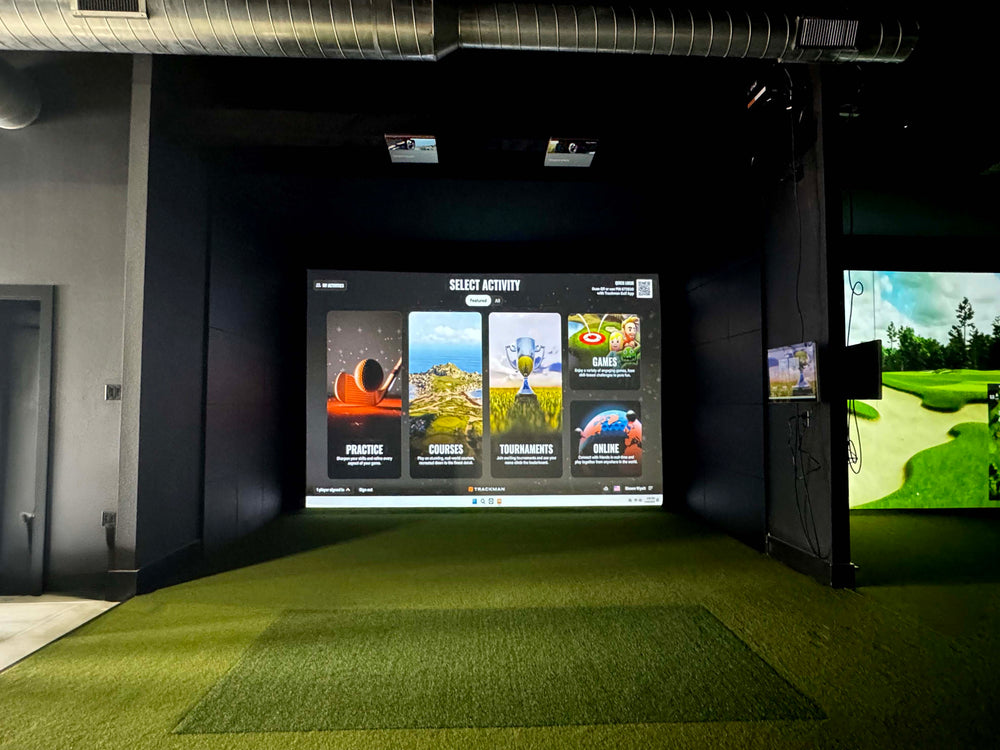
Wireless HDMI display adapter for golf simulators: a transmitter on the PC's HDMI output and a receiver on the projector's HDMI input replace the long HDMI cable run up the wall and across the ceiling. Sets up in minutes.
No Long Cable Run
Skips the HDMI cable from the PC to the projector.
Plugs Into the Projector
The receiver fits the projector's HDMI input.
Plugs Into the PC
The transmitter fits the PC's HDMI output.
Sets Up in Minutes
Plug in both units, power the receiver, pick the input.
Great for Finished Rooms
No cables across finished ceilings or walls.
Help Deciding
Ask us whether wired or wireless suits your room.
Why Golfers trust The Indoor Golf Shop
Everything You Need To Bring Golf home
From industry-leading golf equipment to custom simulator solutions, we deliver quality, expertise, and support you can count on.
SIGPRO Quality
We build our own — MyGolfSpy's top-rated impact screen and more.
Solutions for Any Golfer
Won't fit your room? We'll build one that does.
Fast Shipping
Most orders ship free to the lower 48. Details
Best Technology Prices
We buy direct — and match any lower price.
Financing
Spread the cost and golf sooner — options at checkout. Details
30-Day Returns
Changed your mind? 30 days to return. Details
Send the Picture to Your Projector Without a Long Cable
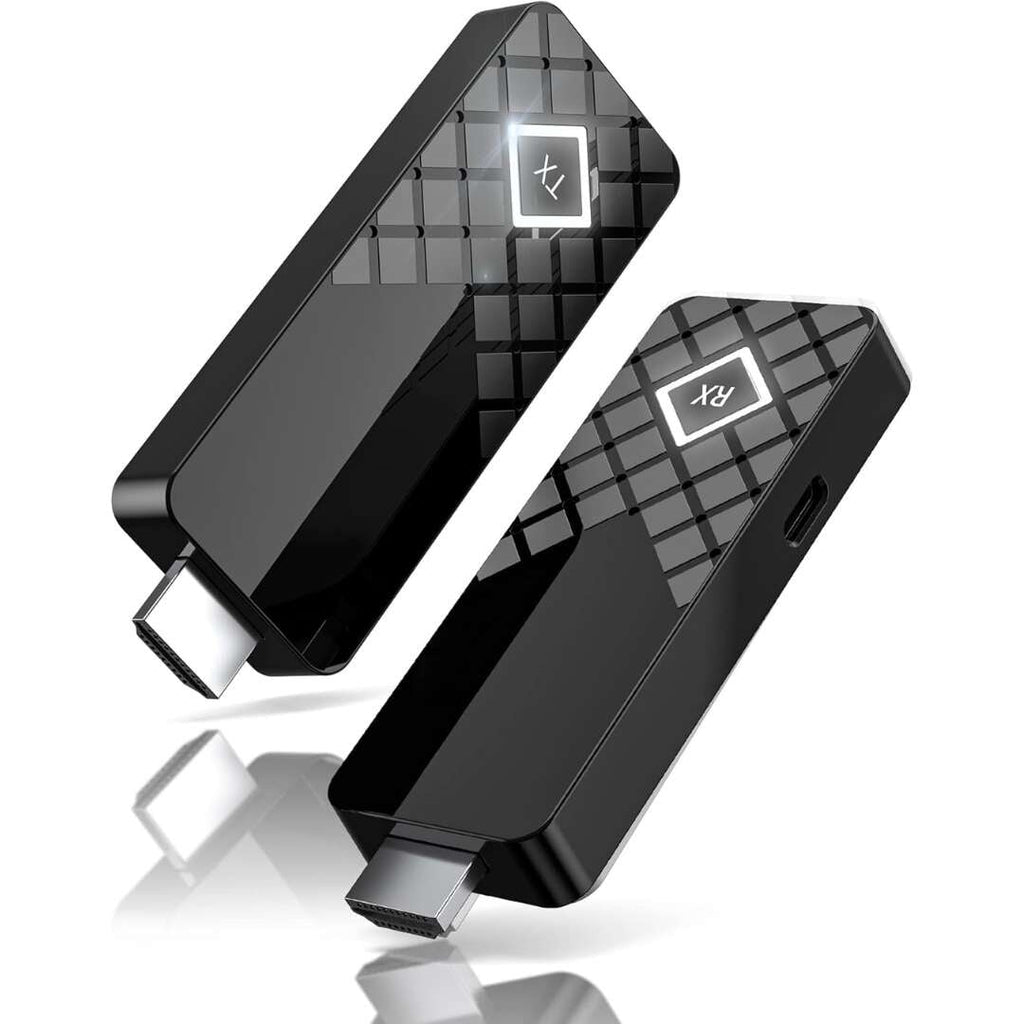
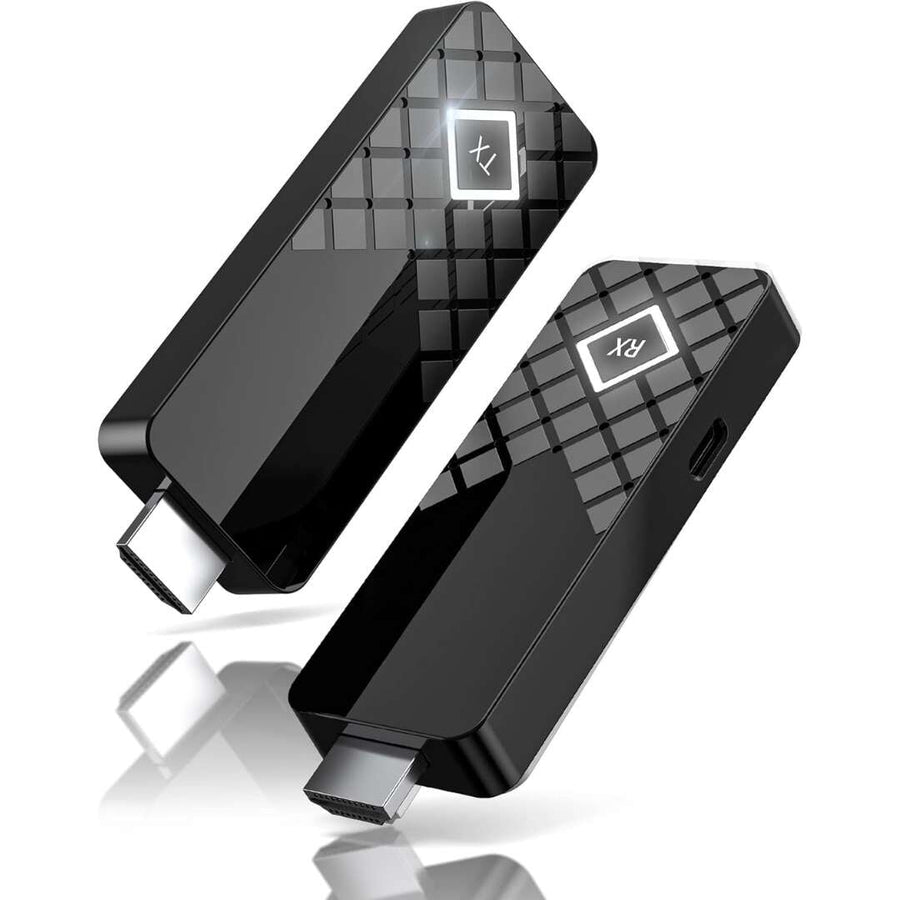
The Wireless HDMI Display Adapter connects your PC or other HDMI device to your golf simulator projector without running a long HDMI cable between them. It is a matched pair: a transmitter (marked TX) that plugs into the HDMI output of your computer, and a receiver (marked RX) that plugs into the HDMI input of your projector. Once the pair is connected, the picture from the computer appears on the projector. It sets up in minutes.
Why go wireless in a simulator
The projector in a golf simulator is usually mounted on the ceiling above the hitting area or sits in a floor case in front of it, while the PC is off to one side or at the back of the room. Connecting them with a cable means running it up the wall, across the ceiling and down to the projector, which takes time and leaves a cable to hide. With a wireless adapter you skip that run entirely. It is especially useful when:
- The finished ceiling or walls make running a cable difficult
- You rent the space and would rather not add cable runs
- The PC sits far from the projector, at the back of the room or in another space
- You move the PC or the projector between rooms
Setting it up
- Plug the TX unit into an HDMI output on your PC's graphics card.
- Plug the RX unit into the HDMI input on your projector.
- Connect power to the receiver through its power port.
- Select the matching HDMI input on the projector.
Keep a clear line between the two units where you can, since walls and metal between them can weaken a wireless signal.
Wired or wireless?
A cable is still the simplest choice when the run is short and easy to route, and it is what we recommend for 4K projectors and for the lowest possible delay between the swing and the shot appearing on screen. If you can run one, see our 15ft, 25' 4K and 50ft HDMI cables. When a cable run is not practical, the wireless adapter removes it from the job.
Completing the setup
Browse our projectors for golf simulators and our gaming PC for golf simulators. Questions about whether wireless is right for your room? Send us your layout, the distance from the PC to the projector and your projector model, and our team will help.
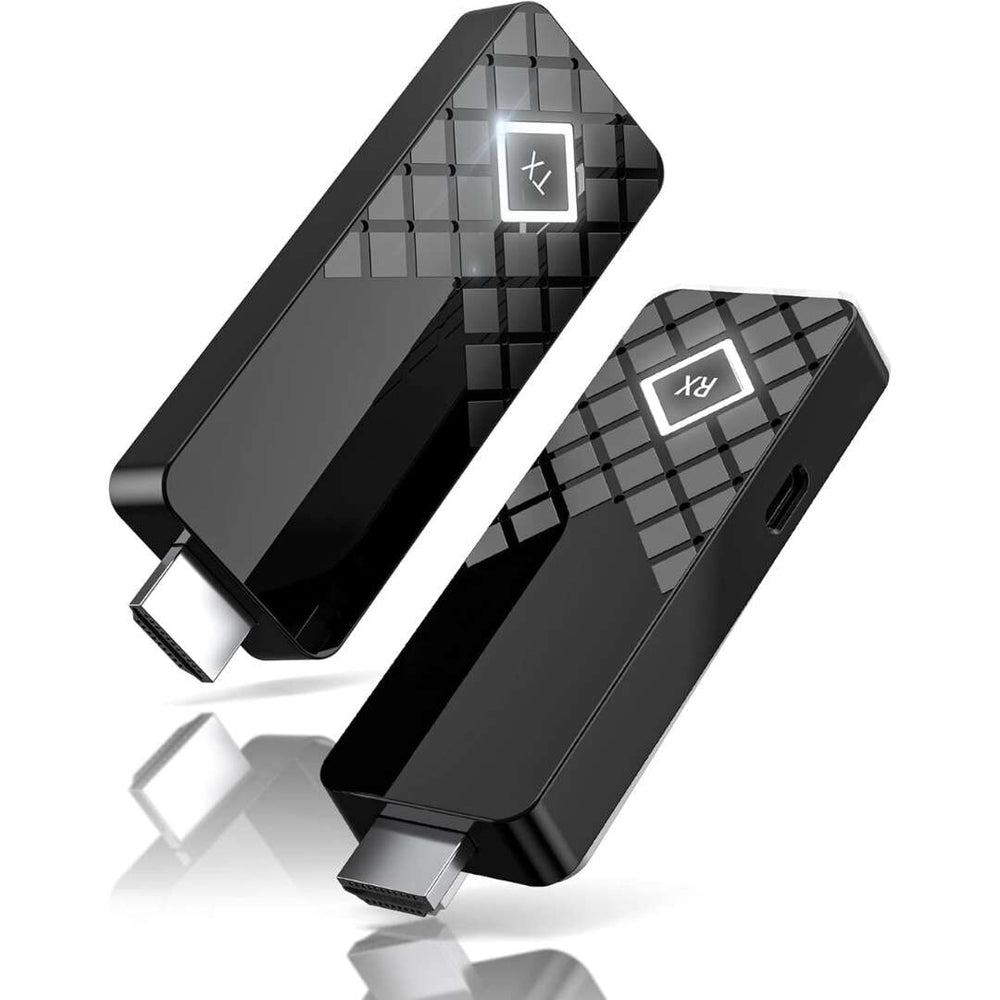
What's included
- Wireless HDMI transmitter (TX)
- Wireless HDMI receiver (RX)
Wireless Display Adapter specs
Accessory
| Fits / compatible with | PCs and devices with an HDMI output, Golf simulator projectors with an HDMI input |
| Material | ABS Plastic |
Identifiers
| Brand | Shop Indoor Golf |
| MPN | wirelesshdmi |
| SKU | wirelesshdmi |
| Usage environment | Indoors |
Reviews
Wireless Display Adapter Reviews
- Reviews
- Questions
 United States
Wireless Adapter
Easy to set up and works great with no wires
The Indoor Golf Shop
Thank you so much for your positive review! We're thrilled to hear you had a great experience with our wireless display adapter. We truly appreciate your support! Warm Regards, The Indoor Golf Shop Team
Frequently asked questions
How does the wireless display adapter connect?
Do I still need an HDMI cable?
Should I use wireless or a cable?
How does it ship?
Wireless Display Adapter Delivery & support
What happens after you order: putting it together, the paperwork, and how to reach us.
Vendor Support
Email: [email protected]
Hours: 8am - 6pm (CT) M-F
support.shopindoorgolf.com
Helpful links
Indoor Golf Shop Support Links
Warranty
The Indoor Golf Shop SIG (SIGPRO) brand Limited Warranty covers manufacturing defects in materials and workmanship for the period listed for each product type:
- Golf Simulator Preferred Screens — six (6) months
- Golf Simulator Premium & Premier Screens — one (1) year
- Golf Simulator Mats and Hitting Strips — one (1) year
- Golf Simulator Enclosures — one (1) year
- Golf Nets — six (6) months
It applies to products manufactured by The Indoor Golf Shop, bought from us or an authorized dealer, to the original purchaser, and runs from the date of delivery. Exclusions include normal wear and tear, misuse, improper installation, cosmetic damage, shipping damage and weather exposure.
Extended coverage of up to 5 years is available through Mulberry, and must be bought at the same time as the product — it cannot be added later.
Terms published by Shop Indoor Golf (SIG / SIGPRO).
Protection plans
Covers manufacturer defects and accidental damage for 1 year
Full coverage for 3 years including parts and labor
Additional Protection Offered by The Indoor Golf Shop
Get peace of mind with additional coverage options from The Indoor Golf Shop, these solutions can be added to your product at the time of purchase for the best possible protection against damage or loss.
The links below are to file a claim or manage an existing plan.
Protects your order against loss, theft, or damage in transit. Add it at checkout; if a package is lost, stolen, or arrives damaged, file a claim with Route for a refund or replacement (generally within 30 days).
Extends coverage beyond the manufacturer's warranty and adds accidental-damage protection. Add a plan at checkout; manage your plan or file a claim anytime through your Mulberry account.
Learn More About The Wireless Display Adapter
Skip the Cable Run
In most simulator rooms the hardest part of connecting the projector is the cable. The PC sits beside or behind the hitting area, the projector hangs from the ceiling or sits in a floor case, and the HDMI cable has to go up the wall, across the ceiling and back down, or along the floor where people walk. In a finished basement or a rented space that can mean fishing cable through walls or living with a visible run. This adapter replaces that cable with a matched pair of units. The transmitter, marked TX, plugs into an HDMI output on the PC's graphics card; the receiver, marked RX, plugs into the projector's HDMI input and takes power through its own power port. Select the matching input on the projector and the PC's picture appears on the screen. For 4K projectors, or the shortest delay, a cable remains our first recommendation.
Helpful Videos
Demos, reviews and how-tos from our team and the golf community.
Wireless HDMI Setup - How To
In this video we go over how to use the wireless HDMI that came with your Tech Bundle. Microsofts Wireless HDMI is an easy and powerful addition to any golf simulator.