Square Golf at The Indoor Golf Shop

Square Golf Simulators & Launch Monitors

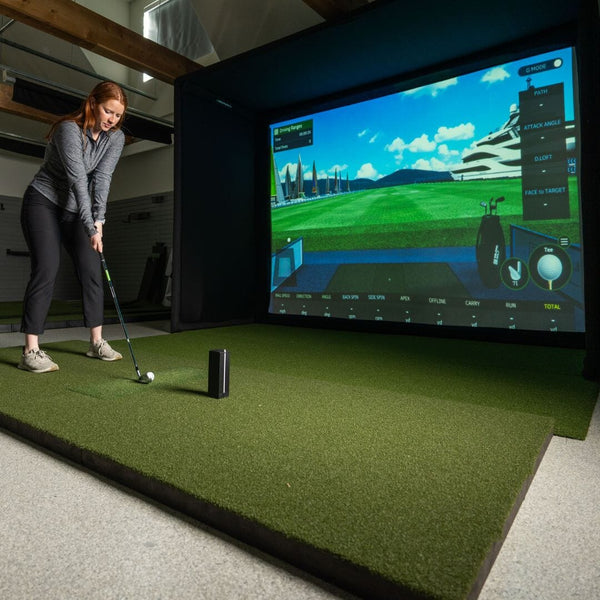
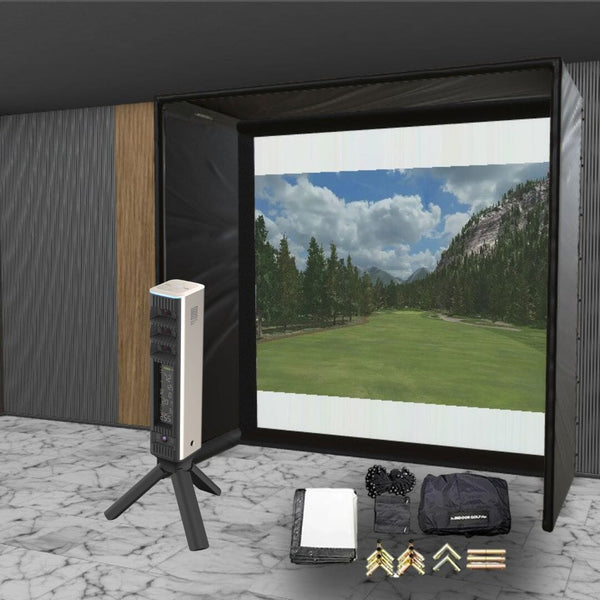
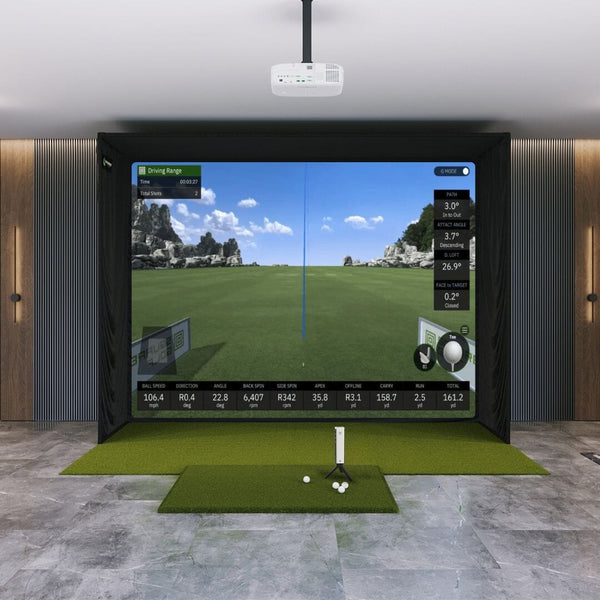
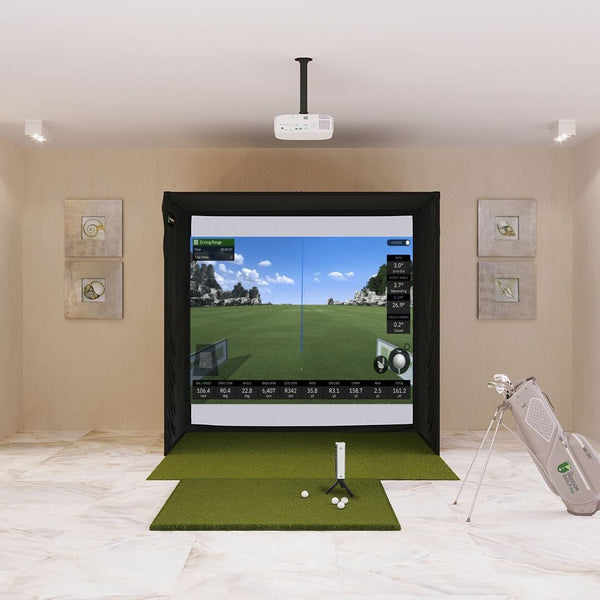
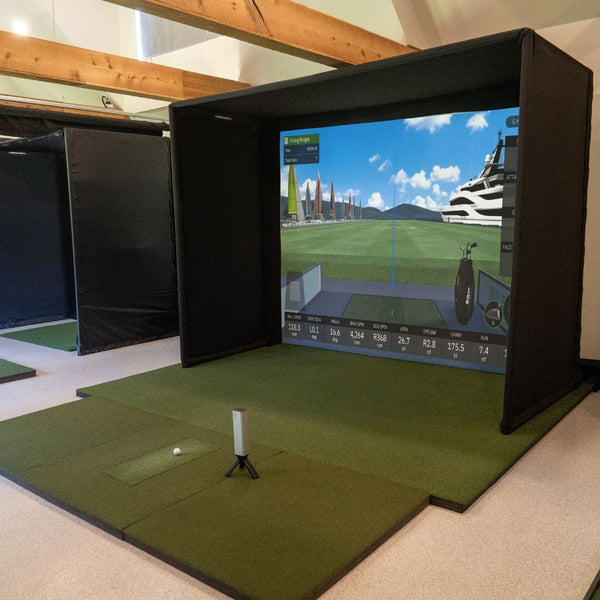
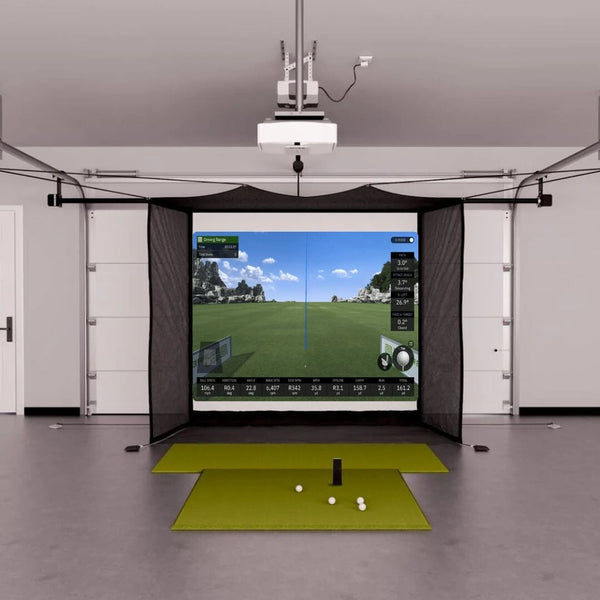
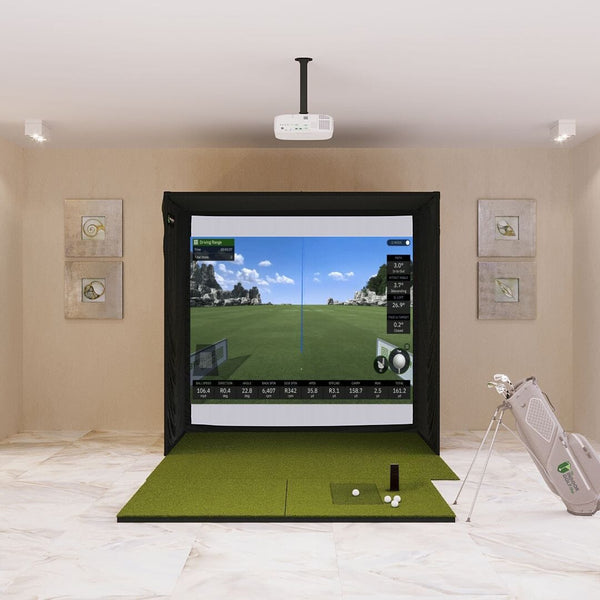
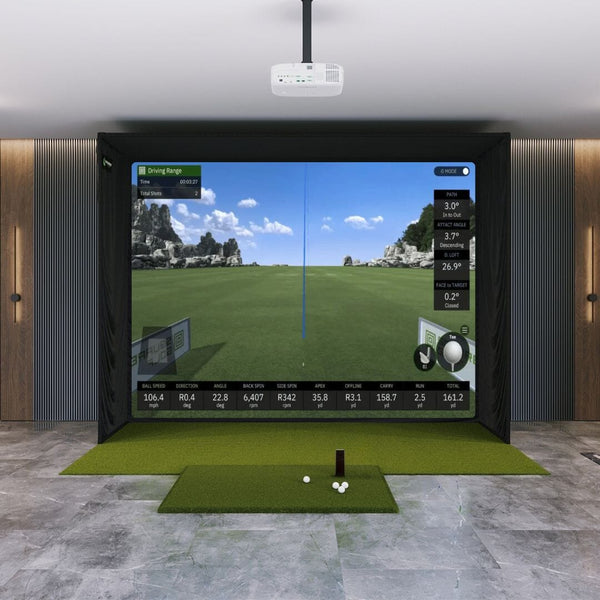
Shop both current Square Golf launch monitors, the Home Edition and the Omni Edition, on their own or as a complete Square Golf simulator package built around our SIG enclosures, DIY studios, garage screens and practice nets. Square Golf units use high-speed cameras and machine vision to read the ball and club at impact. Both come with the Square Golf app, 1,000 free credits and no subscription fee. The Home Edition is built for indoor rooms. The Omni adds four cameras, an on-unit display, tracking with any golf ball and outdoor use on turf. Both connect to GSPro, E6 Connect, Awesome Golf and Creative Golf.

Not sure which setup fits your room? Call our simulator team at 972-848-7491 or visit our showroom in Celina, TX.

Compare the lineup

Which Square Golf Launch Monitor Is Right for You?

Square Golf makes two launch monitors on the same core camera technology. The Home Edition is the budget indoor unit, and the Omni adds more cameras, more club data and outdoor use.

Square Golf

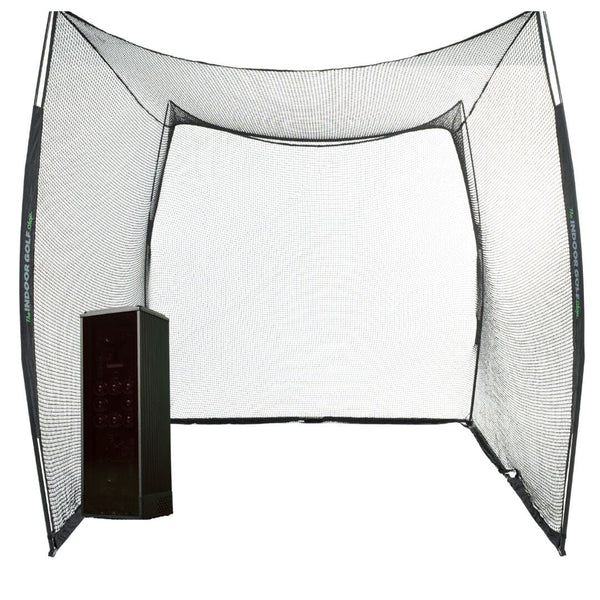
Square Golf Home Edition

$699.99

Cameras
High-speed camera with infrared LED and machine vision
Measures
Ball speed, launch angle, direction, back and side spin, plus club path and attack angle
Setup
Sits beside the ball indoors; Bluetooth to phone, tablet or Windows PC

Best for: Budget home simulators and indoor practice

Shop the Home Edition
Square GolfNew

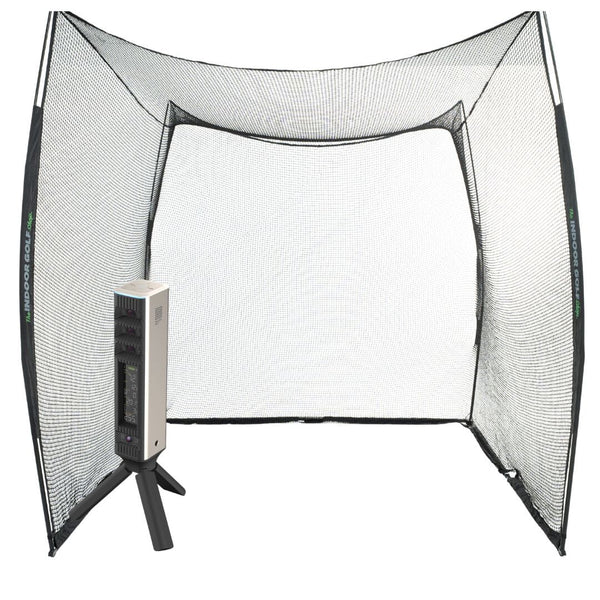
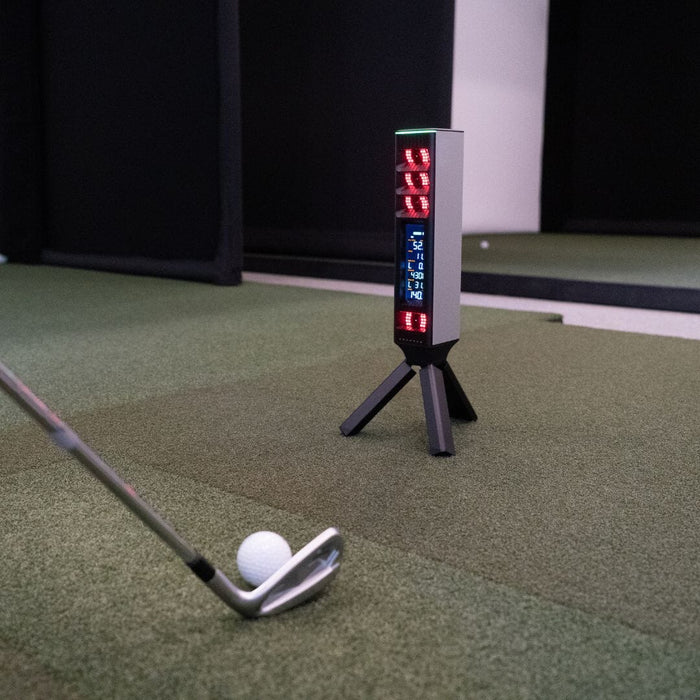
Square Golf Omni

$1,599

Cameras
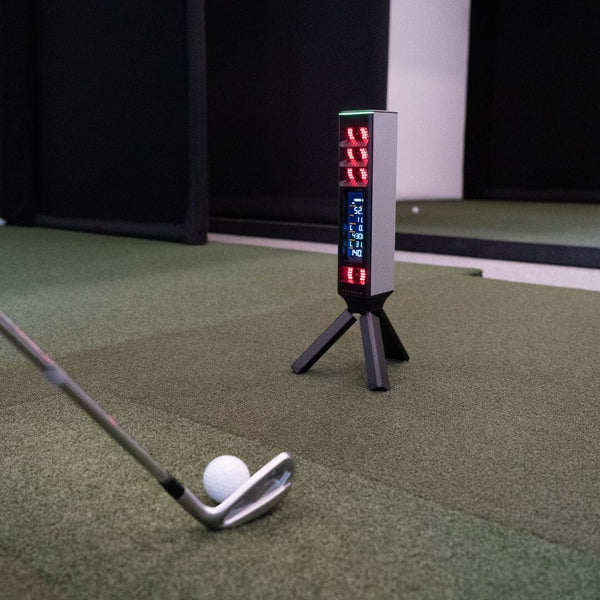
4 high-speed cameras with machine vision
Measures
Ball speed, launch, direction and spin, plus club speed, path, attack angle and impact point
Setup
Tripod stand and on-unit display; indoors or outdoors on turf (IP44)

Best for: Home simulators and outdoor practice with any golf ball

Shop the Omni
Complete setups

Square Golf Simulator Packages

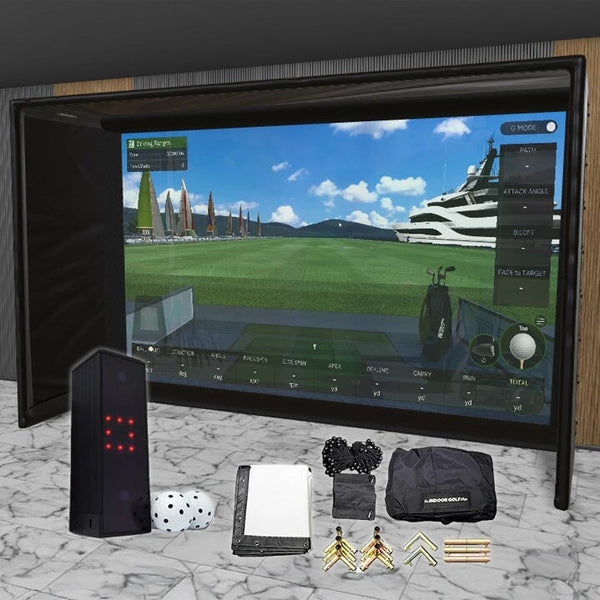
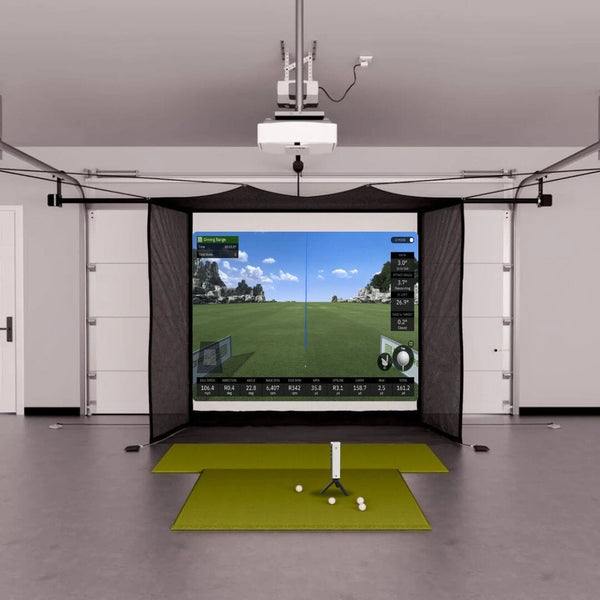
Pair the Home Edition or the Omni with a SIG enclosure, a DIY studio, a garage screen or a practice net. Complete Square Golf simulator packages with an enclosure and impact screen start at $3,199.99.

Software & plans

Square Golf Software & Subscriptions

Every Square Golf launch monitor works with the Square Golf app on Android, iOS and Windows. The app ties together shot data, training and play on 10 in-house designed courses. Square Golf lists both launch monitors with no subscription fee and 1,000 free credits. For more courses, Square Golf connects to GSPro, E6 Connect, Awesome Golf and Creative Golf on a Windows PC.

PlanPriceWhat you get
Square Golf appIncluded, no subscription feeShot data, training and 10 in-house courses on Android, iOS and Windows, with 1,000 free credits
GSProGSPro license, sold separatelyCourse play through Square Golf's free SQG GSPro Connect (beta) for Windows 10 or later
Creative GolfSold separatelyGlobal courses and family games through Square Golf's Creative Golf Connector for Windows
E6 Connect / Awesome GolfSold separatelyListed by Square Golf as connected simulation software for courses, games and practice

Software terms and third-party pricing are set by Square Golf and each software maker and may change.

Watch

Square Golf Videos

Is the Square Omni the Best Home Simulator Launch Monitor Under $2,000?

Our first look at the Square Omni after our first units arrived.

Which is better: Square Omni or SkyTrak ST MAX? | Launch Monitor Comparison

We compare the Square Omni and the SkyTrak ST MAX side by side to help you choose between them.

Square Omni PGA Announcement

Jon talks with Square Golf about the new Omni at the 2026 PGA Show.

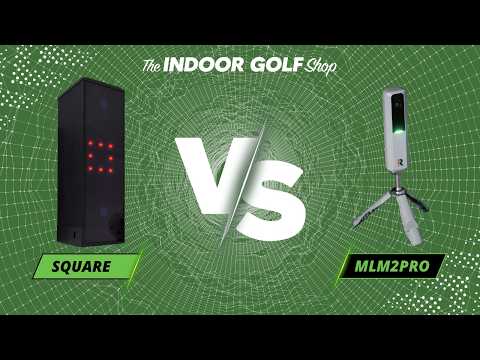
Square vs MLM2PRO: Budget Level Launch Monitor Comparison

We compare the Square Golf launch monitor with the Rapsodo MLM2PRO, two budget-level home simulator options.

Square Golf Launch Monitor Review

Jon Sherman of Practical Golf reviews the Square Golf launch monitor and compares it to his own GC3.

The New Square Launch Monitor for Golf!

We unbox and set up the Square Golf launch monitor and walk through what comes in the box.

The Indoor Golf Shop

Why Buy Square Golf from The Indoor Golf Shop

We design, sell and install golf simulators from our showroom in Celina, Texas. We'll match the right Square Golf setup to your ceiling height, room depth and budget, then build the package around it.

  • Price Match GuaranteeFound it lower? We'll match it. Conditions apply.
  • Easy FinancingSpread the cost of your simulator into monthly payments.
  • Free ShippingOn orders to the lower 48 states. Exclusions apply.
  • Talk to a GolferCall 972-848-7491, 8am-6pm CT, Monday-Friday.

Comparing brands? See all golf launch monitors or browse every golf simulator package.

Questions we hear most

Square Golf Simulator FAQs

How much does a Square Golf simulator cost?

Square Golf launch monitors start at $699.99 for the Home Edition, and the Omni Edition sits above it with more cameras and outdoor use. A complete Square Golf simulator package with an enclosure and impact screen starts at $3,199.99. Garage packages with a retractable screen, DIY studios and net practice bundles are also available if you want to spend less on the room.

Square Golf lists both launch monitors with no subscription fee and 1,000 free credits for the Square Golf app. If you want to play GSPro, you also need a GSPro license and a Windows PC.

What is the difference between the Square Golf Omni and the Home Edition?

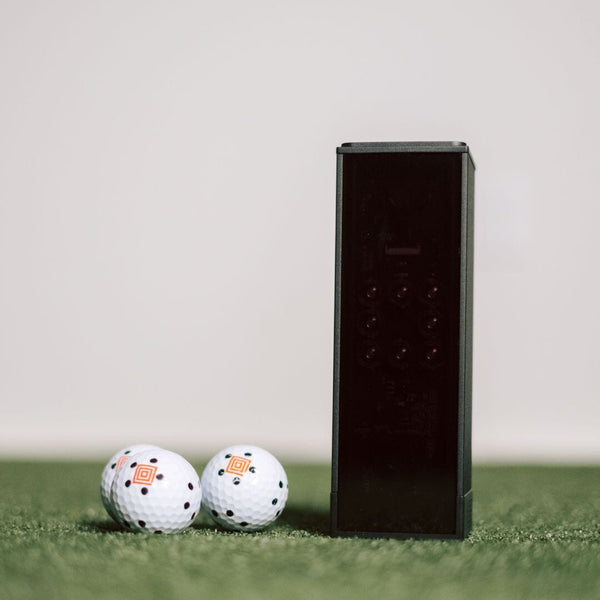
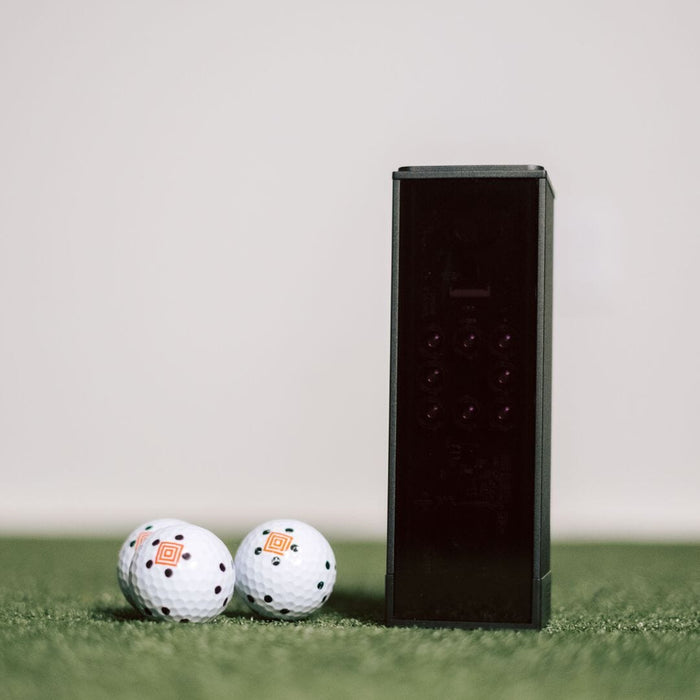
The Home Edition uses one high-speed camera with infrared lighting and is built for indoor use. It reads spin from the Square Golf marked ball or a club sticker, and it measures club path and attack angle with the included club marker. It runs up to 8 hours per charge.

The Omni uses four high-speed cameras, has a built-in display and tracks any golf ball by its dimples. It adds club speed and impact point with the included stickers. It works indoors or outdoors on natural turf and runs 5 to 7 hours per charge.

Does Square Golf require a subscription?

No. Square Golf lists both the Home Edition and the Omni with no subscription fee and 1,000 free credits. The Square Golf app covers shot data, training and play on 10 in-house designed courses, and it runs on Android 10 or later, iOS 13 or later and Windows 10 or 11. Third-party software such as GSPro is not part of the Square Golf app. You buy those licenses from the software maker.

Does Square Golf work with GSPro?

Yes. Square Golf offers a free SQG GSPro Connect program, currently in beta, for Windows 10 or later. You install GSPro and log in with your GSPro license, turn on the launch monitor, then open the connector and link the device to GSPro. Square Golf also lists E6 Connect, Awesome Golf and Creative Golf as connected simulation software, with a separate Creative Golf connector on its support page.

Can you use Square Golf outdoors?

The Omni Edition can. Square Golf says it is designed for indoor setups, studios and outdoor use on natural turf, and the manual rates it IP44. It is not waterproof, so keep it out of rain and standing water. The Home Edition is built for indoor environments. Its manual asks for a room with little or no sunlight, and Square Golf advises keeping the front of either unit out of direct sunlight.

How much space do you need for a Square Golf simulator?

Square Golf does not publish a minimum room size. Both units sit on the floor beside the ball at the same height as the ball, so you do not need extra depth behind the golfer for the launch monitor. The Omni's hitting zone starts about 14 inches in front of the unit and is about 10 inches square. The Home Edition's ball spot is about 16 inches in front of the unit.

Your room size comes down to your swing and the enclosure or screen you pick. Our Square Omni SIG10 package lists a room of at least 12' wide x 12' deep with 9' ceilings for the SIG10 enclosure.

Do you need special golf balls for Square Golf?

Not with the Omni. It uses dimple tracking, so any golf ball works without markings. The Home Edition comes with three Square Golf marked balls, which it uses to read spin. Without the marked ball, Square Golf says to attach the included sticker to the club. Square Golf also sells replacement balls, swing sticks and stickers.

Does Square Golf measure club data?

Yes. The Home Edition measures club path and attack angle using the club marker that comes in the box. The Omni measures club path and attack angle with the shaft sticker, and adds club speed and impact point when both the shaft and face stickers are used. It also estimates face angle and dynamic loft without stickers. Club data shows in the Square Golf app.

Where can I buy a Square Golf launch monitor in the USA?

The Indoor Golf Shop is an authorized Square Golf dealer in the USA. You can buy the Home Edition or the Omni on its own, or as part of a SIG, DIY, garage or net practice package from us. Square Golf covers its launch monitors with a one-year warranty from the date of purchase, after which repairs are paid.