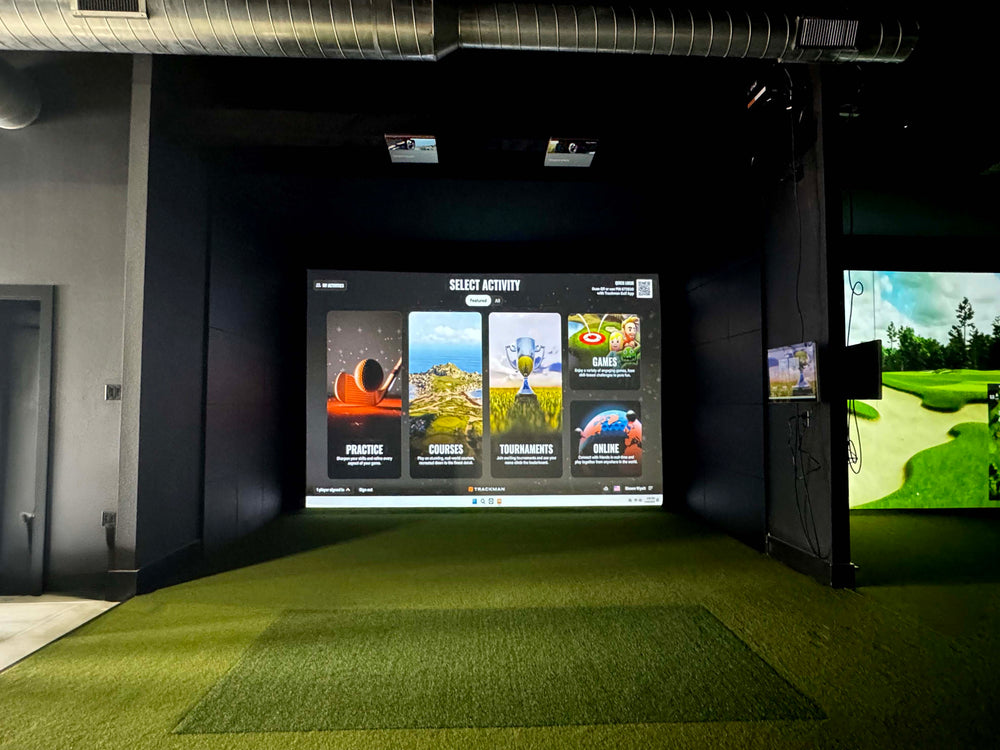
Full Motion Projector Wall & Ceiling Mount
$119.99 USD


Full Motion Projector Wall & Ceiling Mount features
Mount-It! MI-604 full motion projector mount for golf simulators: steel arm for flush ceiling, telescoping ceiling or wall installs, fits projectors up to 40 lb with holes 8.85" to 12.4" apart, +/-15 deg pitch, +/-8 deg roll, 360 deg swivel. Black or white.
Ceiling or Wall
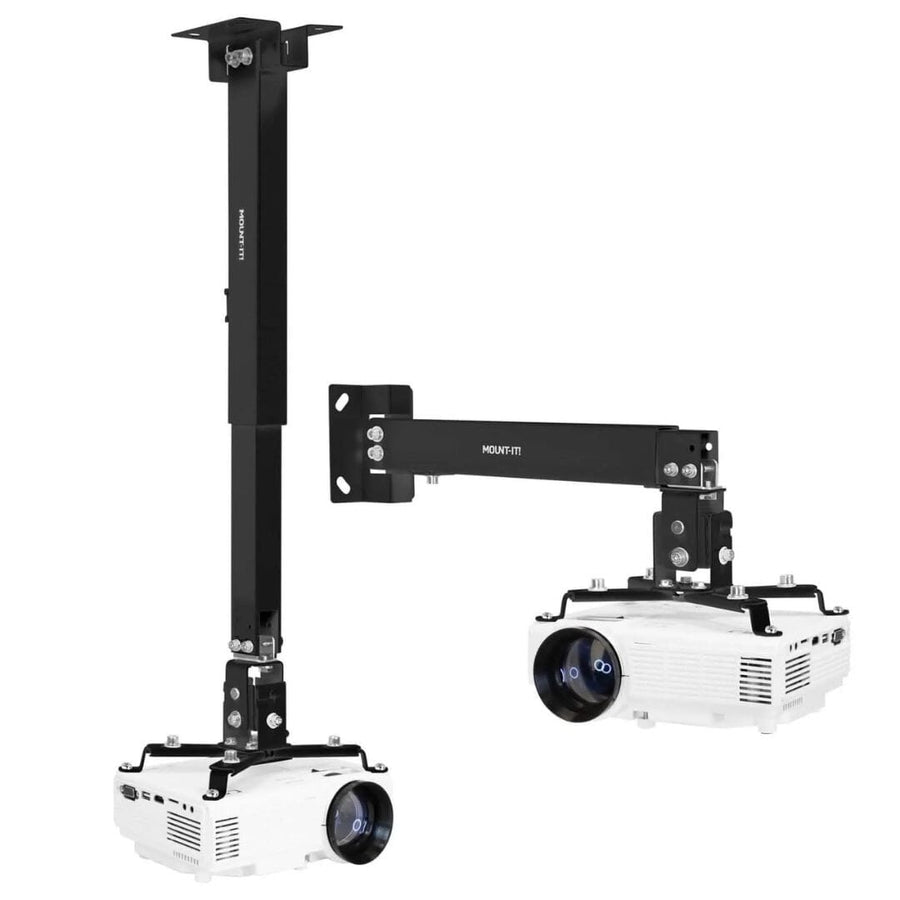
Install flush to the ceiling, on a telescoping arm, or out from a wall.
Holds up to 40 lb
Fits projectors with mounting holes 8.85" to 12.4" apart.
4.5" to 25.5" Drop
Telescoping arm sets the projector height below the ceiling.
Fine-Tune the Aim
+/-15 deg pitch, +/-8 deg roll and 360 deg swivel square the image.
Hidden Cables
Run HDMI and power through the arm under the cable cover.
Lifetime Warranty
Mount-It! warrants the MI-604 against defects for life.
Why Golfers trust The Indoor Golf Shop
Everything You Need To Bring Golf home
From industry-leading golf equipment to custom simulator solutions, we deliver quality, expertise, and support you can count on.
SIGPRO Quality
We build our own — MyGolfSpy's top-rated impact screen and more.
Solutions for Any Golfer
Won't fit your room? We'll build one that does.
Fast Shipping
Most orders ship free to the lower 48. Details
Best Technology Prices
We buy direct — and match any lower price.
Financing
Spread the cost and golf sooner — options at checkout. Details
30-Day Returns
Changed your mind? 30 days to return. Details
A Full Motion Projector Mount for Walls and Ceilings
The Mount-It! MI-604 Full Motion Projector Wall & Ceiling Mount holds a golf simulator projector on a solid steel arm that can be set up three ways: flush to the ceiling, on a telescoping arm hanging from the ceiling, or straight out from a wall. That flexibility matters in a simulator room, where the projector has to sit at a specific distance and height from the impact screen and the ceiling or wall you have to work with is rarely ideal.
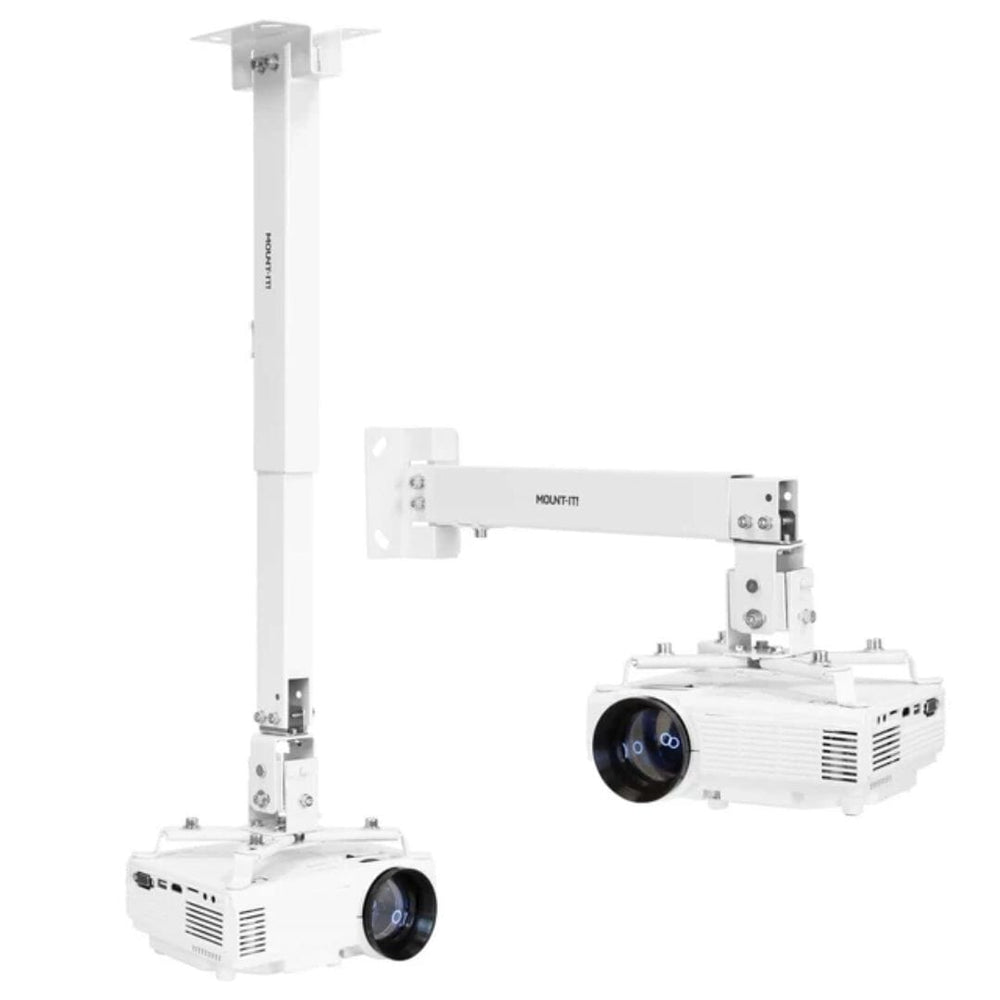
It is sold in two finishes: black (Mount-It! model MI-604) and white (model MI-604W). Pick the one that disappears best against your ceiling or the top of your enclosure.
Fit and capacity
Mount-It! rates the MI-604 for projectors up to 40 lb with mounting holes between 8.85" and 12.4" apart. Check the hole spacing on the underside of your projector before you order; most short throw golf simulator projectors are well under the weight limit, so the hole pattern is the number that decides the fit. Browse our projectors for golf simulators if you are still choosing one.
Adjustment range
- Extension from the ceiling: 4.5" to 25.5"
- Extension from the wall: 13.5" to 22.5"
- Pitch (tilt): +/-15°
- Roll (level): +/-8°
- Swivel: 360°
The telescoping arm sets the drop from the ceiling, and the pitch and roll adjustments let you square the image to the screen after the projector is hung, so you are not relying on keystone correction to fix a crooked picture. A quick release connector lets you lift the projector off the arm for service or cleaning without taking the arm down.
Installation
The mount ships with the hardware for both a solid wood ceiling or stud (lag screws and washers) and a concrete or stone surface (concrete anchors), plus several sizes of projector bolts and washers to match your projector's threaded holes. A cable management cover runs along the arm so HDMI and power cables are routed out of sight. Mount-It! recommends running your A/V and power cables through the arm before you hang the projector. For the HDMI run back to your gaming PC, see our 25' 4K HDMI cable and 50ft HDMI cable.
Where it fits in a simulator
Use it to ceiling-mount a projector above the hitting area of a home simulator, or wall-mount it on the back wall of a room. If you would rather not drill the ceiling at all, our projector floor mount enclosure keeps the projector on the floor in front of the hitter, and our universal projector ceiling mount is a simpler fixed-drop ceiling option.
Mount-It! backs the MI-604 with a lifetime warranty against defects in material and workmanship, and publishes the user manual and an installation video for it.
What's included
- Ceiling bracket
- Telescoping mount arm
- Arm joint
- Extension bracket
- Projector bracket with quick release
- Cable management cover
- Projector bolts and washers in several sizes
- Lag screws, washers and concrete anchors
- Hex wrenches
Full Motion Projector Wall & Ceiling Mount specs
Accessory
| Fits / compatible with | Universal - projectors with mounting holes 8.85" to 12.4" apart, up to 40 lb, Golf simulator projectors (short throw and standard throw) |
| Material | Steel |
| Dimensions (W x H x D) | 4.5 x 2.5 x 12.75 in |
| Weight | 6 lb |
Identifiers
| Brand | Mount It |
| MPN | MI-604 |
| Usage environment | Indoors |
Reviews
Full Motion Projector Wall & Ceiling Mount Reviews
Frequently asked questions
Will the MI-604 fit my golf simulator projector?
Can I mount it on the wall instead of the ceiling?
What hardware is included?
What is the difference between the black and white versions?
How does it ship?
What warranty does it have?
Full Motion Projector Wall & Ceiling Mount Delivery & support
What happens after you order: putting it together, the paperwork, and how to reach us.
Vendor Support
Phone: 1 (855) 915-2666
Email: [email protected]
Hours: Mon - Fri, 5am - 5pm (PT)
mount-it.com
Indoor Golf Shop Support Links
User manual
Warranty
Lifetime warranty from Mount-It! against defects in material and workmanship under normal use.
Helpful links
Additional Protection Offered by The Indoor Golf Shop
Get peace of mind with additional coverage options from The Indoor Golf Shop, these solutions can be added to your product at the time of purchase for the best possible protection against damage or loss.
The links below are to file a claim or manage an existing plan.
Protects your order against loss, theft, or damage in transit. Add it at checkout; if a package is lost, stolen, or arrives damaged, file a claim with Route for a refund or replacement (generally within 30 days).
Extends coverage beyond the manufacturer's warranty and adds accidental-damage protection. Add a plan at checkout; manage your plan or file a claim anytime through your Mulberry account.
Learn More About The Full Motion Projector Wall & Ceiling Mount
Three Ways to Hang Your Projector
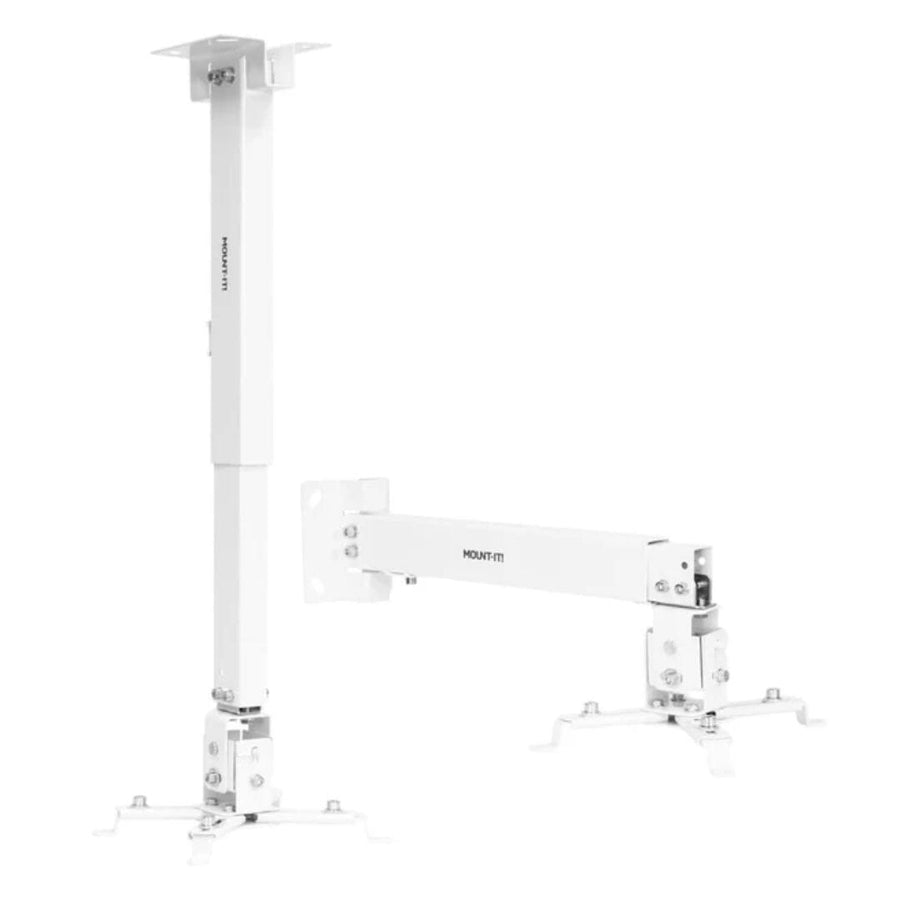
Every simulator room puts the projector in a slightly different place. In a basement with a low ceiling you may want the projector tight to the joists; in a garage with a high ceiling you need it to drop down toward the screen; and in some rooms the back wall is the only solid surface in the right spot. The MI-604 covers all three with one kit. Bolt the ceiling bracket straight to the arm joint for a flush ceiling install, add the telescoping arm to drop the projector anywhere from 4.5" to 25.5" below the ceiling, or turn the arm sideways and fix it to a wall for 13.5" to 22.5" of reach. The included lag screws and washers go into a wood joist or stud, and the concrete anchors cover a concrete or stone ceiling or wall. Mount-It! advises drilling into solid material only, never mortar joints between bricks or stones.
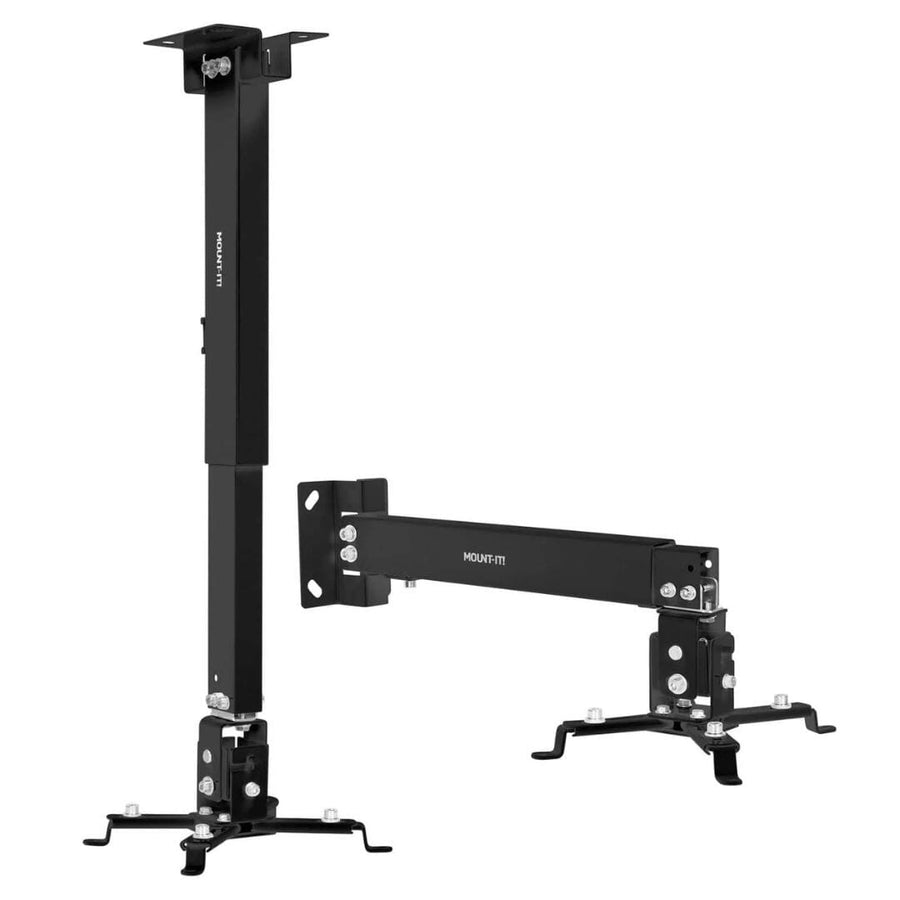
Square the Picture to the Screen
A golf simulator image has to land squarely on the impact screen, because the edges of the picture are where the hitting area meets the enclosure frame. Once the projector is hanging, the MI-604 lets you level it 8 degrees either way and tilt it 15 degrees up or down using the adjustment bolts on the arm joint, and the head swivels a full 360 degrees. Getting the alignment right mechanically means you lean less on digital keystone correction, which shrinks and softens the picture. When the projector needs cleaning or service, the quick release connector lets you lift it off the arm and hang it back in the same position. The black MI-604 and white MI-604W are the same mount in two finishes, so pick the one that blends with your ceiling, enclosure frame or wall.