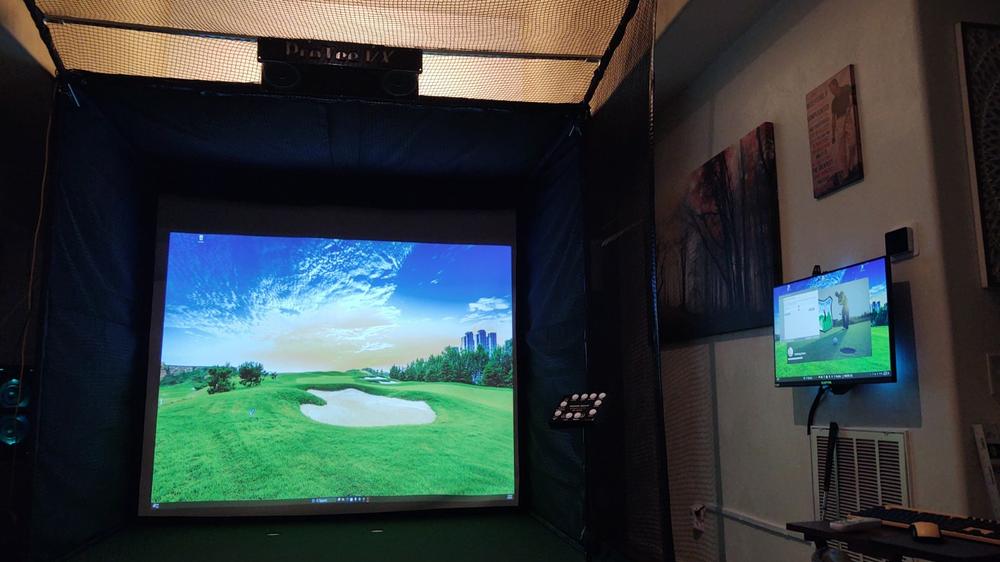
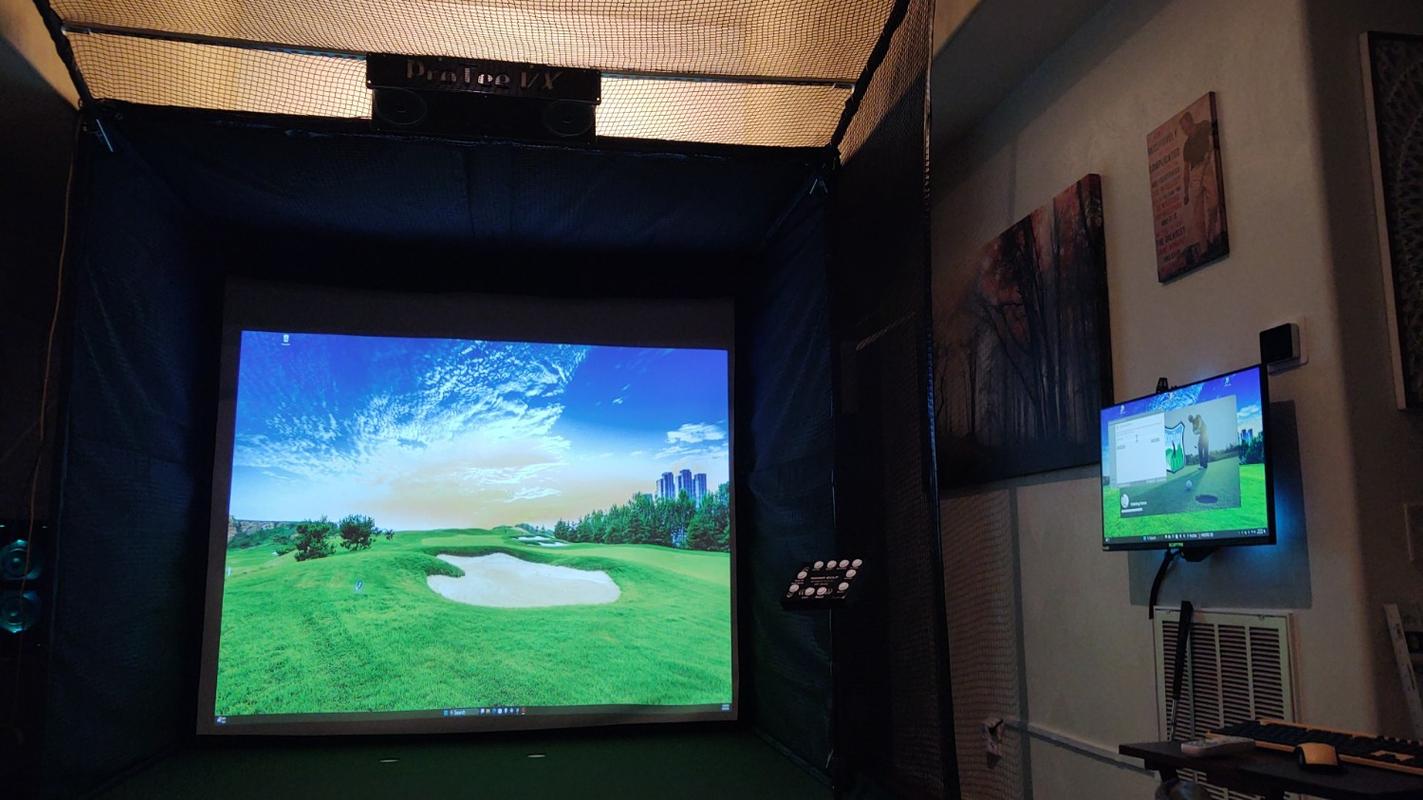
The ProTee VX comes equipped with a software user interface that displays ball, club, and flight data, along with video replays of club-at-impact and ball spin.
The ProTee VX offers robust software integration, making it easy to tailor your golf simulator experience to your preferences. Out of the box, the ProTee VX is compatible with leading third-party golf simulation software, including GSPro, E6 Connect, and Creative Golf 3D. This flexibility allows you to play on a wide variety of virtual courses, join online communities, and access advanced game modes—each platform offering unique features and gameplay options.
To connect the ProTee VX to E6 Connect or Creative Golf 3D, a third-party connector may be required and is typically purchased separately. GSPro integration is direct, allowing for a streamlined setup process. Please note that The Golf Club 2019 (TGC 2019), which was previously supported, has been discontinued as of spring 2025.
A key benefit of the ProTee VX is that all core features are unlocked from day one—there are no hidden fees or mandatory subscriptions to access your data or use third-party software. You simply install your preferred simulation platform, connect your ProTee VX, and start playing.
The included ProTee Labs software provides an intuitive interface for immediate shot feedback, detailed video replay, and comprehensive data analysis. With features like club-at-impact video replay and customizable practice panels, you can review every detail of your swing and ball flight, helping you fine-tune your game session by session.