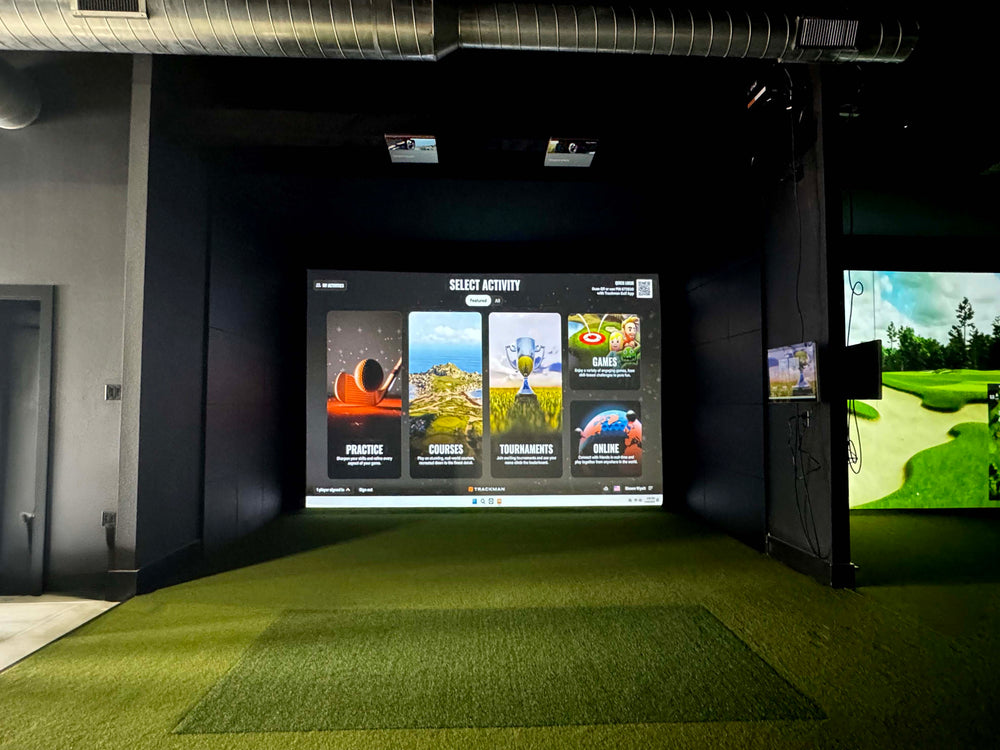
Make sure you can swing your club comfortably in your desired space, as you may need more than 9' high ceilings if your swing requires it. You can always place your setup in a space that is larger than the recommended space requirements.
*If you are looking for a Replacement Screen for your SIG10 please use the Overall Screen dimensions for your standalone screen order*
Assembly
The resources below will walk you through the assembly portion of your new frame and screen. Using the color coded pipe kit and connectors, set up your frame first then attach your black surround, impact screen, foam padding, and side barrier netting.
To download to full SIG10 Assembly Manual, Click Here.
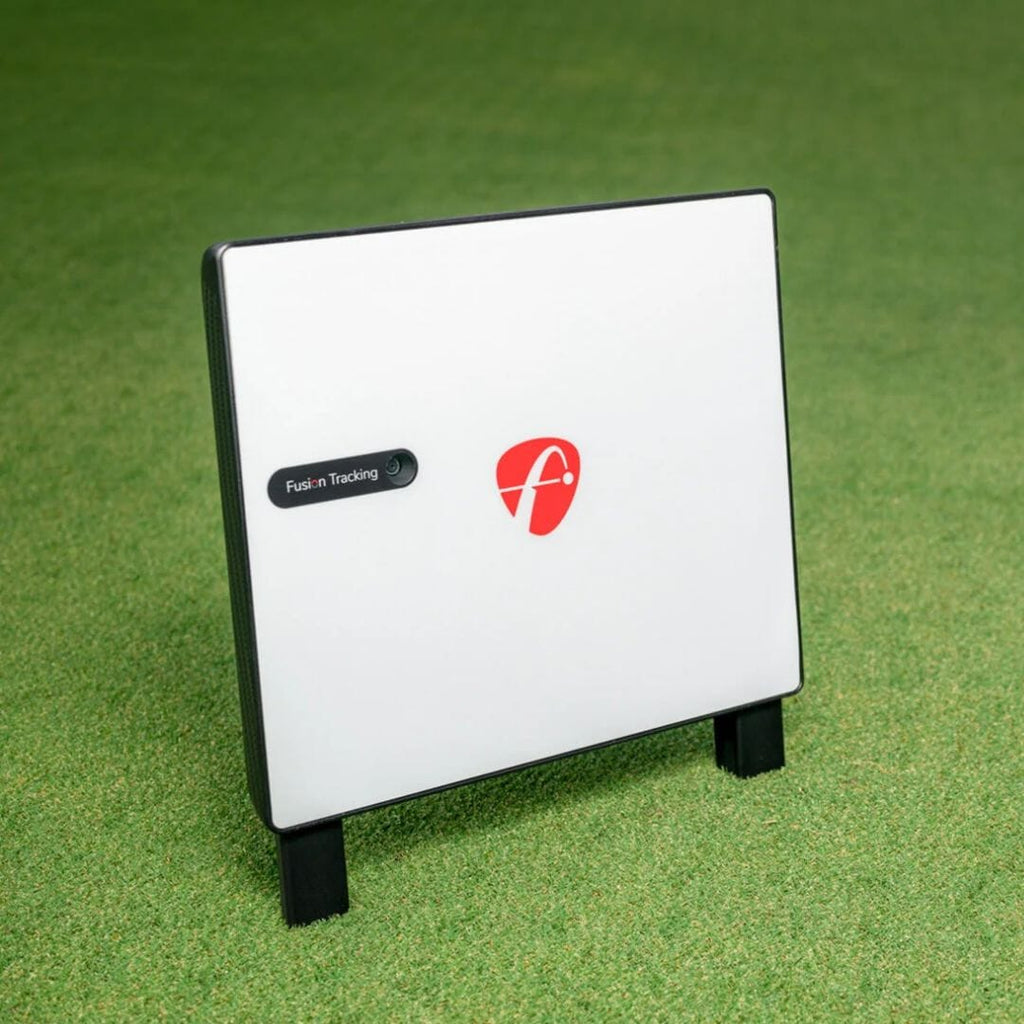
The FlightScope X3C delivers real-time ball data and direct-to-screen feedback, making it a powerful, portable option for any golf simulatorsetup. The Indoor Golf Shop offers several Golf Simulator package styles to fit your needs, or visit our Golf Simulator Room Builder to design your own package!
SIG Golf Simulator Packages: Skip the hassle with these pre-configured setups featuring premium tech and top-tier SIG accessories.
DIY Golf Simulator Packages: Save money and customize your build with flexible packages designed for hands-on golfers.
Commercial Golf Simulator Packages: Luxury simulators built for durability and high-traffic use, these custom setups feature the best components for professional environments.
Golf Net Starter Packages: New to golf simulators? These starter kits include a net, basic mat, and your choice of launch monitor to get you swinging fast.
Custom Design & Build: The pinnacle of golf luxury. We'll work with you to design and build the simulator of your dreams directly into your home!
What's Included in the FlightScope X3C SIG10 Golf Simulator Package
X3C unit
Power adapter
USB and Ethernet cables
100 aluminum stickers
Carrying case
12-course iOS E6 Connect license
User manual
Tape measure
Golf Simulator Enclosure
Choice of Golf Hitting Mat
Landing Pad Turf
Your Choice of Projector & Accessories
Here's What You're Getting
FlightScope X3C Launch Monitor
The FlightScope X3C includes everything you love about the FlightScope MEVO+ and takes it to the next level!
Face Impact Location
View and analyze the precise location of face impact to work on accuracy and consistency with wedges, irons, and woods. Compare face impact with shot data and video to improve performance.
Practice App for iOS and Android
A comprehensive and customizable mobile app allowing users to teach, fit, and practice with radar data, video capabilities, 3D trajectories, and more.
Short Game & Challenges
Accurately measure short game data parameters for complete lessons and overall game improvement. Challenges in the FS Golf App give users the ability to practice with a purpose and test their skills. Enjoy interactive games aimed to help users with distance control, consistency, speed training, and more.
Trajectory Optimizer
(Only available for iOS at this time)
Trajectory Optimizer allows you to optimize every club in your bag based on personalized shot data and environmental factors like weather.
Shot and Surface Type: Choose from different shot trajectory types such as high, mid, or low. You can also choose different surface types like soft, medium, and hard to optimize for your specific game.
User Interface: The user interface boasts an intuitive design, and this tool proves valuable for teachers, club fitters, and golfers of all skill levels, allowing them to focus on key parameters for achieving desired trajectories with each club.
Environmental Optimizer
Change your environment without changing your location.
The Plan and prepare for all weather conditions and landscapes by modifying your environment to understand how climate variables affect your shot.
Enhance your golf simulation experience with FlightScope performance data you can trust - included for both iOS and PC.
12 Golf Courses
Pebble Beach: CA, USA
Old Course - St Andrews Links: St
Andrews, Scotland
Bethpage Black: NY, USA
Bay Hill: FL, USA
Harbour Town: SC, USA
The Greenbrier: WV, USA
The Belfry: Sutton Coldfield, England
Banff Springs: Alberta, Canada
Panther Lake: FL, USA
Wade Hampton: NC, USA
Oslo Golf Club: Norway, Europe
Aviara - CA, USA
SIG10 Golf Simulator Enclosure
The SIG10 screen and enclosure pairs beautifully with your launch monitor. Built tough, the SIG10 screen can withstand the hardest of golf shots time after time. In fact, the team at MyGolfSpy voted it the Best Hitting Screen in their Most Wanted series.
Features:
Image Fills Up Entire Screen in HD
Premium, Handcrafted, Made in the USA
Powder Coated Aluminum Frame
Tight Knit Polyester Impact Screen
Protective Foam Padding Around The Screen
Frame Dimensions: 8'4"H x 10'10"W x 5' D
Choice of Golf Mat
Fairway Series 5' x 5' Golf Mat
Our Fairway Series mat is 5' x 5', roughly one inch thick and can hold a real tee. Ideal for those seeking realistic feel.
SIGPRO Softy 4' x 7' Golf Mat
The SIGPRO 4' x 7' is easy on the joints, and has enough space to set the a floor mounted launch monitor on the mat so it is level with the ball.
SIGPRO Softy 4' x 10' Golf Mat
If you have both right handed and left handed golfers, the 4' x 10' double sided golf mat is ideal with a center hitting strip.
SIG10 Golf Simulator Flooring
The Indoor Golf Shop's simulator flooring is a great option for those seeking the clean, professional look of a custom install - with the convenience of a done for you, easy to assemble kit.
It combines the best of two worlds: an integrated hitting strip embedded into the floor for full swing shots, surrounded by a putting green with four cups for dialing in your short game.
Not only does this look great, but it also conserves space by reducing the footprint of the hitting surface and maximizing the putting and chipping surface.
That's the beauty of SIGPRO's golf simulator flooring.
Minimum Space Requirements: 12' Wide Room, 9' High Ceilings, and a depth of at least 12' Recommended Space Requirements: 15' Wide Room, 10' High Ceilings, 15' Depth
Less than 1 Hour Setup Time depending on the number of people you have assembling. We recommend at least 2 people for setup.
Every SIG Enclosure includes the SIGPRO Premium White Impact Screen. You also have the option to upgrade to our Premier High Contrast Gray Impact Screen!
The X3C measures up to 50 parameters — the highest parameter count of any launch monitor in this comparison. This includes a comprehensive set of ball data plus an extensive club data set covering club speed, face angle, club path, angle of attack, dynamic loft, spin loft, low point, and closure rate, among others.
No ongoing subscription is required. The X3C includes a lifetime E6 Connect bundle with 12 courses — including Pebble Beach and St Andrews — at no additional cost. The FS Golf and FS Skills apps are also included.
The X3C is a behind-the-ball radar unit requiring approximately 8–9 feet behind the hitting position. A minimum of 10–12 feet total room depth in front of the ball is recommended for reliable indoor shot capture. For tight spaces under 15 feet total, a photometric side-mount unit will be a better fit.
Yes — the X3C is officially compatible with GSPro with no additional subscription required. Combined with the included E6 Connect bundle, X3C owners have immediate access to thousands of courses across two platforms.
Both are premium radar launch monitors used at tour level. The X3C is positioned for coach and fitting applications where data breadth matters most — its 50-parameter data set exceeds the Trackman 4's in raw metric count. Trackman's advantage lies in software ecosystem, proprietary analytics, and name recognition in professional fitting.
Introduction In the ever-evolving landscape of sports and entertainment, starting a golf simulator business represents a unique and promising venture. With...
Introduction In the ever-evolving landscape of sports and entertainment, starting...