

IncludedGarmin Approach R10 Launch Monitor
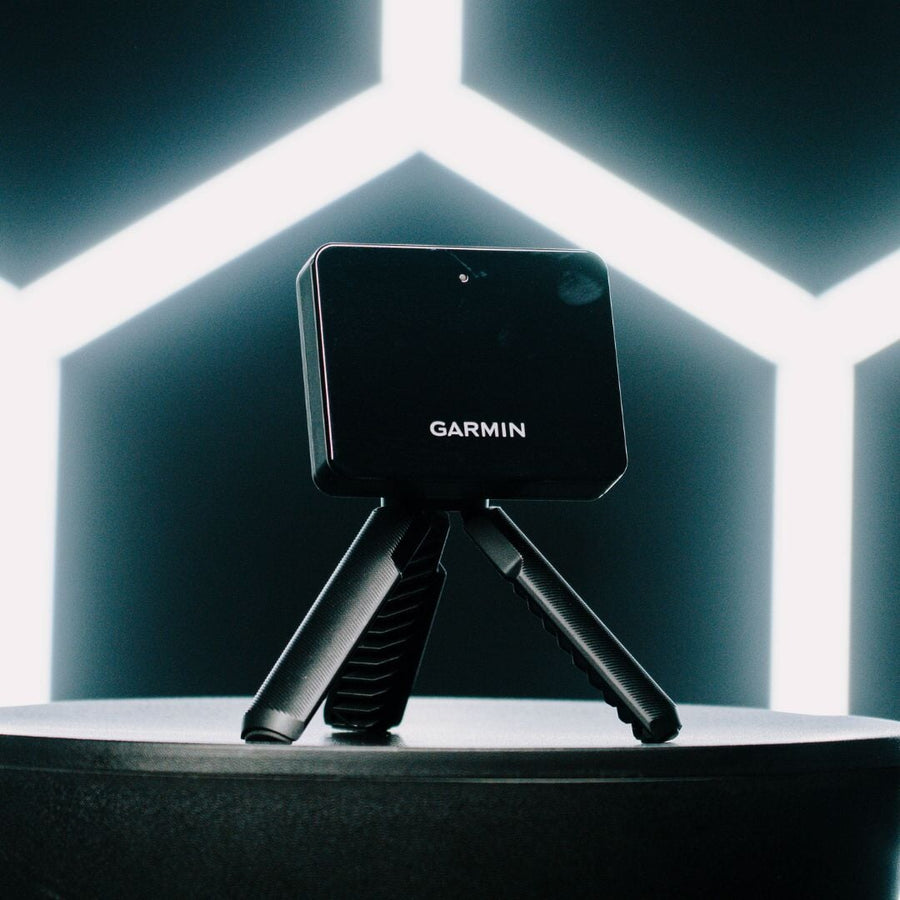
This portable, Doppler-based system provides comprehensive ball and club metrics. It works with the Garmin Golf app, offering access to virtual courses and practice modes.


$1,449.98 USD
$1,714.98 USD


Explore what's in this packageTap a marker on the photo, or pick an item below.
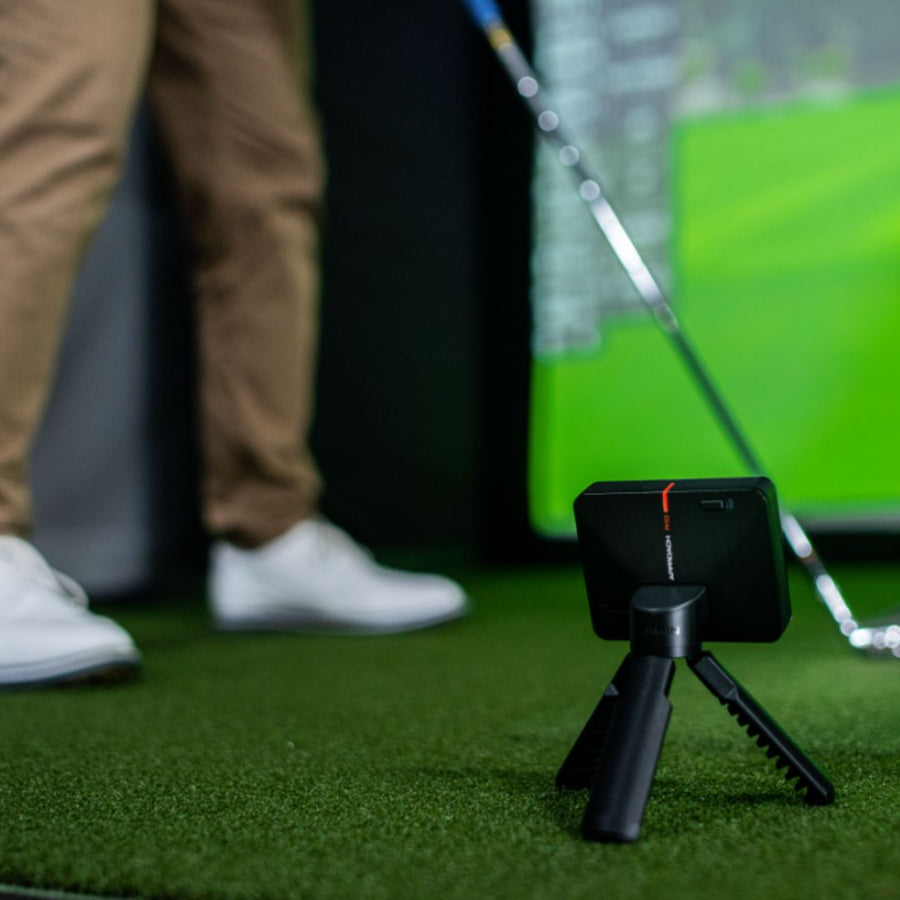
This Doppler radar launch monitor measures ball speed, launch angle, spin rate, club speed, and more. It sits on the ground behind the golfer.
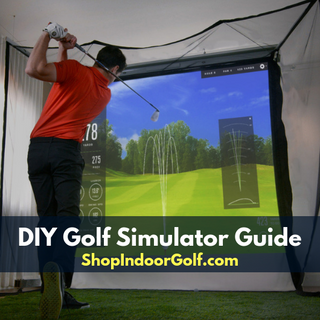
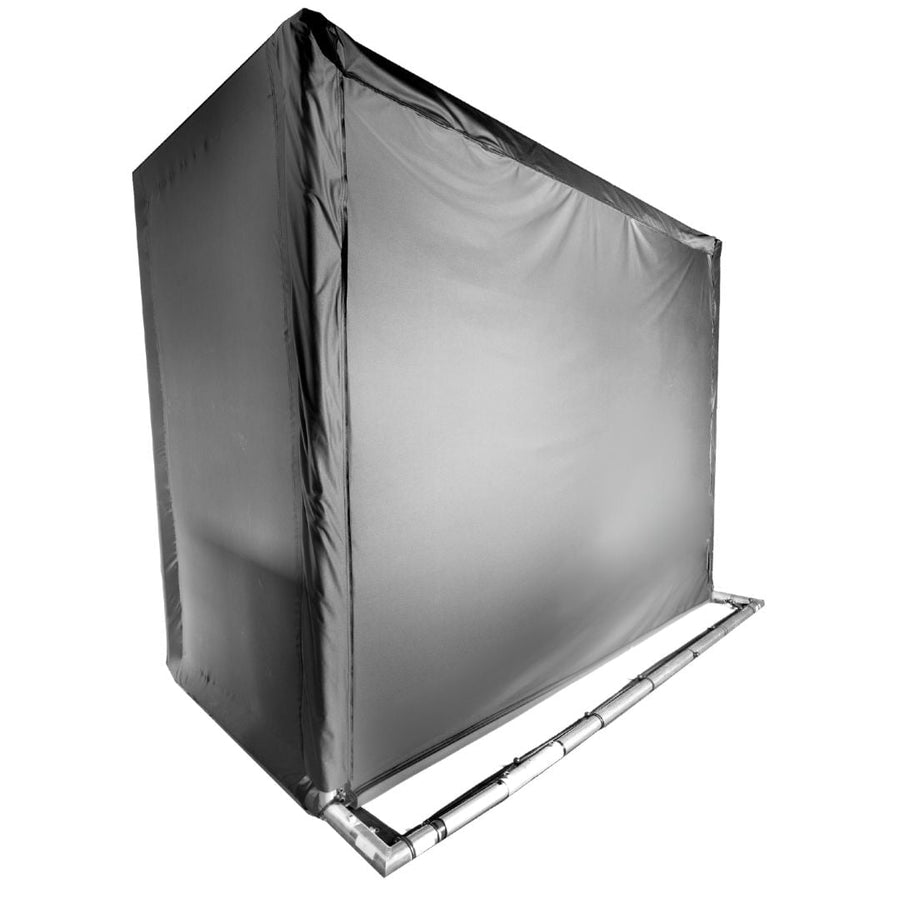
This freestanding enclosure allows you to craft your own golf simulator experience. It includes the SIGPRO Premium Screen, a black surround, and sandbags for stability.
This screen is included in the enclosure kit. It is a durable component for your golf simulator setup, designed to display projected images during play.
The Garmin Golf App is included, offering access to virtual courses and practice modes. A Garmin Golf Membership is available for $9.99/month or $99.99/year.
The 6-inch ball bungees are for secure attachment of the enclosure components. They are included in this DIY package.
These fittings are included in the DIY Golf Simulator Enclosure kit. They facilitate the assembly of the pipe frame for your golf simulator.
Save 15% with this DIY Golf Simulator Package Our DIY packages pair a launch monitor with a DIY enclosure kit and impact screen, and buying them together costs less than buying each part. Example pricing. Your price and savings depend on the options you choose.
What's in this DIY Golf Simulator Package Example pricing. Your price depends on the options you choose.
| Launch monitor | Garmin Approach R10 Launch Monitor | $499.99 |
| DIY enclosure kit | DIY Golf Simulator Enclosure — 8'4" x 8'4" x 5' | $1,214.99 |
| Bought separately | $1,714.98 | |
| Package price | $1,449.98 | |
| You save | $265.00 (15%) |
| Launch monitor | Garmin Approach R10 Launch Monitor | $499.99 |
| DIY enclosure kit | DIY Golf Simulator Enclosure — 10'4" x 10'4" x 5' | $1,289.99 |
| Bought separately | $1,789.98 | |
| Package price | $1,709.98 | |
| You save | $80.00 (4%) |
| Launch monitor | Garmin Approach R10 Launch Monitor | $499.99 |
| DIY enclosure kit | DIY Golf Simulator Enclosure — 10'4" x 7'11" x 5' | $1,281.99 |
| Bought separately | $1,781.98 | |
| Package price | $1,499.98 | |
| You save | $282.00 (15%) |
| Launch monitor | Garmin Approach R10 Launch Monitor | $499.99 |
| DIY enclosure kit | DIY Golf Simulator Enclosure — 10'10" x 8'4" x 5' | $1,311.99 |
| Bought separately | $1,811.98 | |
| Package price | $1,549.98 | |
| You save | $262.00 (14%) |
| Launch monitor | Garmin Approach R10 Launch Monitor | $499.99 |
| DIY enclosure kit | DIY Golf Simulator Enclosure — 12'2" x 9'4" x 5' | $1,439.99 |
| Bought separately | $1,939.98 | |
| Package price | $1,939.98 | |
| You save |
| Launch monitor | Garmin Approach R10 Launch Monitor | $499.99 |
| DIY enclosure kit | DIY Golf Simulator Enclosure — 12'10" x 9'10" x 5' | $1,536.99 |
| Bought separately | $2,036.98 | |
| Package price | $2,009.98 | |
| You save | $27.00 (1%) |
| Launch monitor | Garmin Approach R10 Launch Monitor | $499.99 |
| DIY enclosure kit | DIY Golf Simulator Enclosure — 13'7" x 10'4" x 5' | $1,566.99 |
| Bought separately | $2,066.98 | |
| Package price | $2,049.98 | |
| You save | $17.00 |
| Launch monitor | Garmin Approach R10 Launch Monitor | $499.99 |
| DIY enclosure kit | DIY Golf Simulator Enclosure — 13'7" x 7'11" x 5' | $1,409.99 |
| Bought separately | $1,909.98 | |
| Package price | $1,699.98 | |
| You save | $210.00 (10%) |
| Launch monitor | Garmin Approach R10 Launch Monitor | $499.99 |
| DIY enclosure kit | DIY Golf Simulator Enclosure — 14'2" x 8'4" x 5' | $1,401.99 |
| Bought separately | $1,901.98 | |
| Package price | $1,849.98 | |
| You save | $52.00 (2%) |
| Launch monitor | Garmin Approach R10 Launch Monitor | $499.99 |
| DIY enclosure kit | DIY Golf Simulator Enclosure — 15'4" x 9'10" x 5' | $1,566.99 |
| Bought separately | $2,066.98 | |
| Package price | $2,049.98 | |
| You save | $17.00 |
From industry-leading golf equipment to custom simulator solutions, we deliver quality, expertise, and support you can count on.
We build our own — MyGolfSpy's top-rated impact screen and more.
Won't fit your room? We'll build one that does.
Most orders ship free to the lower 48. Details
We buy direct — and match any lower price.
Spread the cost and golf sooner — options at checkout. Details
Changed your mind? 30 days to return. Details
This package includes our adaptable SIG DIY Golf Simulator Enclosure, designed for golfers who desire accurate data within a flexible indoor setup. The enclosure comes with all necessary connectors and detailed instructions for constructing your own pipe frame. While the pipe frame itself is not included, you can easily add a Pipe Frame Kit as an optional purchase for convenient assembly. The enclosure is available in four size options to accommodate various room dimensions, ensuring a perfect fit for your space. To determine the ideal size for your setup, consider consulting our guide on golf simulator space requirements.
The Garmin Approach R10 Launch Monitor, a key component of this Garmin Approach R10 SIG DIY Golf Simulator Studio Package, is a portable golf launch monitor that uses Doppler radar technology to provide extensive insights into your swing. This compact device delivers 14 distinct data metrics, helping golfers understand and improve their game whether at home or on the course. Key metrics tracked include club head speed, ball speed, spin, launch angle, launch direction, and smash factor. It also precisely measures club path, angle of attack, and club face angle, offering a comprehensive view of your swing mechanics. The R10 is designed for easy portability, allowing you to move it from indoors to your backyard or even the driving range, and boasts up to 10 hours of battery life for extended practice sessions.
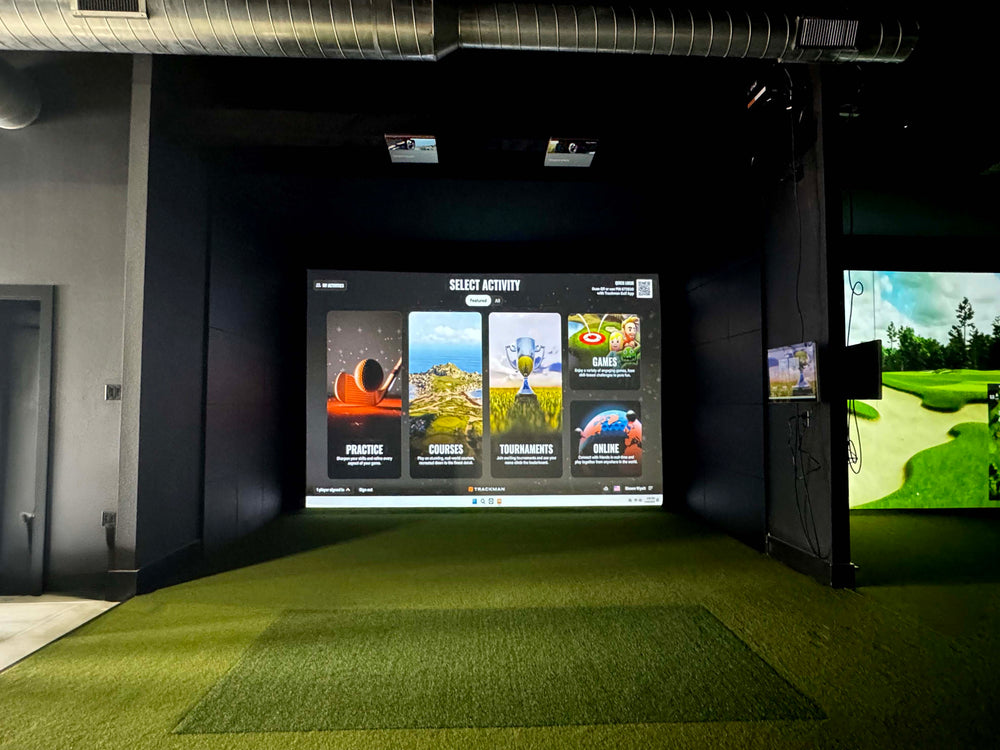
Pairing with the Garmin Golf app, the Approach R10 allows you to view and interact with your stats on a compatible smartphone, providing a user-friendly experience with engaging graphics. An active Garmin Golf membership unlocks access to play year-round on any of the 43,000 courses available, including 15+ enhanced with high-resolution lidar data. The device also automatically records video clips of each shot, overlaying your real stats for detailed swing analysis. For a more expansive virtual golf experience, the R10 is E6 compatible, enabling you to play courses at home and even participate in virtual tournaments online. This integration offers a dynamic and immersive way to practice and play.
Central to the enclosure is the SIGPRO Premium Impact Screen, renowned for its durability and clarity, providing an excellent surface for projection. To further enhance your visual experience, an Enclosure Blackout Screen can be added to improve screen contrast. For a complete setup, consider adding a Projector from our selection of top models, which includes free cables and a mount. To protect your flooring and add realism to your practice, a Turf Landing Pad is an excellent addition. You can also choose a SIG Hitting Mat that best suits your playing style, ensuring comfort and performance during your sessions. Explore our DIY golf simulator guide for more customization ideas.

Setting up the Garmin Approach R10 in a DIY bay starts with where it goes: it sits on the floor behind the hitting area, looking down the target line. Place it first, then build the frame and position the screen and mat around it, so the tracking area and the hitting position line up. The DIY enclosure is 5' deep and center-hitting, which leaves the space in front of the screen open for the Garmin Approach R10 and for your swing, and the ten sizes let you choose a width that gives it the room it needs; with this launch monitor the bay needs a room 10' to 17' wide, 16' deep and 9' to 11' high. The Garmin Approach R10 runs Garmin Golf App (free) on iOS, Android, Windows, which you supply, and basic use is free, with optional paid plans for more courses and features. Check Garmin's placement guide before you fix anything in place, and keep the hitting mat centered on the screen so shots fly straight into the impact area.
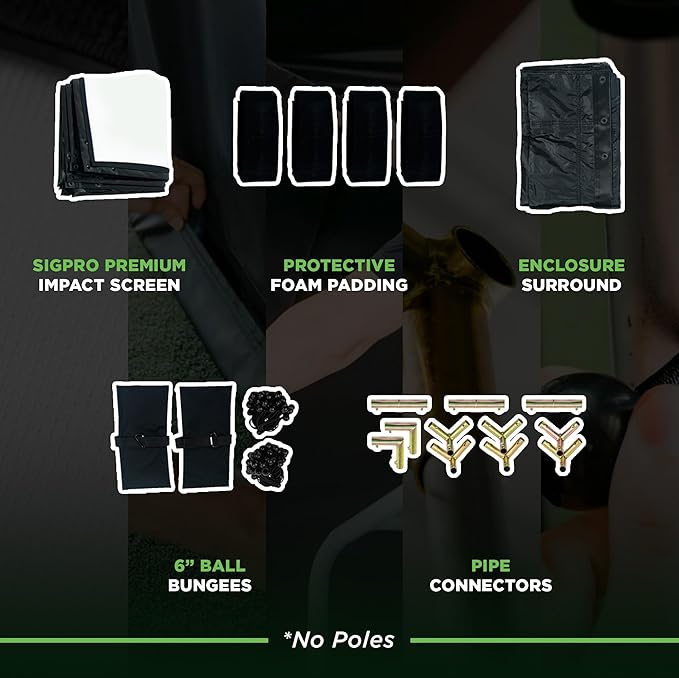
The DIY enclosure kit is everything in a full SIG enclosure except the pipe frame. In the box you get the SIGPRO Premium impact screen cut to your size, black surround panels that frame the screen and catch off-line shots, foam safety padding for the frame, 6" ball bungees that tension the screen so it absorbs impact quietly, 1" EMT canopy fittings that join the pipe, and sandbags that keep the structure planted. You supply standard 1" EMT conduit, sold by the length at most hardware stores, or order our DIY Pipe Frame Kit pre-cut. The build is the same in every size: assemble the frame with the fittings, hang the surround, attach the screen with the bungees, then add the padding. Our assembly guide walks through each step, and the result looks and performs like an enclosure that costs far more.
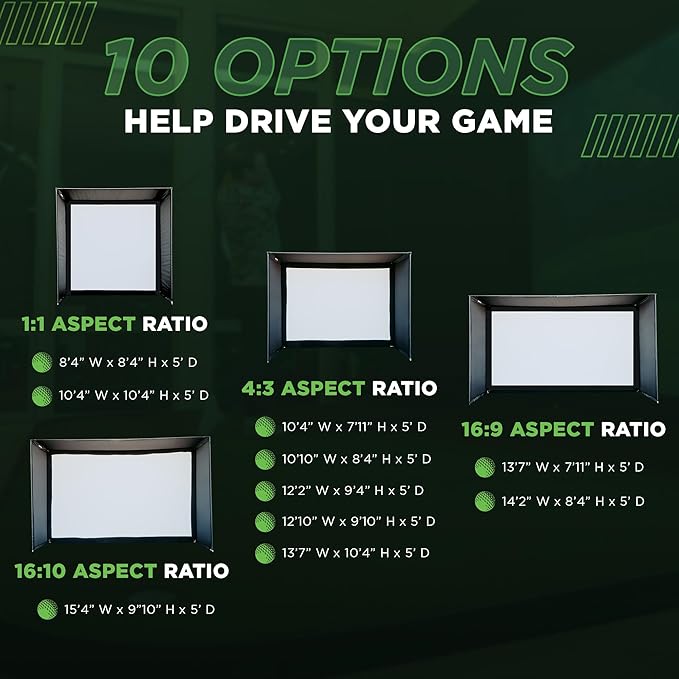
Ten sizes cover most basements, spare rooms and garages, each 5' deep. Width x height, shape and the screen each carries: 8'4" x 8'4" (1:1, 7'7"x7'7" screen); 10'4" x 10'4" (1:1, 9'7"x9'7" screen); 10'4" x 7'11" (4:3, 9'7"x7'2" screen); 10'10" x 8'4" (4:3, 10'1"x7'7" screen); 12'2" x 9'4" (4:3, 11'5"x8'7" screen); 12'10" x 9'10" (4:3, 12'1"x9'1" screen); 13'7" x 10'4" (4:3, 12'10"x9'7" screen); 13'7" x 7'11" (16:9, 12'10"x7'2" screen); 14'2" x 8'4" (16:9, 13'5"x7'7" screen); 15'4" x 9'10" (16:10, 14'7"x9'1" screen). Square 1:1 sizes give the tallest picture, 4:3 a classic image, and 16:9 or 16:10 suit widescreen projectors. Measure the room wall to wall, from the screen wall to the back of your swing, and at the ceiling over the hitting position, then pick the largest size that fits.
Everything that comes in this package. Tap a photo to see more.
This portable, Doppler-based system provides comprehensive ball and club metrics. It works with the Garmin Golf app, offering access to virtual courses and practice modes.
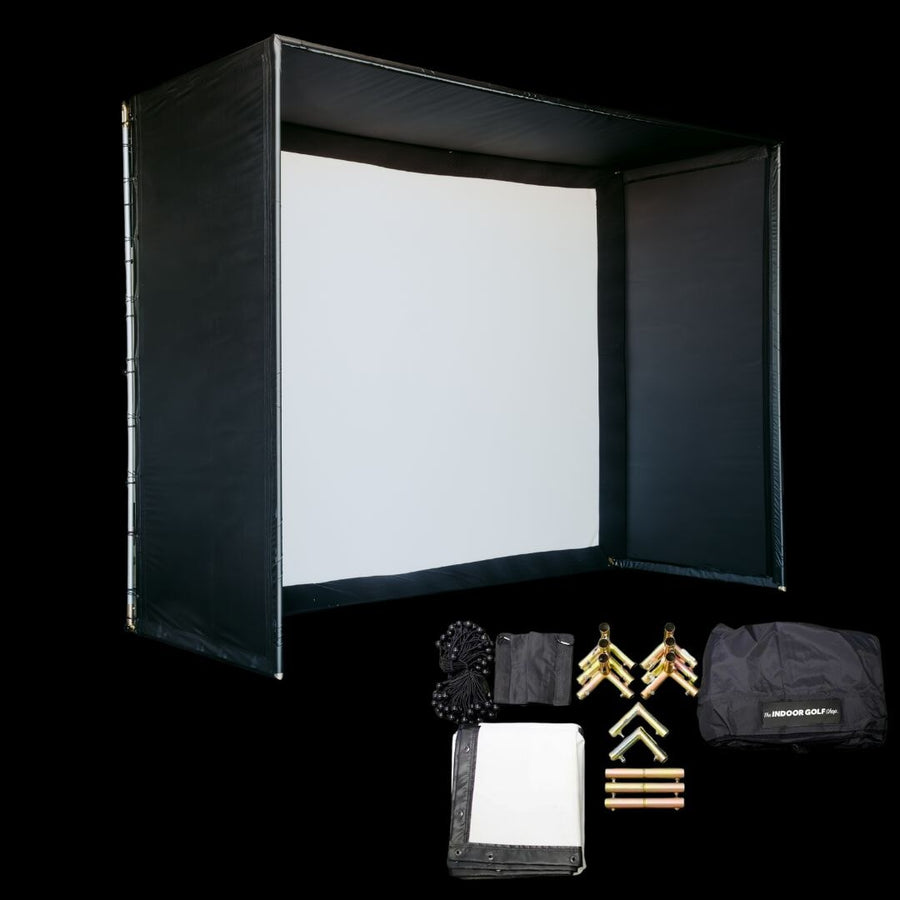
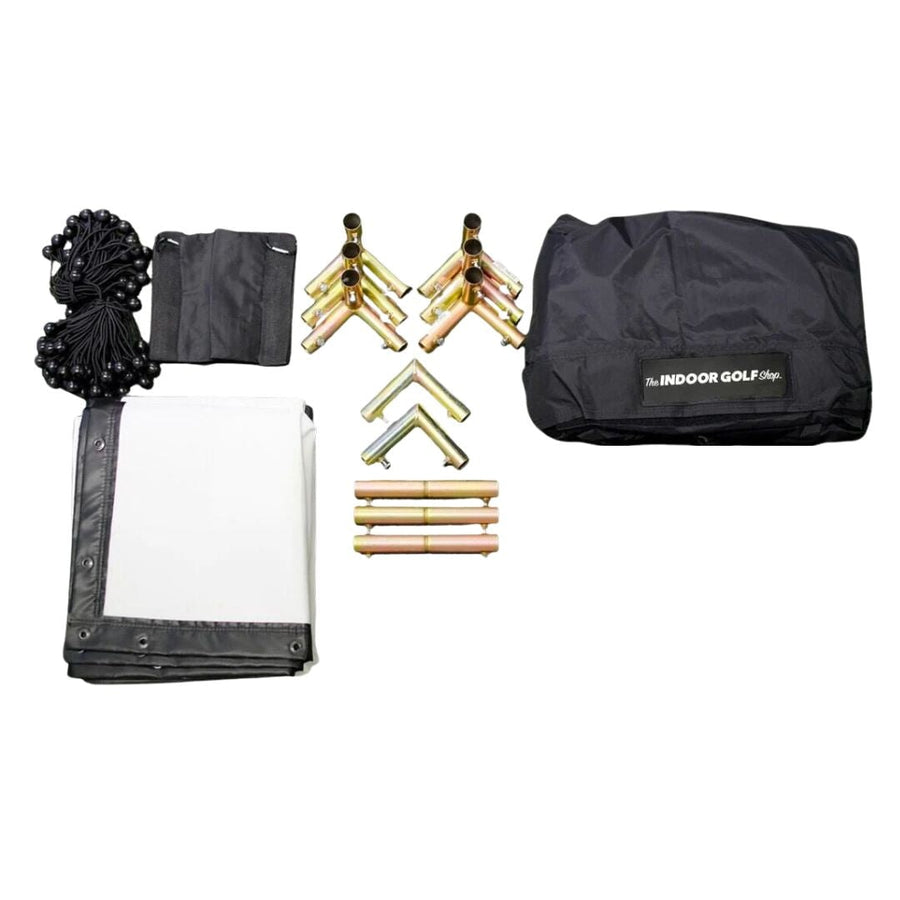
This enclosure includes the surround material and a SIGPRO Premium Impact Screen. It is available in multiple sizes to fit your specific space requirements.
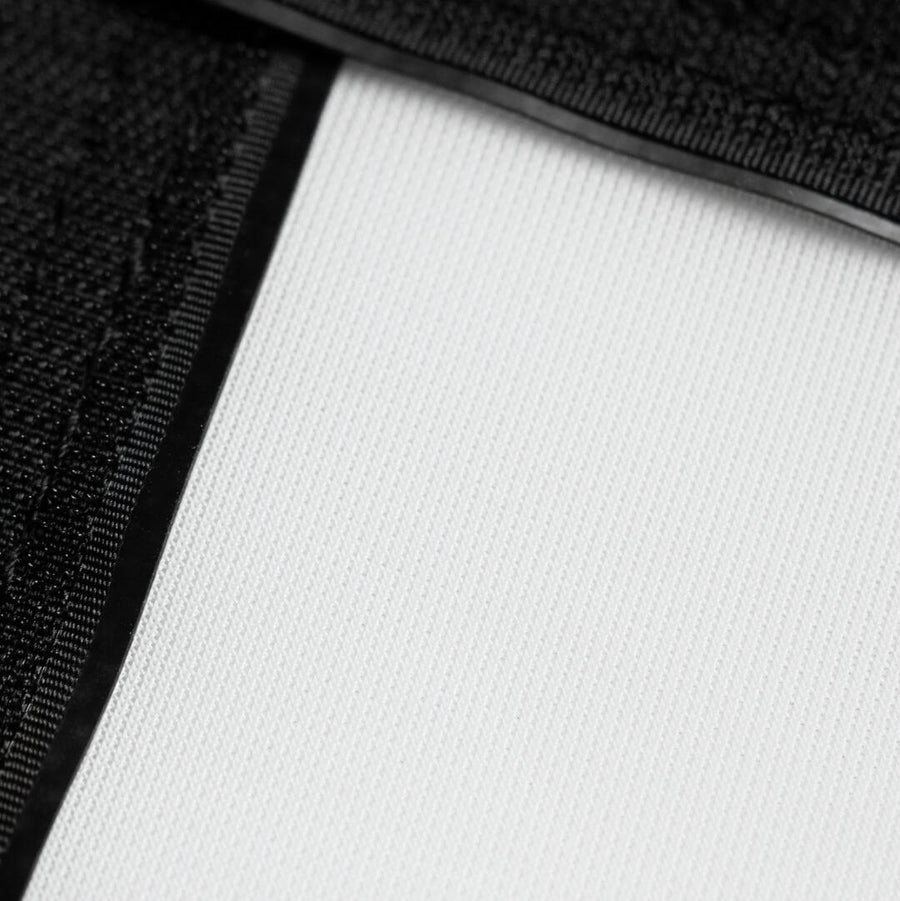

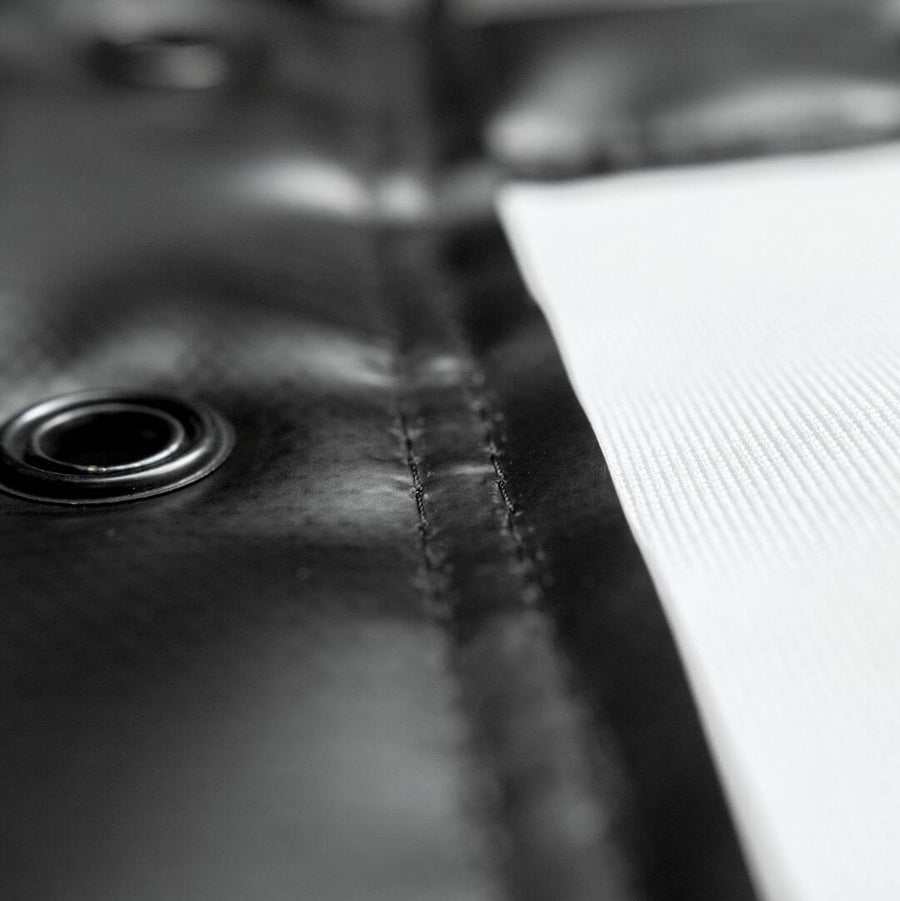
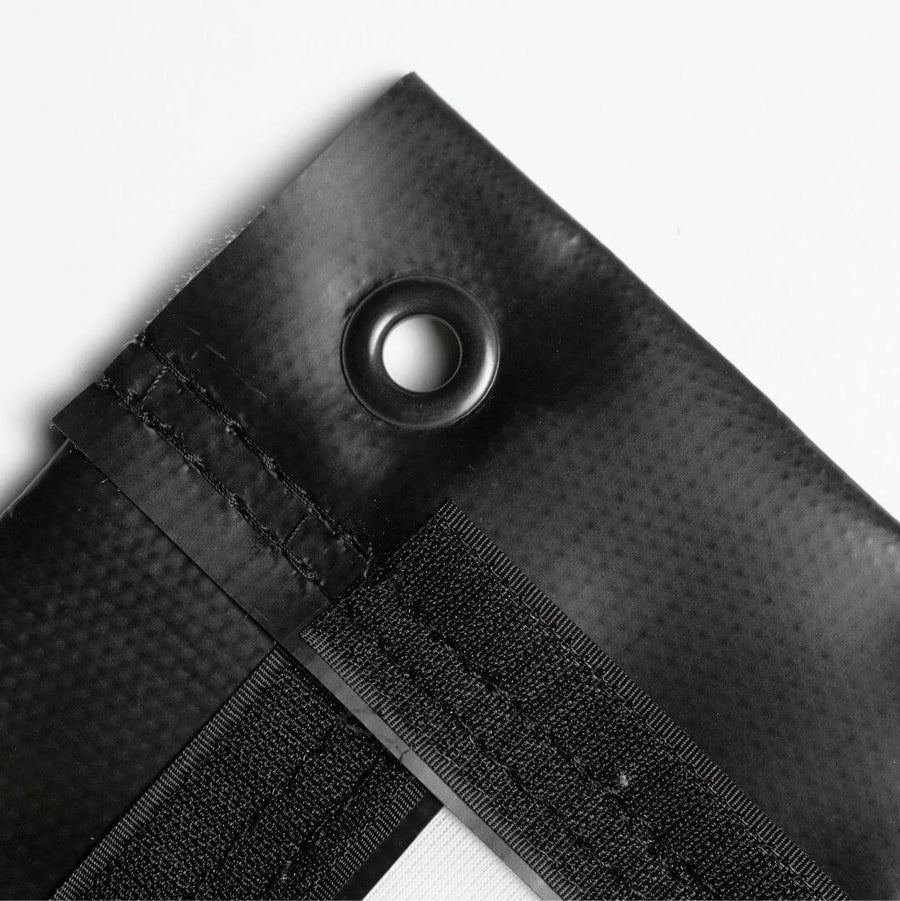
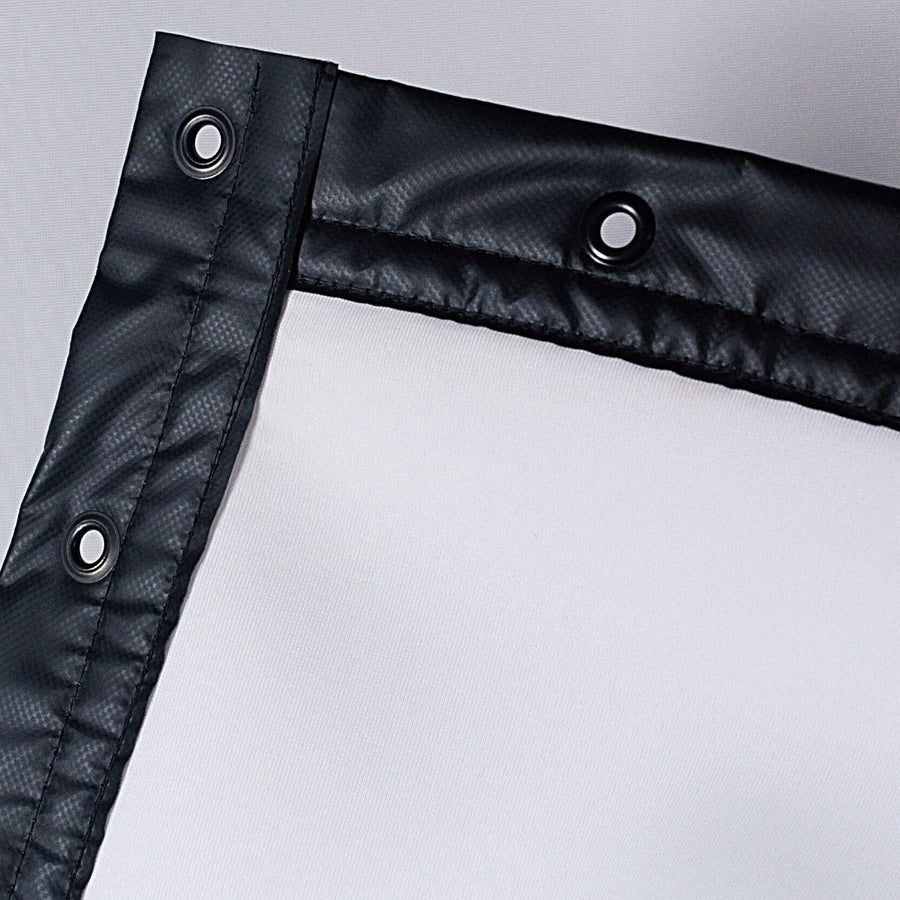
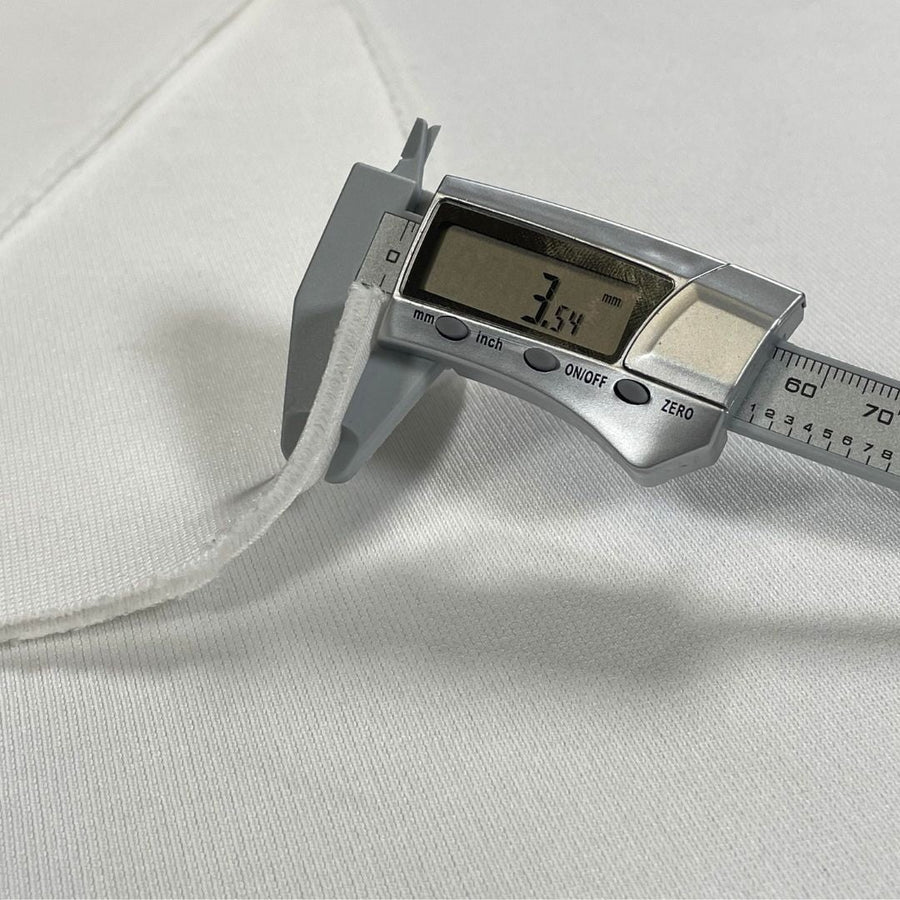
This impact screen is known for its durability and clarity. It is engineered for exceptional longevity, enduring thousands of shots at ball speeds reaching up to 250 mph.
Not included — add any of these to your build. Tap one for details.
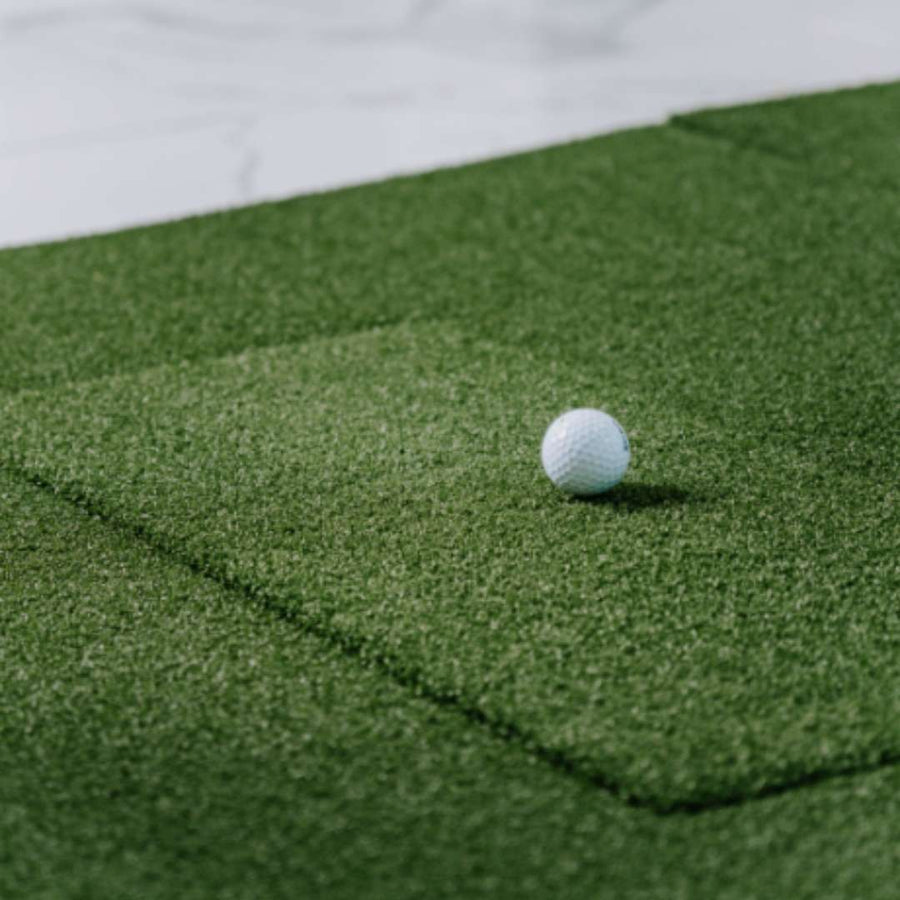
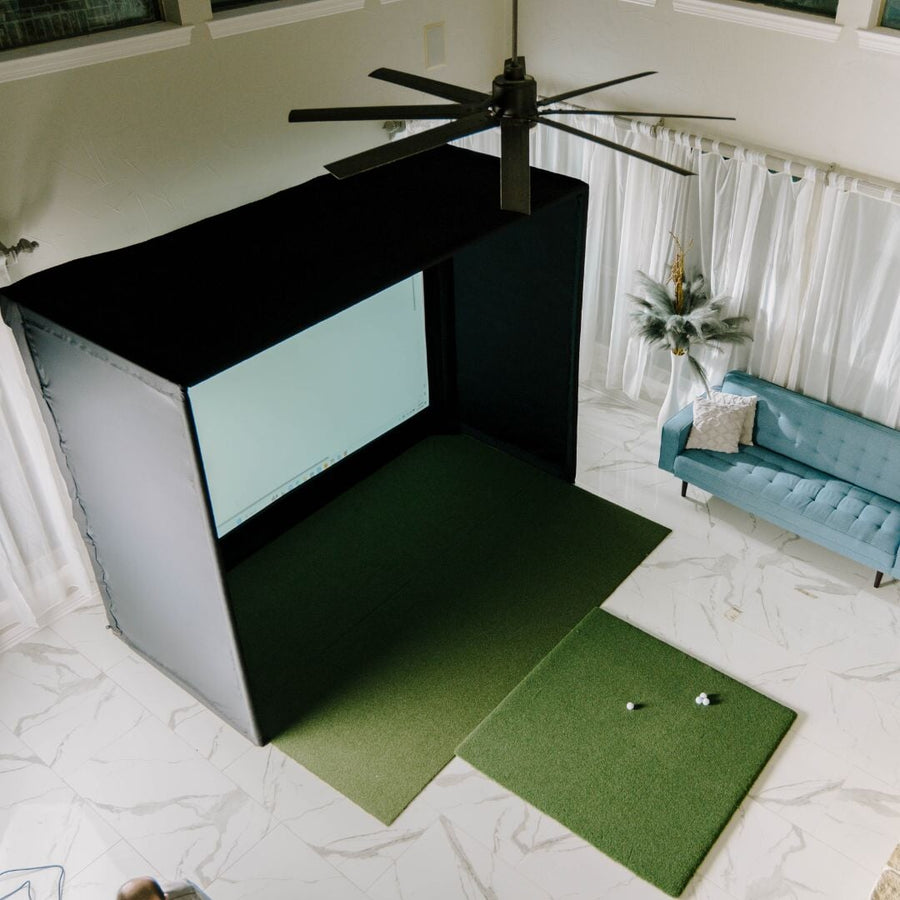

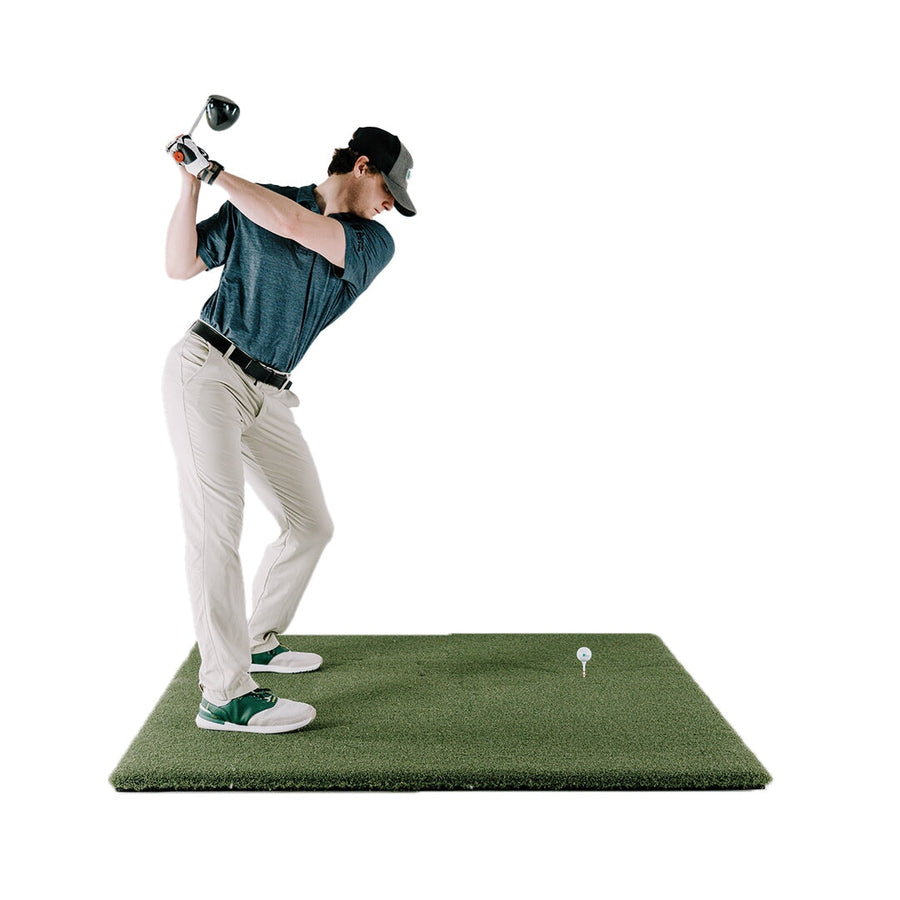
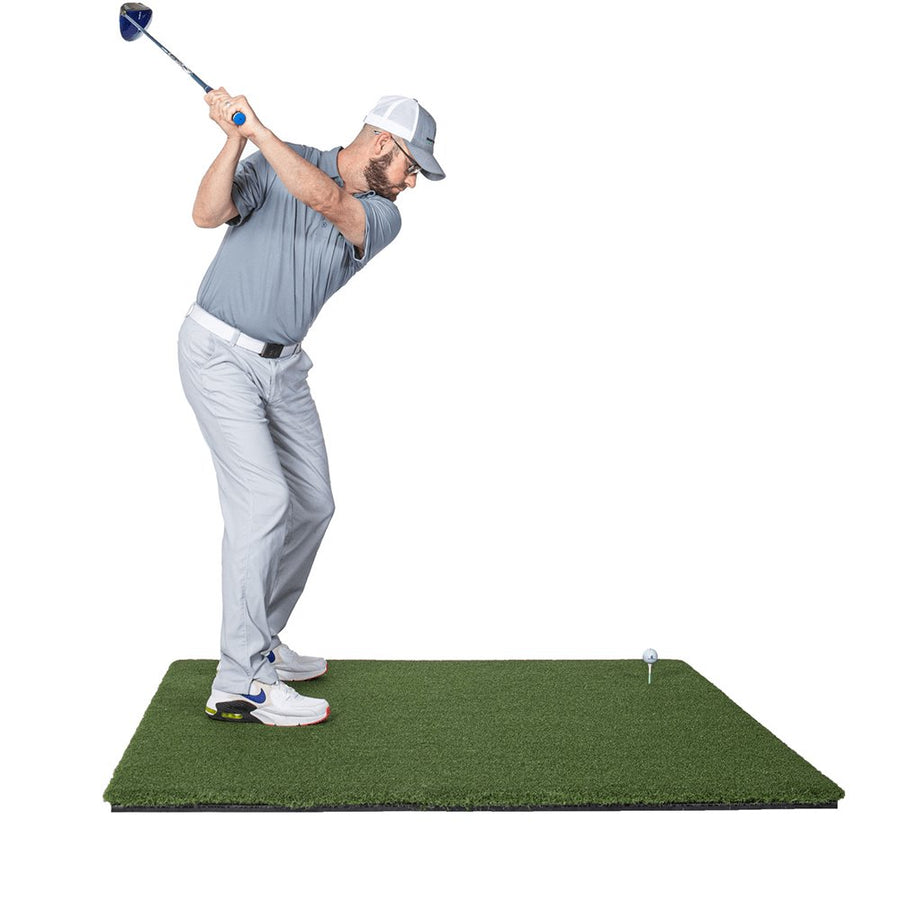


Add a golf hitting mat to your DIY build for a comfortable, realistic hitting surface. Choose the value Fairway Series mat or upgrade to the popular SIGPRO Softy golf mats.
View Fairway Series Golf Mat ↗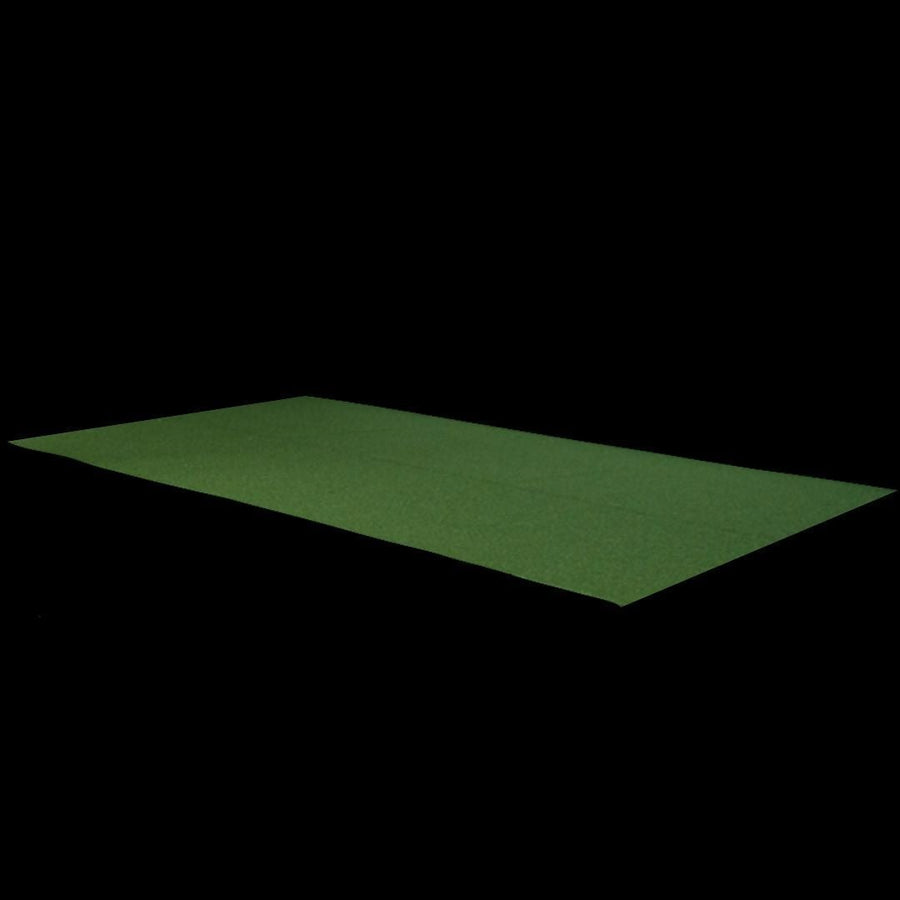
This turf fills the space between your hitting mat and the screen, cut to fit your DIY golf simulator enclosure. It protects your floor and gives your setup a complete, finished look.
View Landing Pad for DIY Golf Simulator Enclosure ↗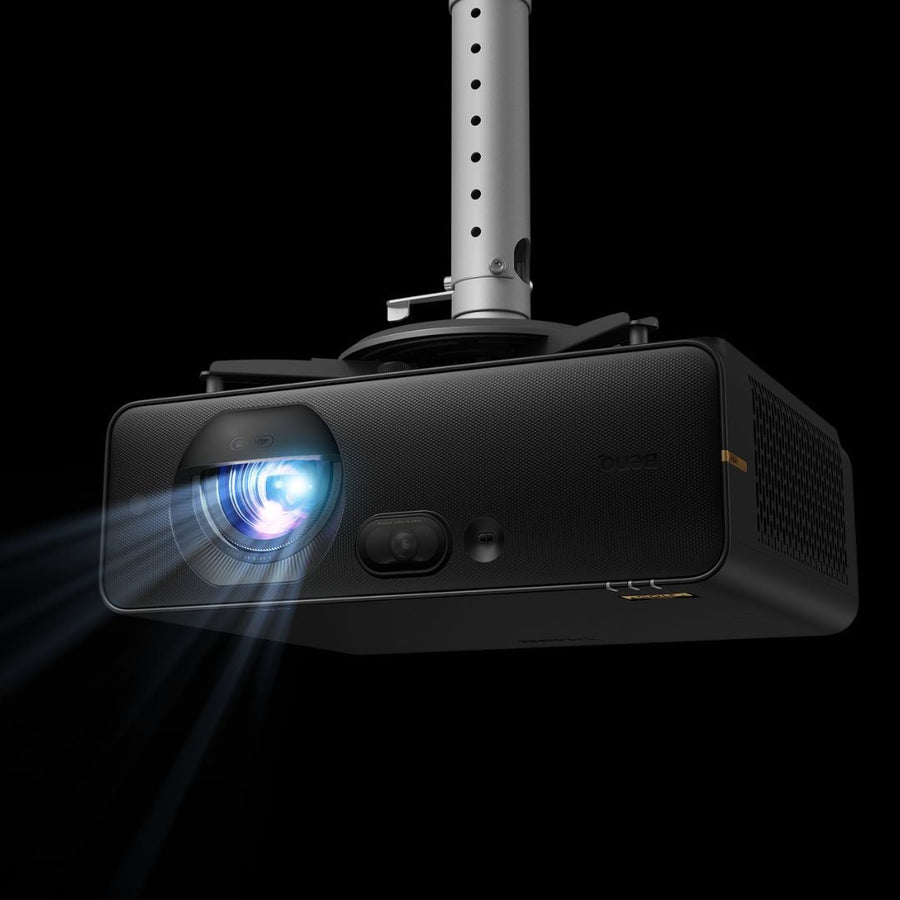
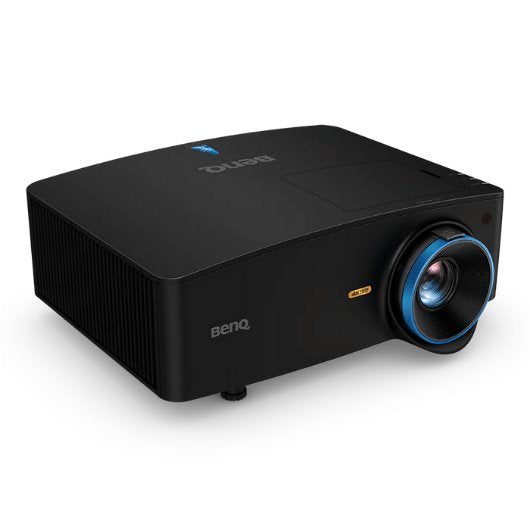


A projector displays the golf course on your impact screen, creating an immersive experience. Use your own projector or choose from our discounted models, including high-end options. Any projector purchased in your package comes with the option for FREE cables and mounting kit for installation (+$150 Value).

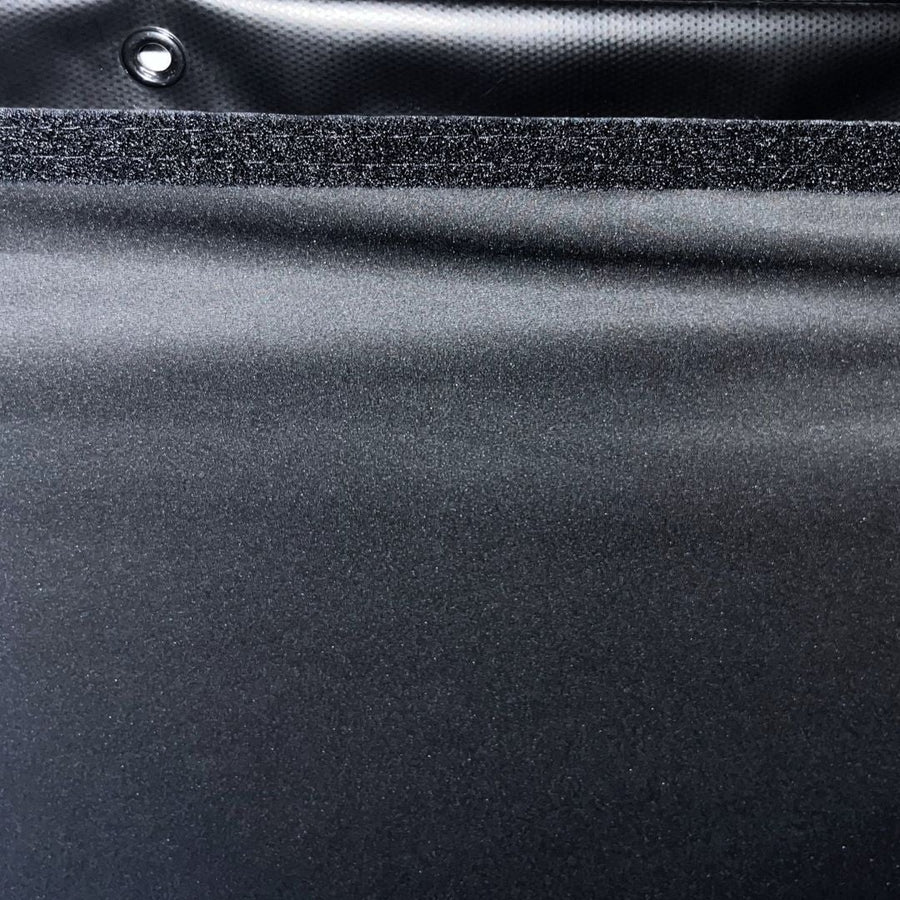
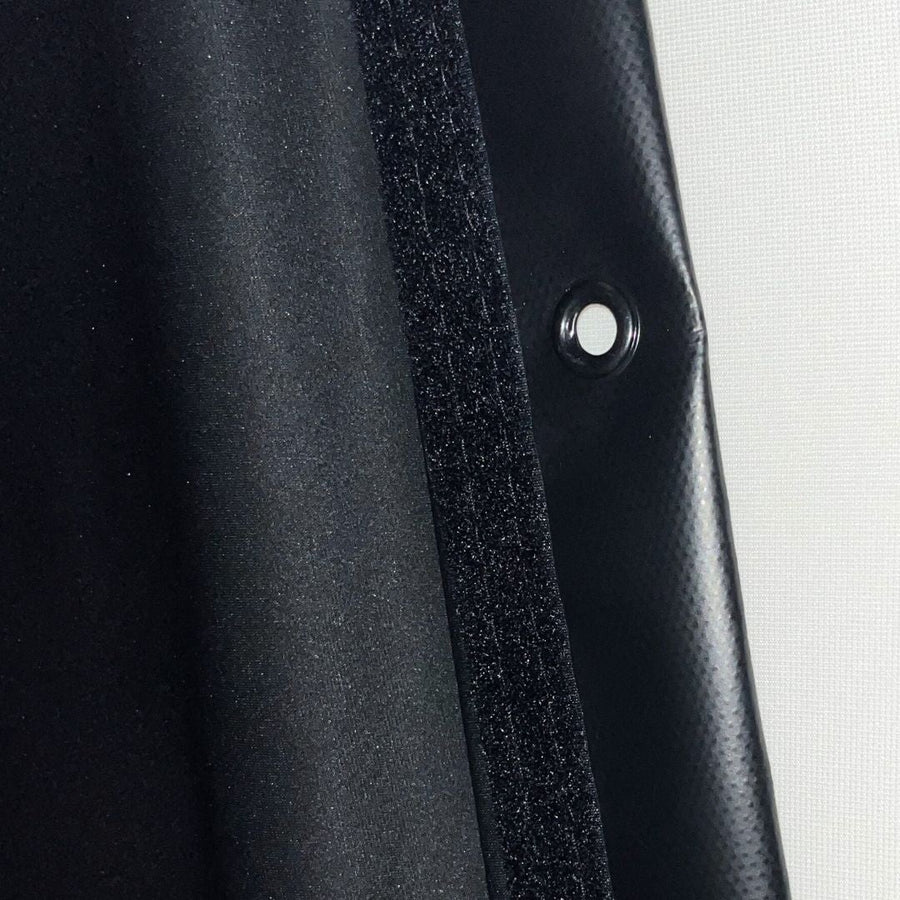
This optional opaque blackout screen attaches to the rear of your impact screen. It eliminates projector light bleed-through and boosts brightness and contrast for a sharper image.
View Golf Simulator Blackout Screen ↗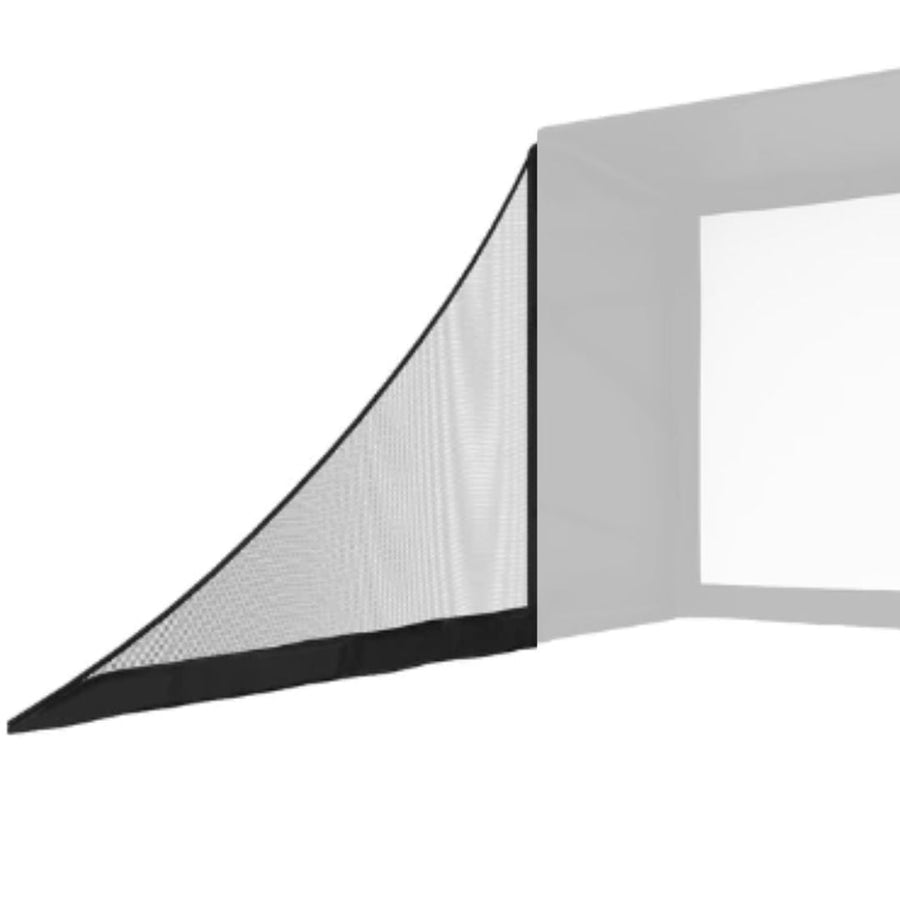

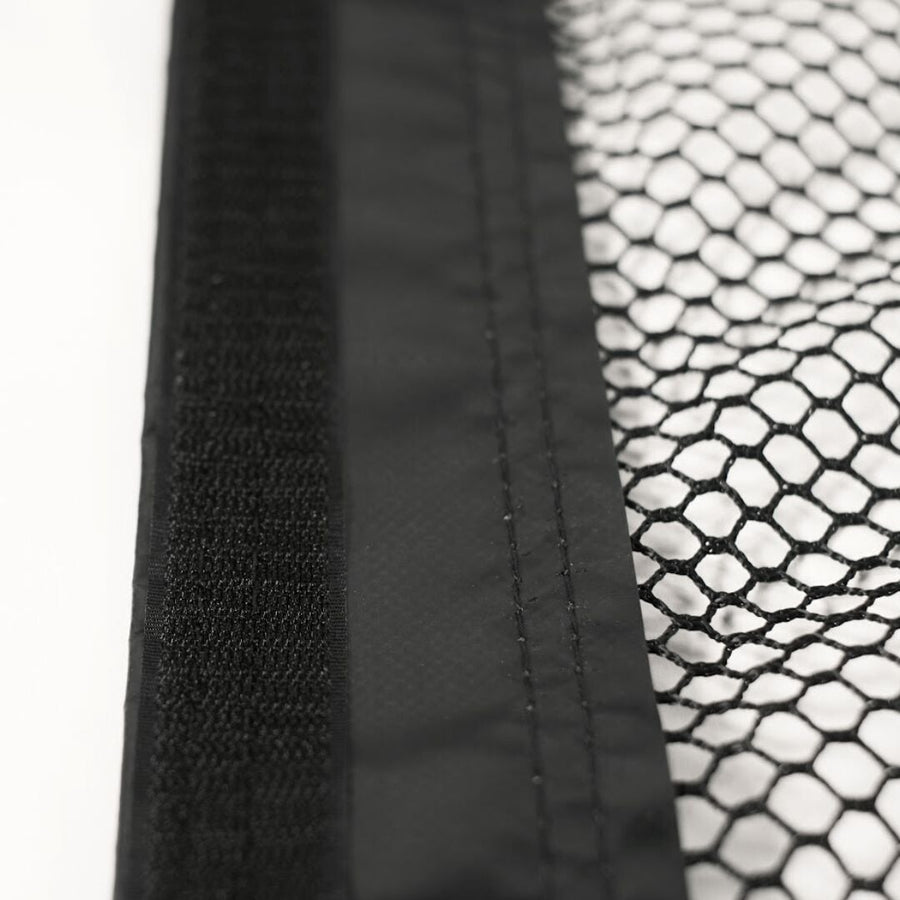
This optional upgrade adds extra netting on each side of your DIY enclosure to catch mishits and protect surrounding walls.
View SIGPRO Side Barrier Netting ↗| Minimum room width | 10' 0", 14' 0", 10' 6", 15' 0", 16' 0", 17' 0" |
| Minimum room depth | 16' 0" |
| Minimum ceiling height | 9' 0", 11' 0", 10' 0", 10' 6" |
| Enclosure footprint | Ten sizes, from 8'4" W x 8'4" H x 5' D to 15'4" W x 9'10" H x 5' D |
| Launch monitor | Garmin Approach® R10 Launch Monitor |
| Enclosure | DIY Golf Simulator Enclosure |
| Impact screen | Golf Simulator Impact Screen - SIGPRO™ Premium |
| Upgrade options | DIY Pipe Frame Kit (pre-cut), Premier 4K Gray Screen, Golf mat, Landing pad turf, Side barrier netting, Projector with free accessory bundle, and more |
| Left/right-handed support | Both. The DIY enclosure is center-hitting. Garmin Approach® R10 Launch Monitor: Yes automatic |
| Assembly | DIY setup: you build the 1" EMT pipe frame, then hang the surround, screen and padding |
| Technology | Doppler Radar |
| Data points measured | 16 |
| Ball data | Ball Speed, Launch Angle, Launch Direction, Carry Distance, Total Distance, Spin Rate, Spin Axis, Height (apex), Deviation |
| Club data | Club Speed, Smash Factor, Club Path, Angle of Attack, Face Angle, Swing Tempo |
| Hitting zone | 24" x 24" |
| Where it sits | Behind Golfer — Sits 6 to 8 ft behind the tee |
| Connects by | Bluetooth |
| Battery life | 10 hours |
| Use | Indoors & Outdoors |
| Marked balls needed | No |
| Club stickers needed | No |
| Launch monitor software | Garmin Golf App (free) |
| Subscription required | Yes |
| Subscription cost | Garmin Golf Membership: $9.99/month or $99.99/year |
| Works with | GSPRO, E6 Connect |
| Runs on | iOS, Android, Windows |
| Brand | Garmin |
| Usage environment | Indoors |
This SIG DIY package pairs the Garmin Approach R10 with the SIG DIY enclosure kit (screen and netting; you buy the 1-inch EMT conduit frame locally), from $1,449.98, for a room from 10' x 16' x 9' (width x depth x height). The SIG package uses the same launch monitor with a full SIG enclosure in SIG8, SIG10 and SIG12 (frame, SIGPRO screen and side netting), from $3,129.99, for a room from 10' x 16' x 9' (SIG8) to 14' x 20' x 10' (SIG12), width x depth x height. The Garage package uses the same launch monitor with a G-TRAK retractable garage screen, from $2,999.99, for a room from 8' x 15' x 9' (width x depth x height). The Golf Net bundle uses the same launch monitor with a 10' x 10' x 10' square golf net, from $549.99, for a space from 10' x 10' x 10' (width x depth x height).

|
From $1,449.98
|
Garmin
|
—
|
—
|
—
|
—
|
—
|
—
|
—
|
—
|
—
|
—
|
—
|
—
|
—
|
Ships in 3 to 5 Business Days!
|
|---|---|---|---|---|---|---|---|---|---|---|---|---|---|---|---|---|

|
From $3,129.99
|
Garmin
|
—
|
—
|
—
|
—
|
—
|
—
|
—
|
—
|
—
|
—
|
—
|
—
|
—
|
Ships in 2 - 14 Business Days!
|

|
From $2,051.99
|
Garmin
|
—
|
—
|
—
|
—
|
—
|
—
|
—
|
—
|
—
|
—
|
—
|
—
|
—
|
Ships in 7 to 10 Business Days!
|

|
From $549.99
|
Garmin
|
—
|
—
|
—
|
—
|
—
|
—
|
—
|
—
|
—
|
—
|
—
|
—
|
—
|
Ships in 3 to 5 Business Days!
|
No packages match your search.
Garmin Approach R10 SIG DIY Golf Simulator Studio Package Reviews
What happens after you order: putting it together, the paperwork, and how to reach us.
DIY enclosure kit and SIGPRO Premium screen: 1-year limited warranty from The Indoor Golf Shop against manufacturing defects in materials and workmanship; optional extension up to 5 years through Mulberry.
Garmin Approach R10: Garmin covers its products for 1 year from the date of purchase against defects in materials or workmanship, and will repair or replace a failing unit. Batteries, cosmetic damage and damage from accident, misuse or water are not covered.
A package is made of parts from different makers, and each carries its own warranty.
| Launch monitor | Garmin | Garmin warranty ↗ |
| Enclosure | Shop Indoor Golf | Shop Indoor Golf warranty ↗ |
| Impact screen | Shop Indoor Golf | Shop Indoor Golf warranty ↗ |
Covers manufacturer defects and accidental damage for 1 year
Full coverage for 3 years including parts and labor
Get peace of mind with additional coverage options from The Indoor Golf Shop, these solutions can be added to your product at the time of purchase for the best possible protection against damage or loss.
The links below are to file a claim or manage an existing plan.
Protects your order against loss, theft, or damage in transit. Add it at checkout; if a package is lost, stolen, or arrives damaged, file a claim with Route for a refund or replacement (generally within 30 days).
Extends coverage beyond the manufacturer's warranty and adds accidental-damage protection. Add a plan at checkout; manage your plan or file a claim anytime through your Mulberry account.
Whatever your space and budget, The Indoor Golf Shop has a simulator you can take home: complete SIG studios in three room sizes, DIY packages you assemble yourself, garage setups that fold away, heavy-duty commercial bays, simple practice nets, or a custom design we build and install for you. Not sure which fits? Talk to one of our simulator specialists today.
 SIG (8, 10, 12)
Our signature all-in-one packages, in three room sizesFrom $4,899.99
 DIYYou're here
Same components, your assembly — the value routeFrom $1,449.98
 Garage Golf
Retractable screens and space-savers for the garageFrom $1,658.99
 SIGPRO Commercial
Heavy-duty builds for businesses and high-traffic useFrom $9,101.99
 Golf Net Practice
Net-and-mat bundles for practice on a budgetFrom $349.99
 Custom Design & Install
We design and install a simulator for your exact space
Get a quote
Lay your room out in the Golf Simulator Room Builder and see exactly what fits before you buy.
Demos, reviews and how-tos from our team and the golf community.
Garmin R10 vs R50: Which Launch Monitor Should You Buy?
Garmin R10 vs R50 — which launch monitor is right for you? Quick answer: The Garmin R50 is the better choice if you want a true all-in-one home golf simulator, thanks to its integrated HD screen and three high-speed cameras for accurate ball flight data.
Garmin R10 Unboxing
In this video we open up the #Garmin #R10Approach, and take a first look at what you will get when you purchase yours. Follow us as we continue to work through all of the different features of the R10 Approach, and cover the different talking points of this launch monitor.
Garmin Approach R10 Introduction
In this video Gerald dives deeper into the #Garmin Approach #R10. He covers all of the software capabilities and talks about the customizability of the data layout.
Best launch monitors under $1,000 - Garmin R10
Part 3 of 4 of our best launch monitors under $1,000 - introducing our best seller: Garmin R10. With it's sleek design and easy to use app experience, you can easily use this outdoor and indoor, and has the capability for golf simulation as well.
DIY Golf Simulator Enclosure Kit - How To Assemble Video
Alex from The Indoor Golf Shop shows you how to assemble the 8' x 10.5' DIY Golf Simulator Enclosure Kit. The kit includes everything you'll need except for the pole framing that'll you'll purchase separately. The poles will also need to be cut to specific size.