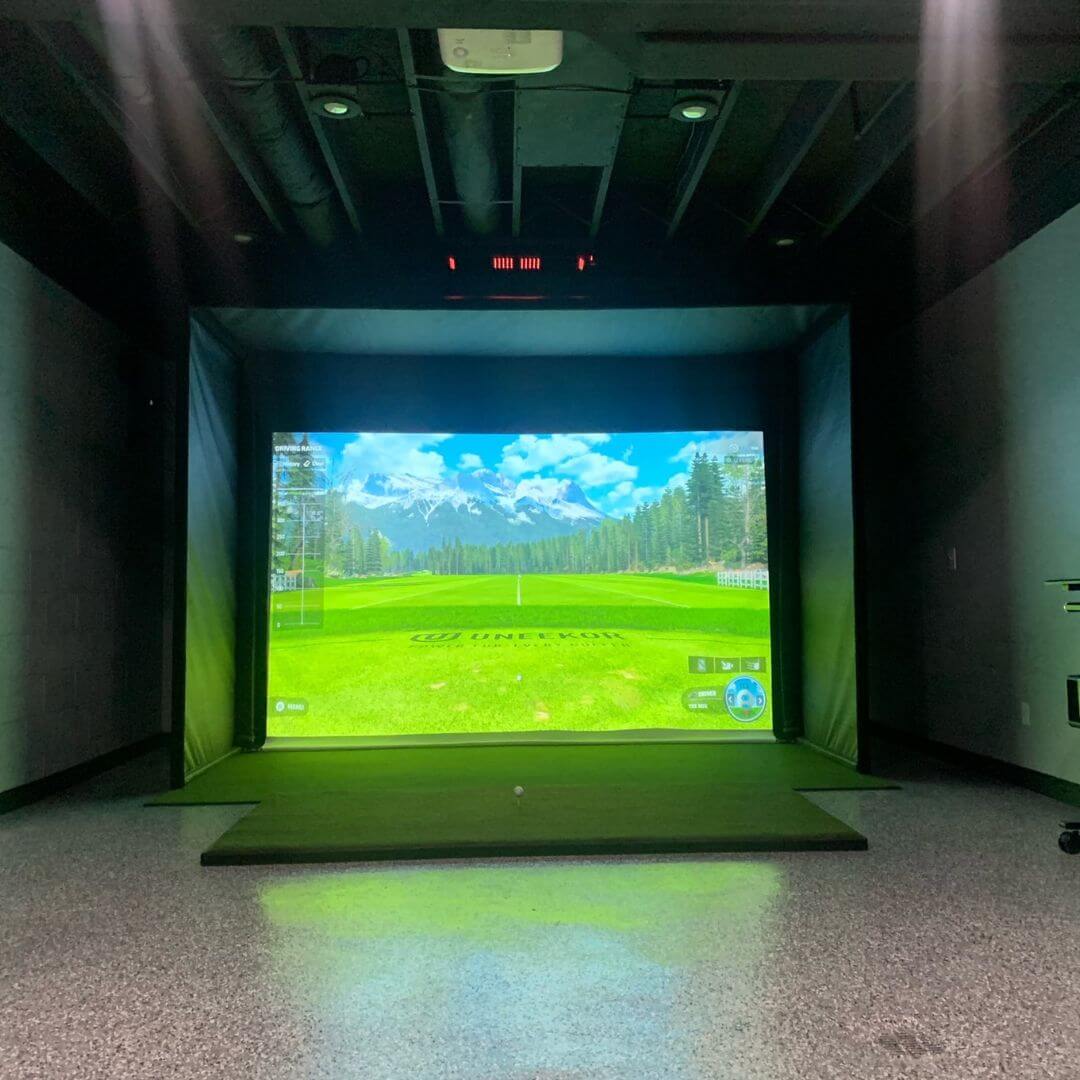
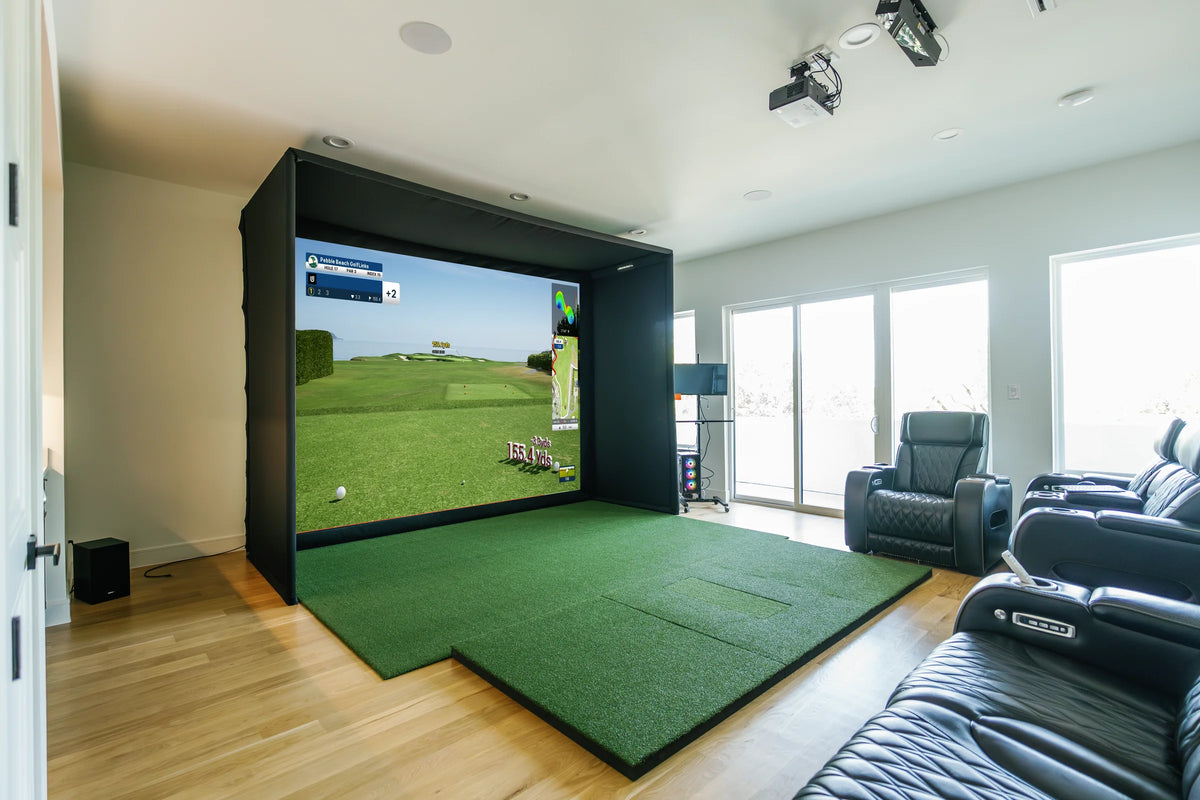
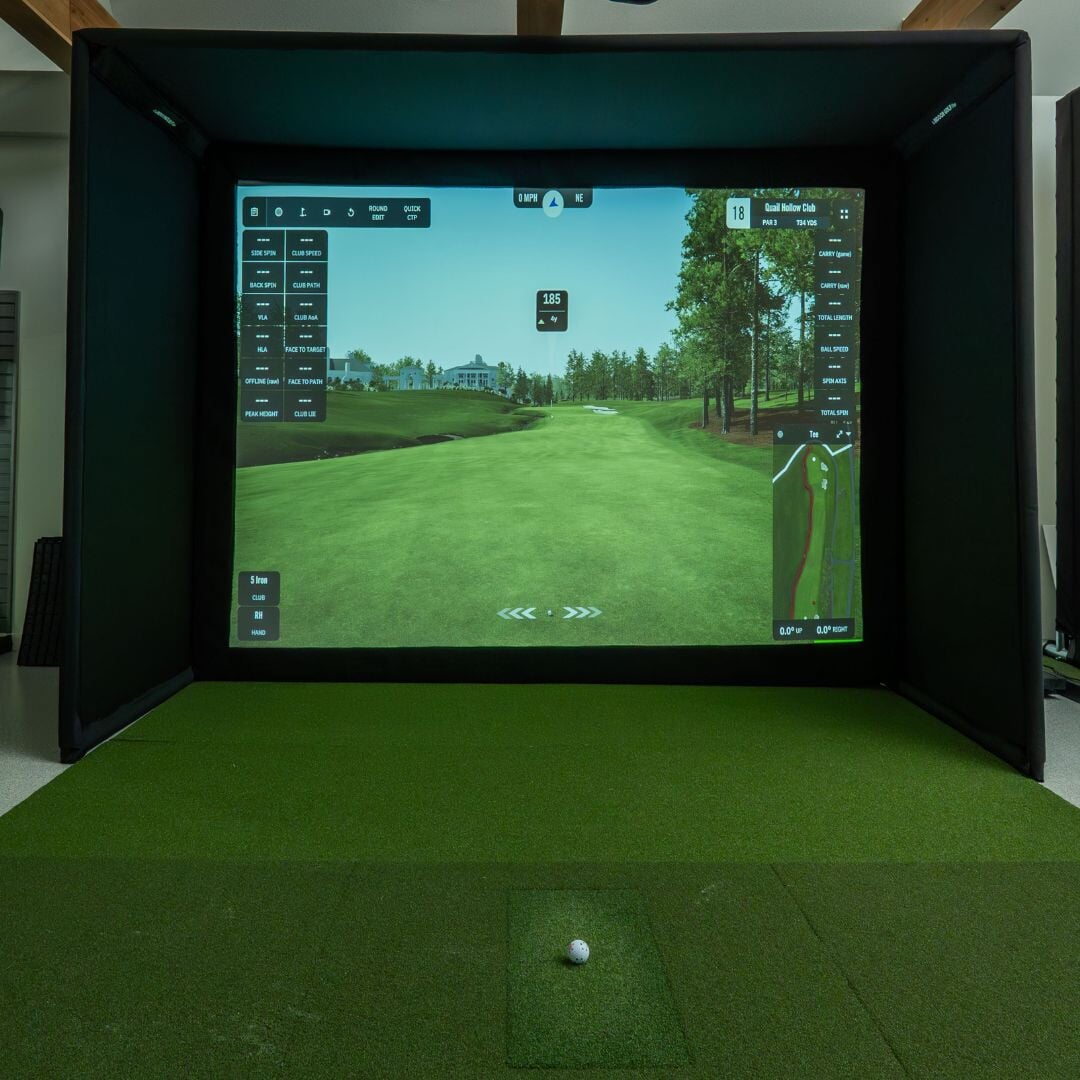
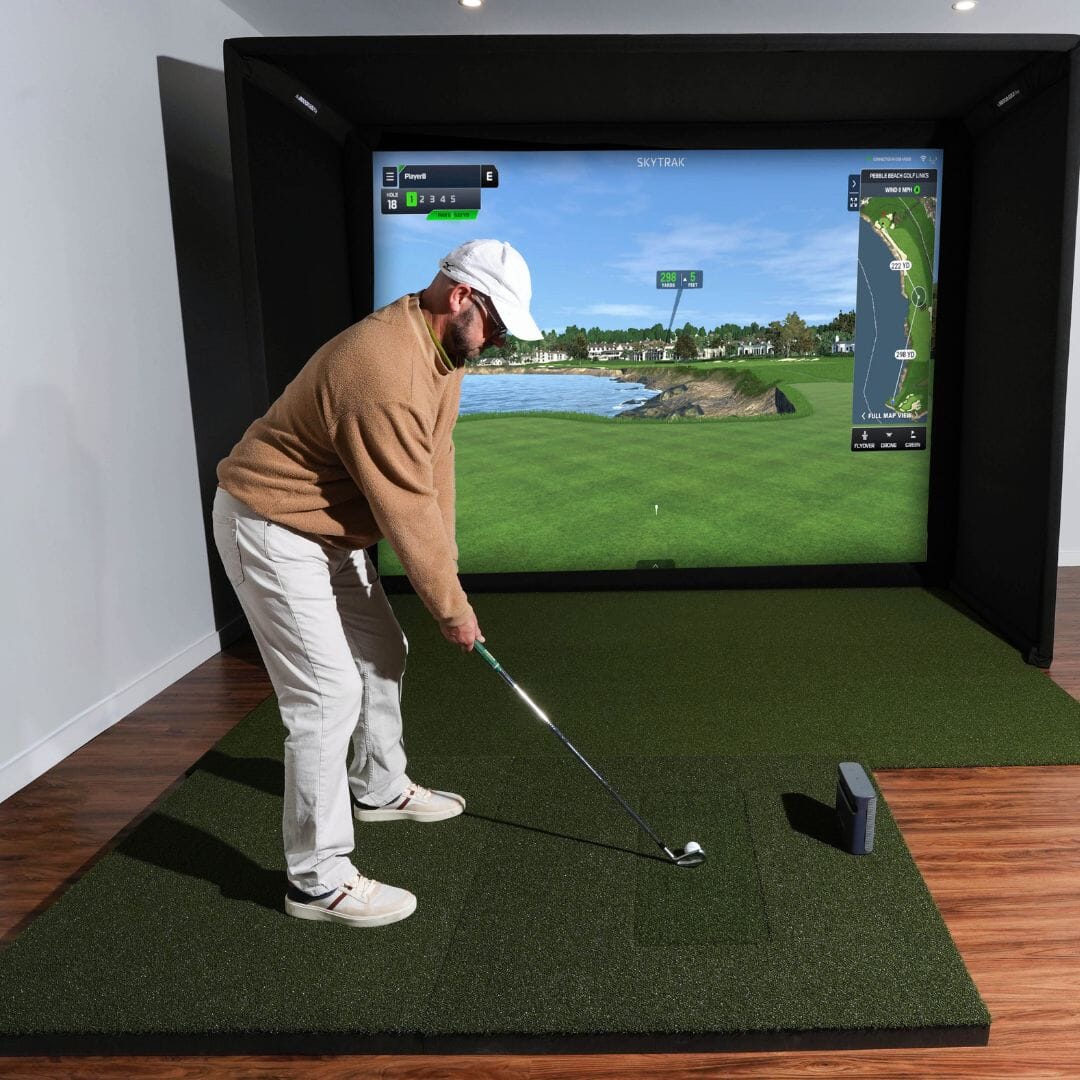
FlightScope Mevo+ SIG Golf Simulator Package Golf Simulator Flightscope SIG8
FlightScope Mevo+ SIG Golf Simulator Package Golf Simulator Flightscope SIG10
FlightScope Mevo+ SIG12 Golf Simulator Package Golf Simulator Flightscope Fairway Series 5' x 5' None
FlightScope Mevo+ SIG12 Golf Simulator Package Golf Simulator Flightscope SIG12 Golf Simulator Flooring None
FlightScope Mevo+ SIG12 Golf Simulator Package Golf Simulator Flightscope
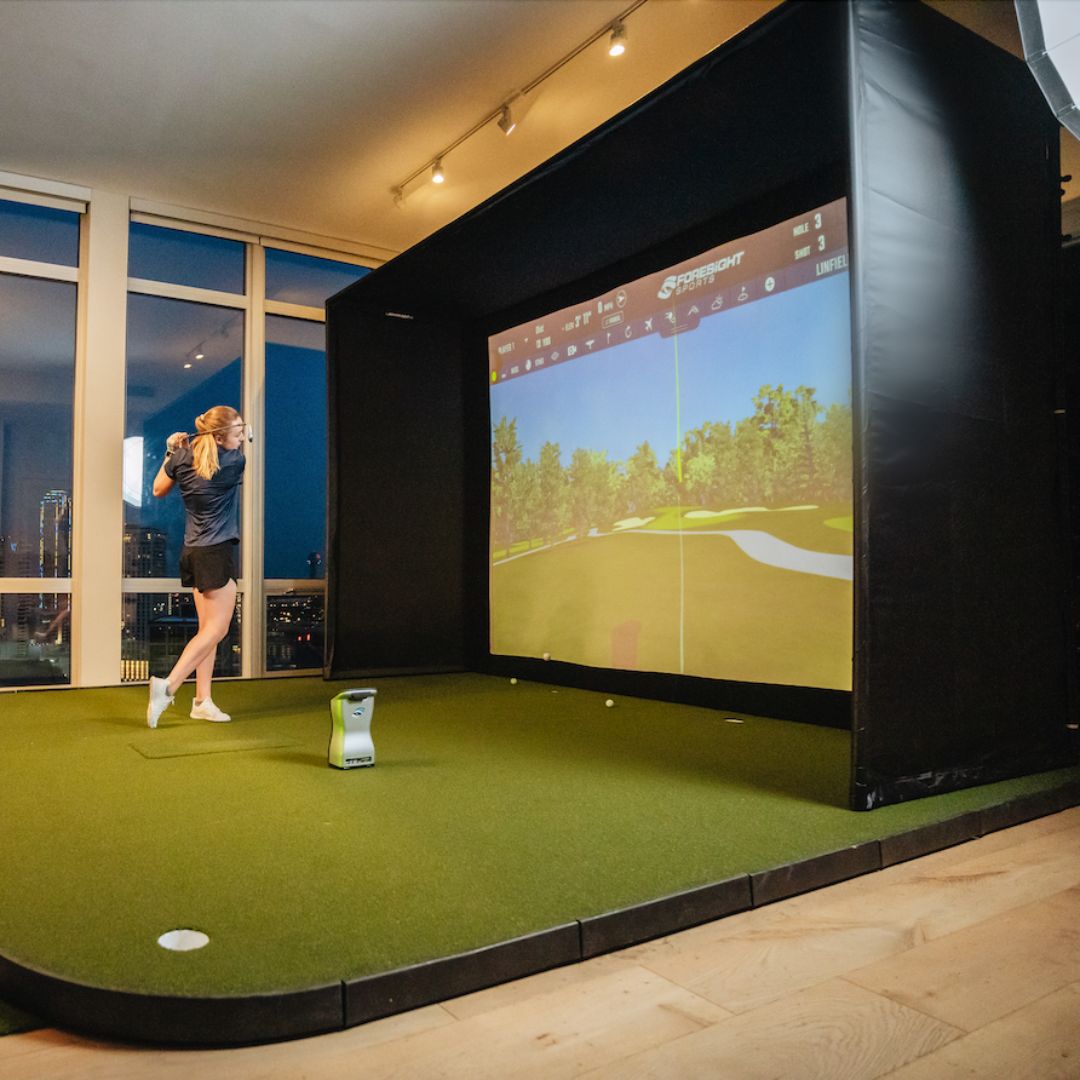
A woman in a blue shirt and white pants swings a golf club in a FlightScope Mevo Plus golf simulator setup with a Rear Golf M
FlightScope Mevo+ SIG12 Golf Simulator Package Golf Simulator Flightscope SIGPRO 4' x 7' None
FlightScope Mevo+ SIG12 Golf Simulator Package Golf Simulator Flightscope SIGPRO 4' x 10' None
FlightScope Mevo+ SIG12 Golf Simulator Package Golf Simulator Flightscope
FlightScope MEVO Plus Launch Monitor Flightscope
Grey FlightScope MEVO+ with golfer
FlightScope MEVO+ SIG10 Golf Simulator Package
Flightscope mevo plus
FlightScope MEVO+ launch monitor

FlightScope Mevo+ SIG Golf Simulator Package

$3,999.99 USD

1 reviews
Configure your package
Launch monitor

FlightScope MEVO Plus Included

Select your impact screen

Golf Simulator Enclosure Included

Select Your Impact ScreenRequired

Your Impact Screen is what you will be hitting your golf ball into.

Enclosure Add-Ons

Hitting area

Select Your Golf MatRequired

Your golf mat is what you will be hitting golf balls off of, into your impact screen.

Select Your Turf

Extras & Upgrades

Select Your Projector

Your golf simulator projector, projects your golf simulator software onto your impact screen.

Choose Any Projector

Projector Add-OnsRequired

Our projector add-on bundles are included with your choice of projector!

Launch Monitor Accessories

MEVO Software Upgrades

Face Impact needs an active Pro package subscription.

E6 Golf 26 Software

GSPro Software

Safe checkout logos
Free shipping
on all orders!
Easy no hassle
returns!

Details

  • Our largest Mevo Plus package
  • Mevo+ earned Golf Digest Editors' Choice Award
  • Doppler based launch monitor
  • Measures 20+ data parameters.
  • Multiple simulator software options

What's included

  • Mevo Plus Launch Monitor
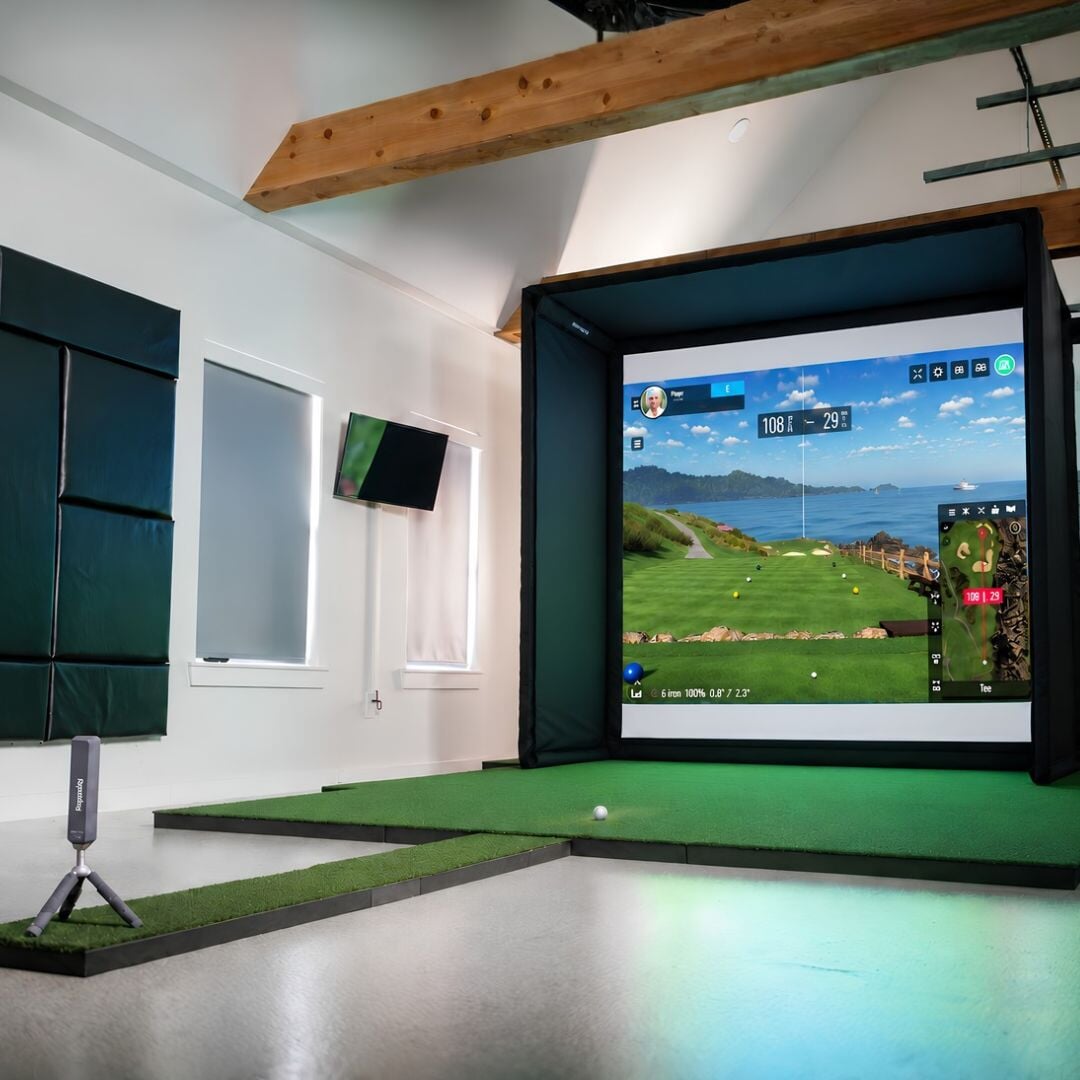
  • Complete Simulator Studio
  • SIGPRO Premium Screen
  • E6 special license with 12 courses

Take a closer look

FlightScope Mevo+ SIG12 Golf Simulator Package Golf Simulator Flightscope SIG12 Golf Simulator Flooring None

Explore what's in this packageTap a marker on the photo, or pick an item below.

Built in real roomsReal customer and studio builds of this package.

Save 17% with this SIG Golf Simulator Package Our SIG packages bring together everything you need for a high-end home golf simulator, and buying them together costs less than buying each part. Example pricing. Your price and savings depend on the options you choose.

Launch monitorFlightScope MEVO Plus$1,099.00
EnclosureSIG8 Golf Simulator Enclosure$1,349.99
Impact screenSIGPRO™ Premium SIG8 Enclosure Screen$329.99
Hitting matFairway Series Golf Mat$466.99
Landing padLanding Pad Mat for SIG8 Golf Simulator Enclosure$699.99

Everything You Need To Bring Golf home

From industry-leading golf equipment to custom simulator solutions, we deliver quality, expertise, and support you can count on.

SIGPRO Quality

We build our own — MyGolfSpy's top-rated impact screen and more.

Solutions for Any Golfer

Won't fit your room? We'll build one that does.

Fast Shipping

Most orders ship free to the lower 48. Details

Best Technology Prices

We buy direct — and match any lower price.

Financing

Spread the cost and golf sooner — options at checkout. Details

30-Day Returns

Changed your mind? 30 days to return. Details

FlightScope Mevo+ SIG Golf Simulator Package

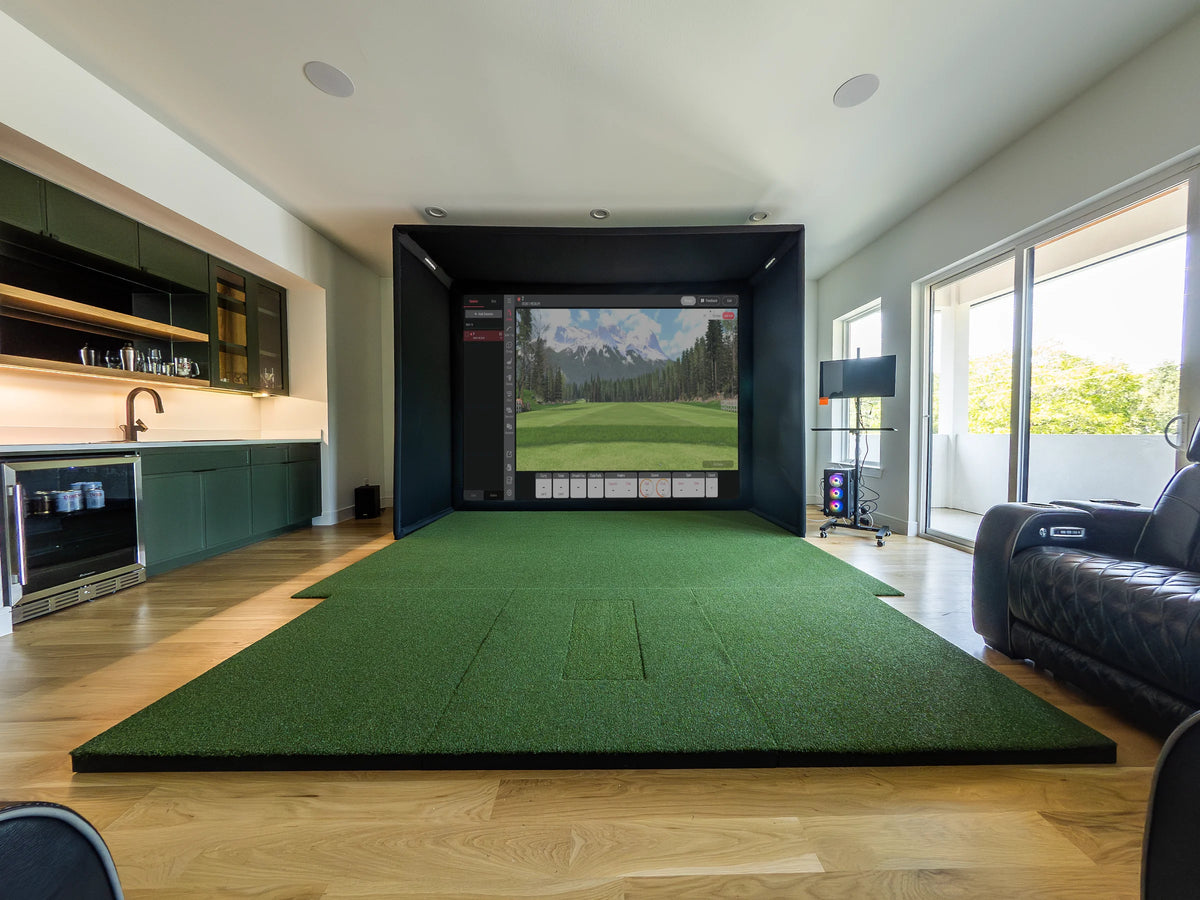
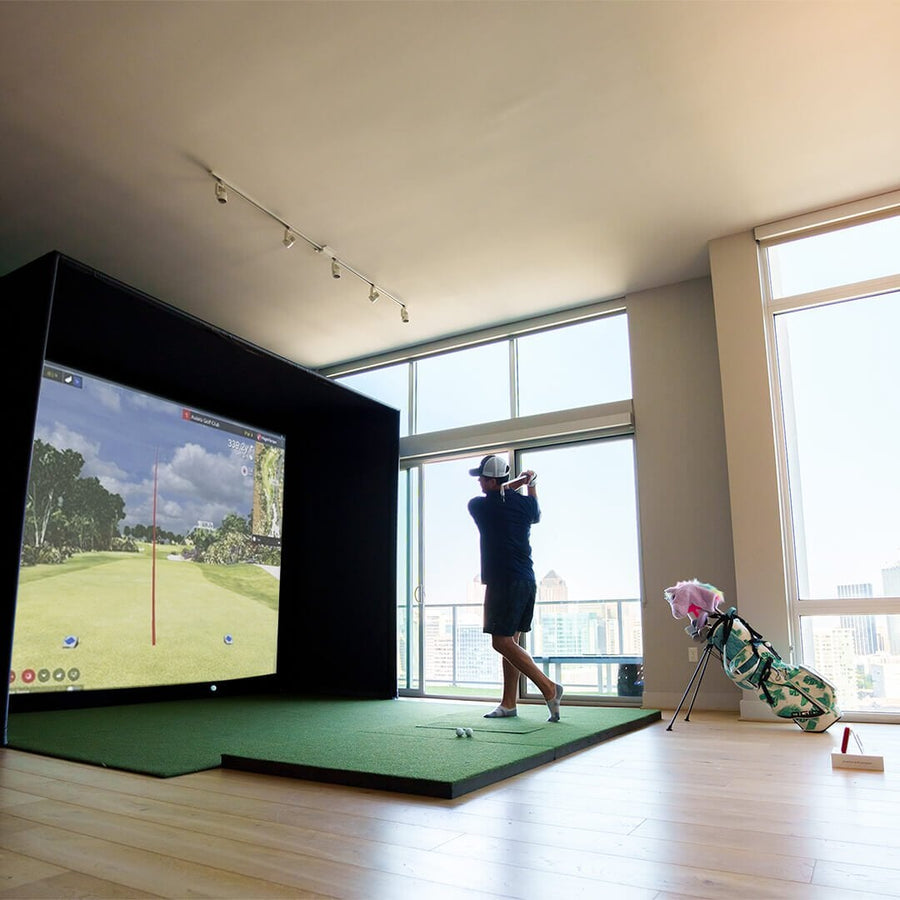
The FlightScope Mevo+ brings radar ball tracking with camera assistance to a home simulator at a mid-range price, and this package pairs it with a complete SIG studio. You get the FlightScope Mevo+, a SIG golf simulator enclosure in SIG8, SIG10 or SIG12, a SIGPRO Premium impact screen, landing pad turf and a Fairway Series hitting mat.

How the FlightScope Mevo+ reads every shot

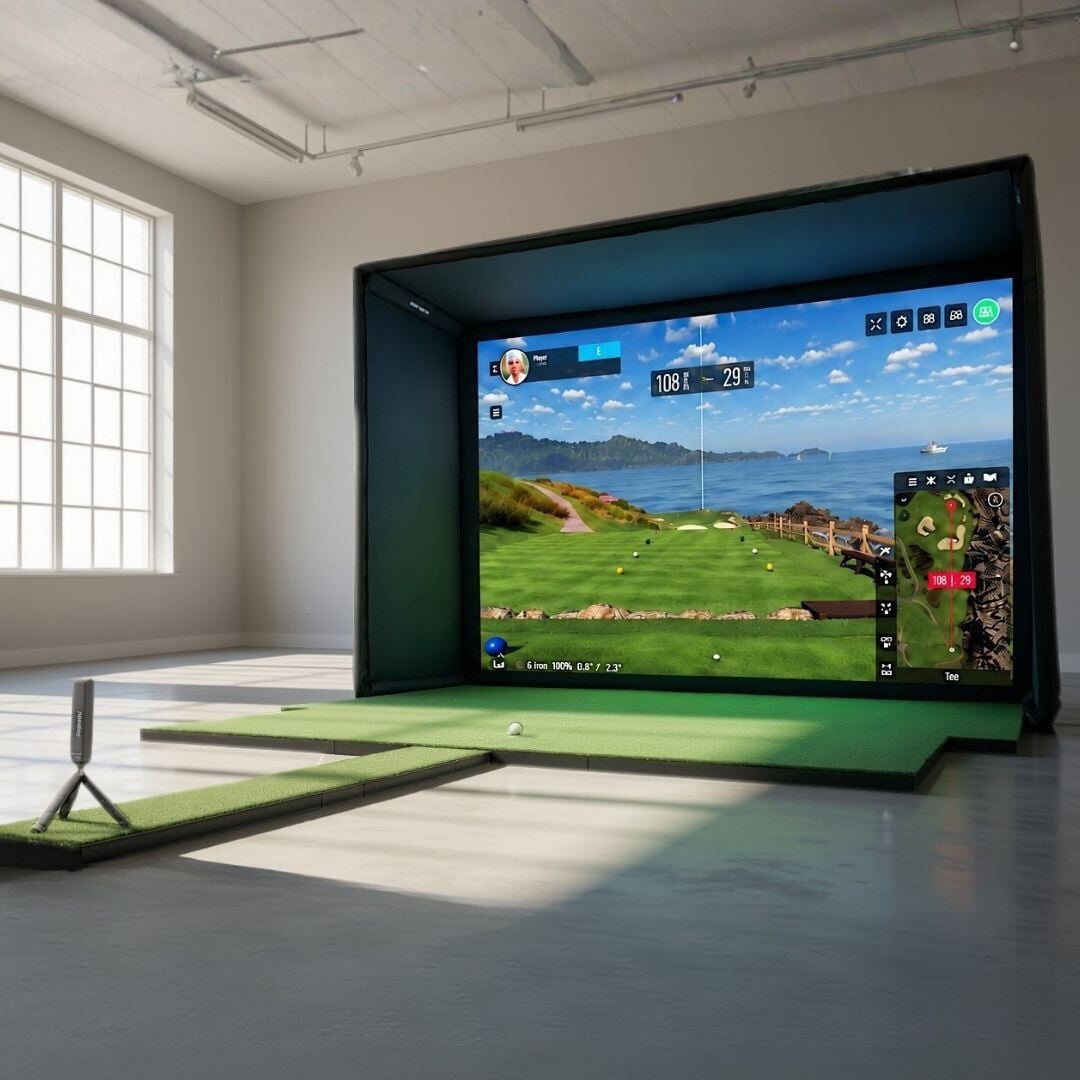
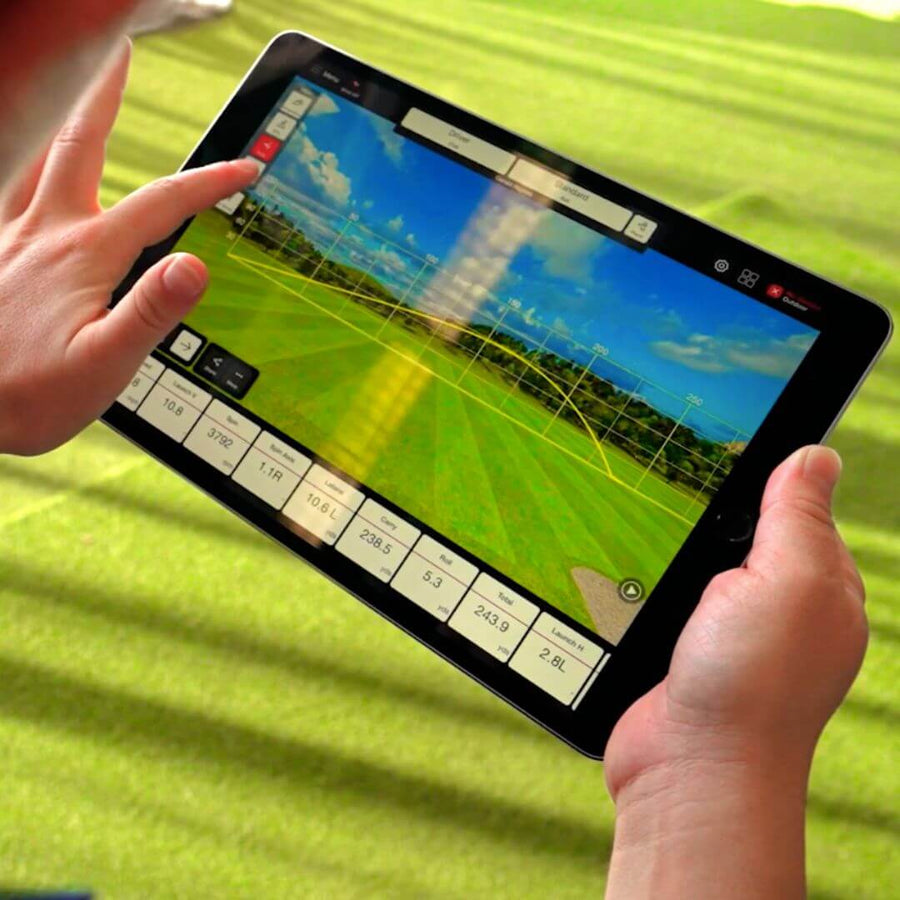
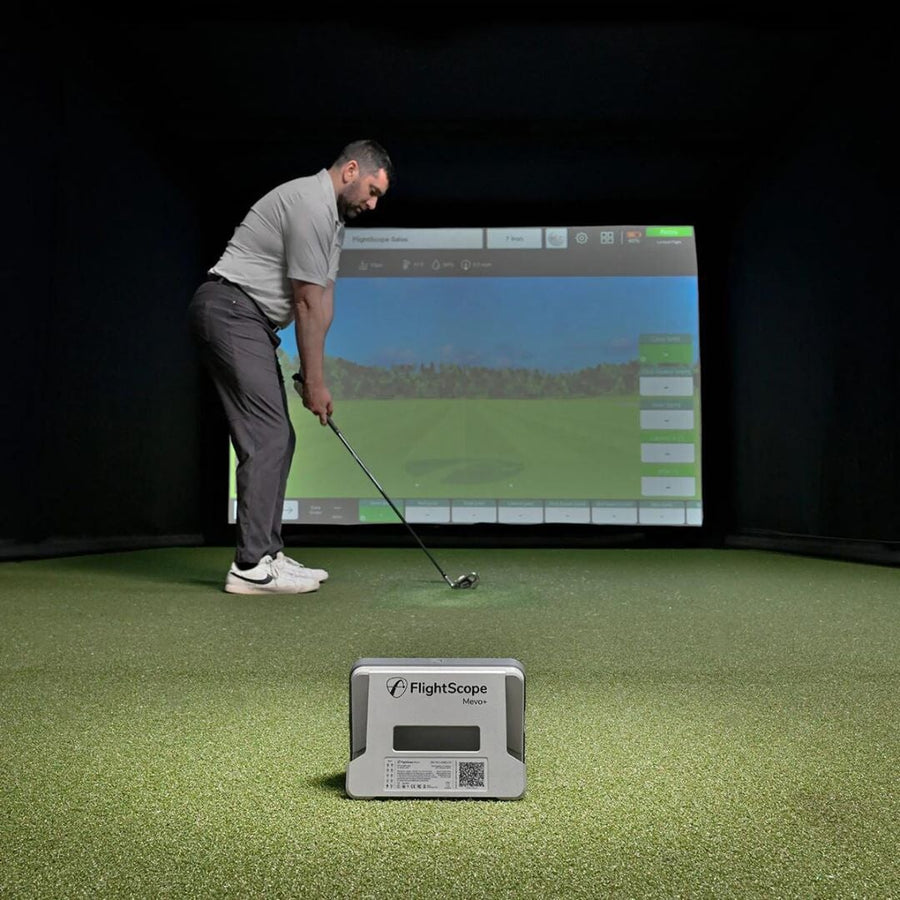
The Mevo+ uses Doppler radar with FlightScope's patented Fusion Tracking, which combines the radar with synchronized camera imaging from a 5MP camera. It sits on the floor about 8 feet behind the ball, looking toward the screen, and reports 20 data parameters as standard: ball speed, launch angle, carry and total distance, spin rate, spin axis, apex, curve, flight time, roll and lateral landing, plus club speed, smash factor, angle of attack, face to path and spin loft. Indoors, FlightScope's small metallic stickers go on the ball to read spin; the Mevo+ ships with 100 of them. Data appears within one to two seconds of the shot.

Software and subscriptions

There is no subscription fee for the core data and software. The Mevo+ includes the FS Golf app, FS Skills, FS MultiCam, FlightScope Tracer, the FS PC software and an E6 Connect bundle of 12 courses and 17 driving ranges for iOS and PC. It also works with GSPro, TGC 2019, Awesome Golf and Creative Golf 3D, sold separately. FlightScope's Pro Package is an optional one-time purchase.

The SIG enclosure, screen and turf

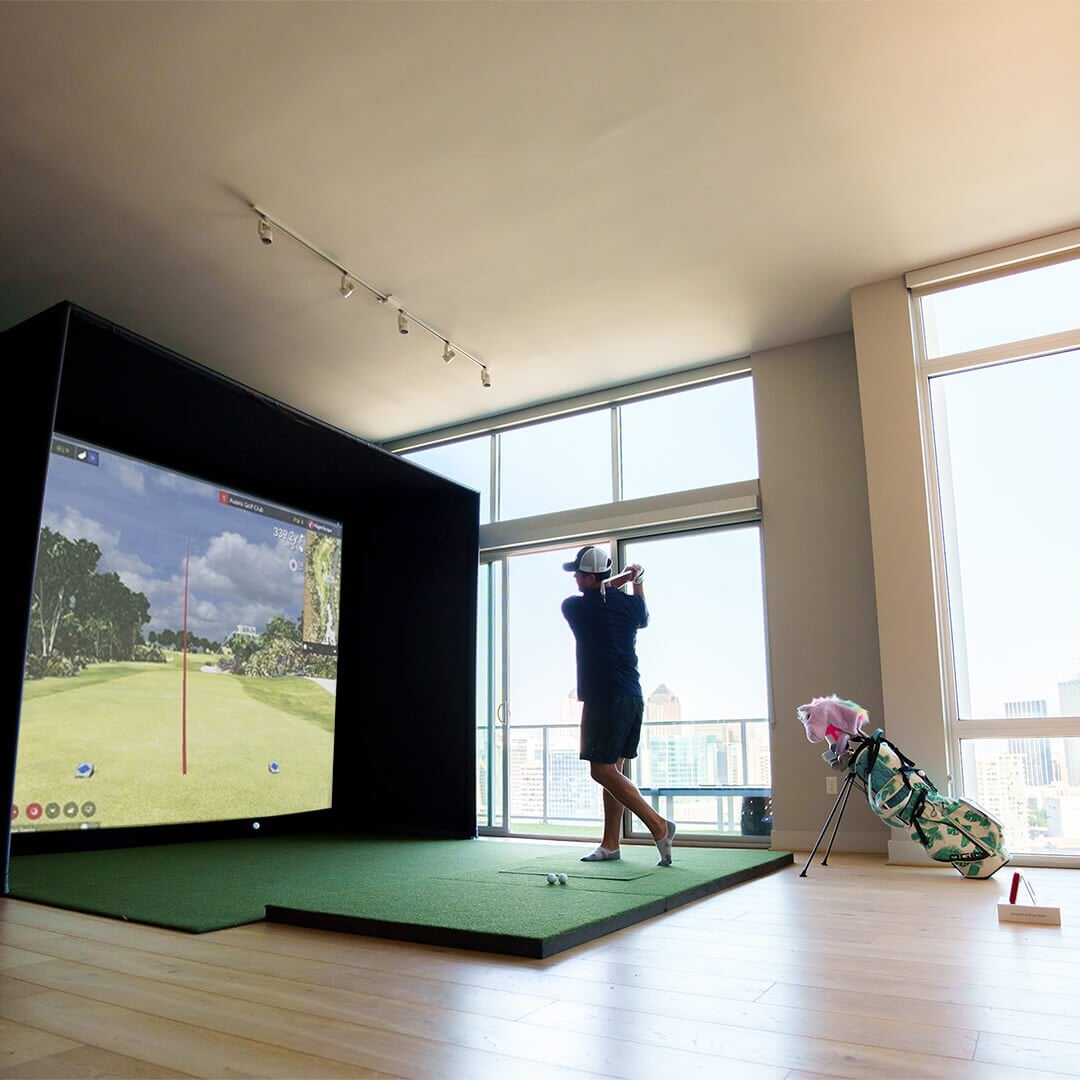
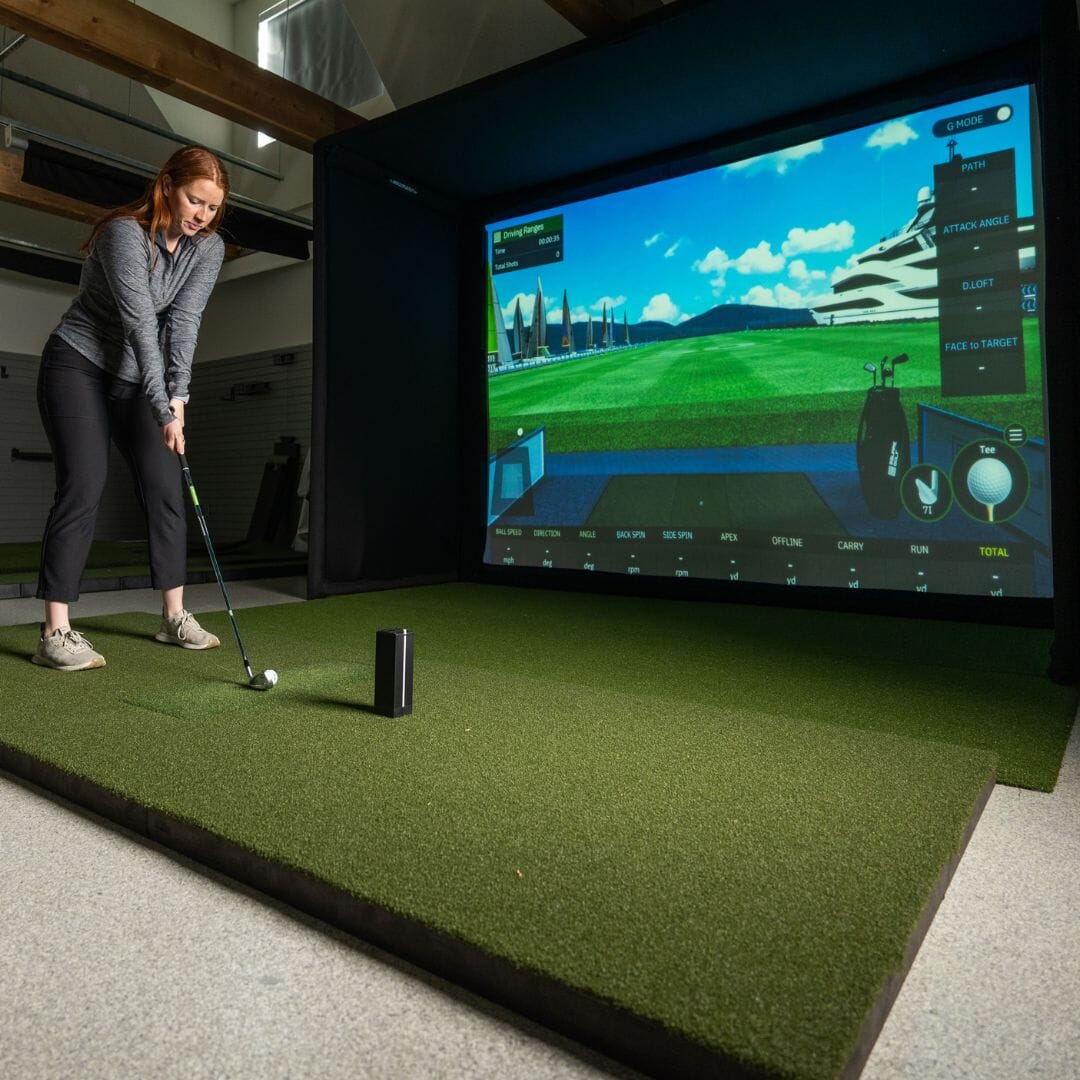
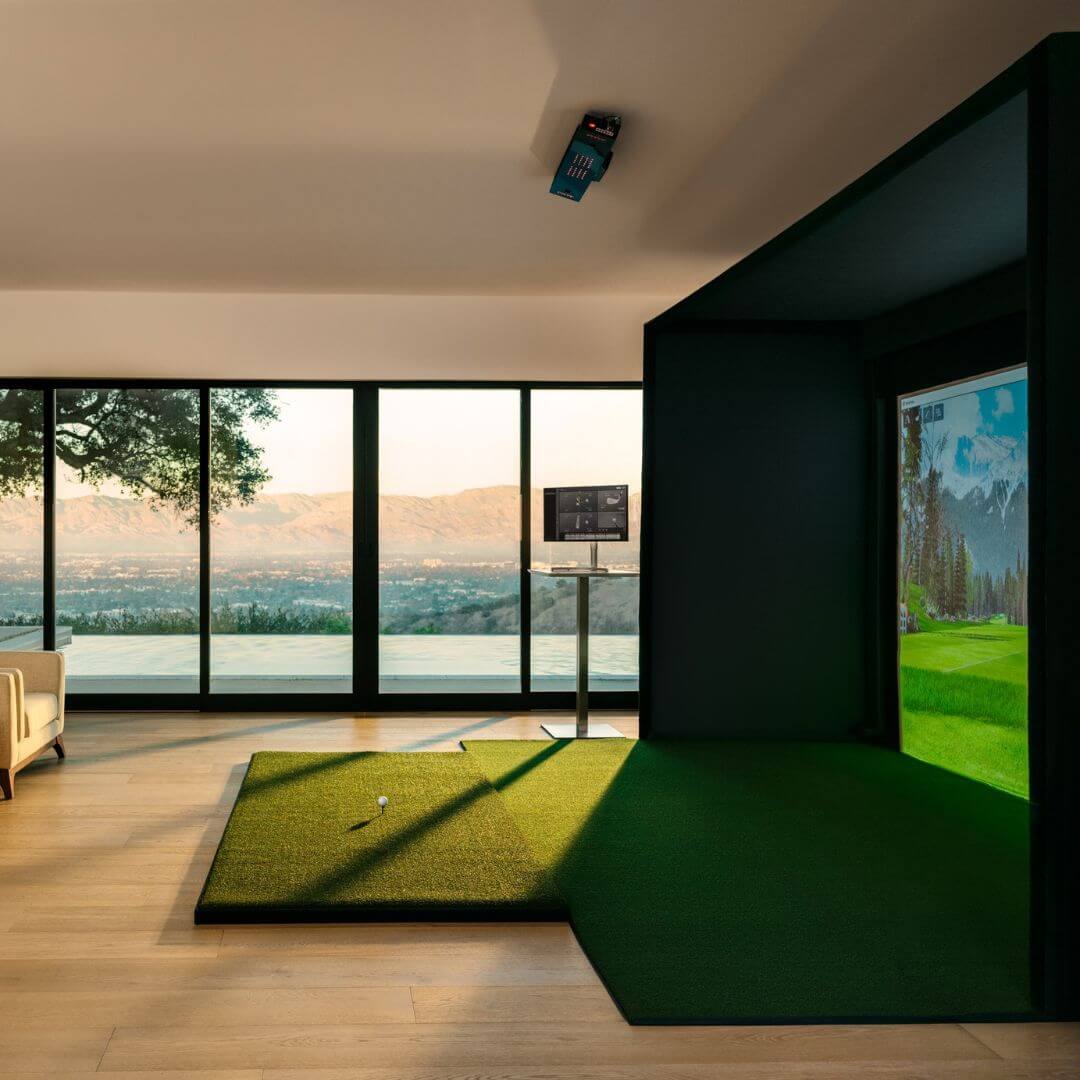
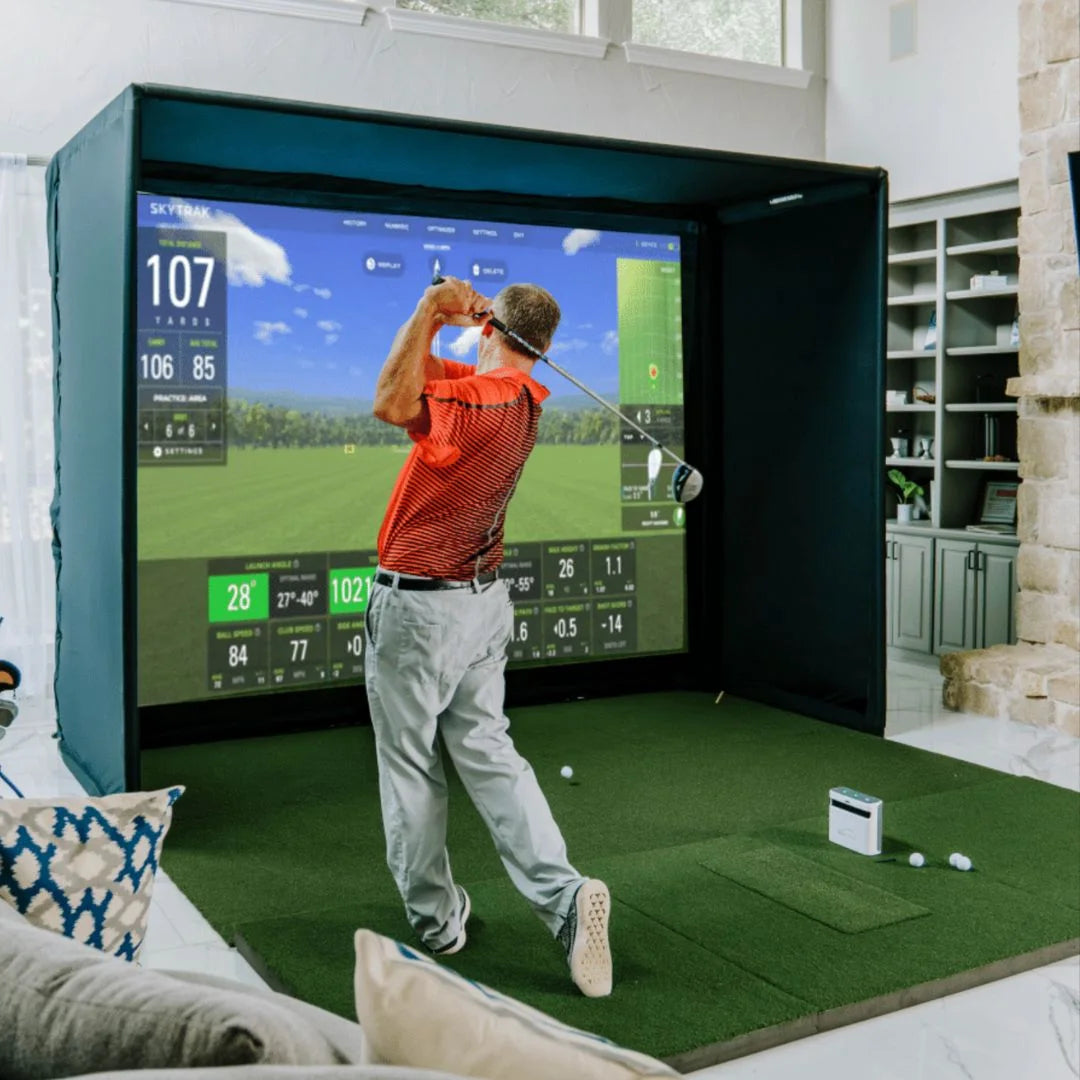
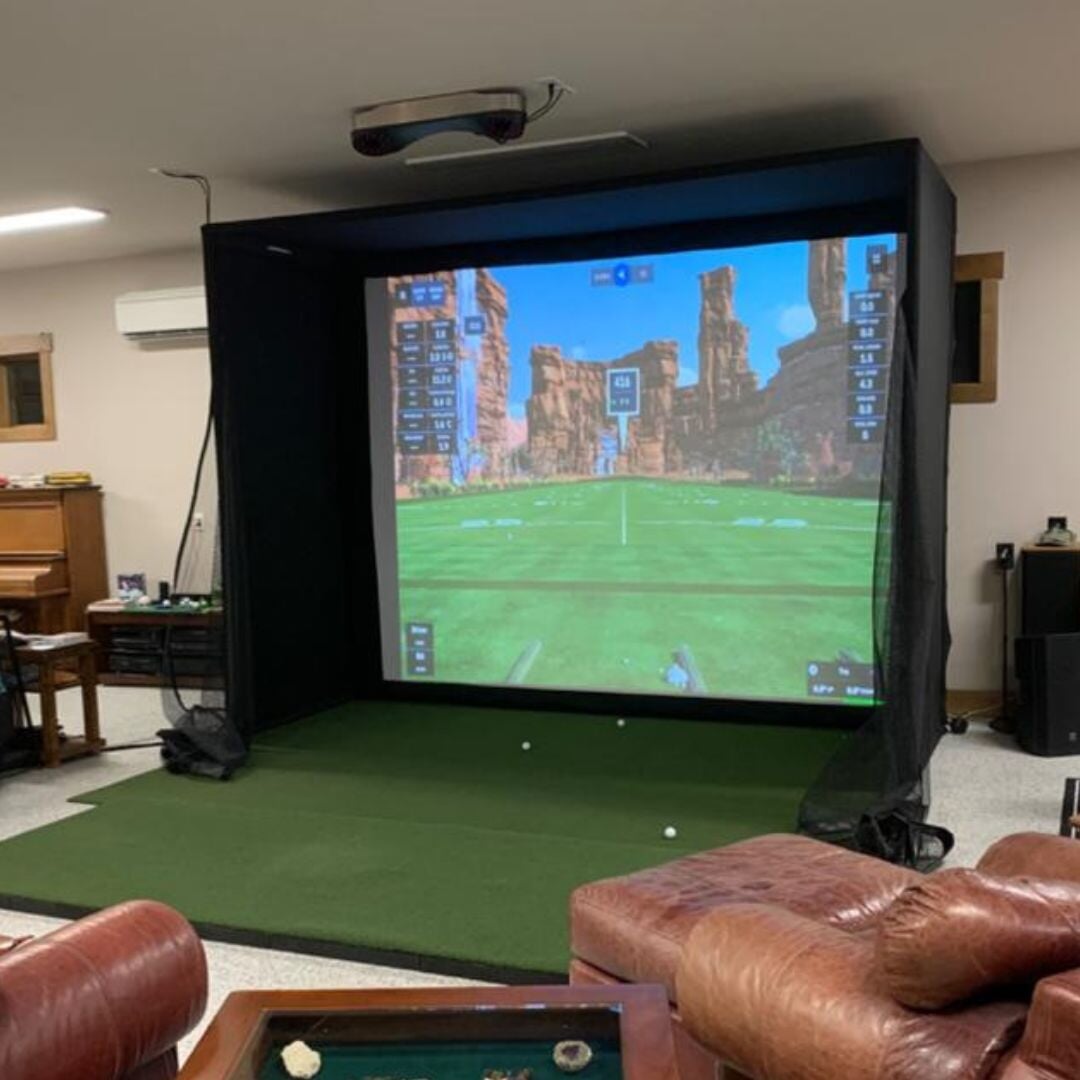
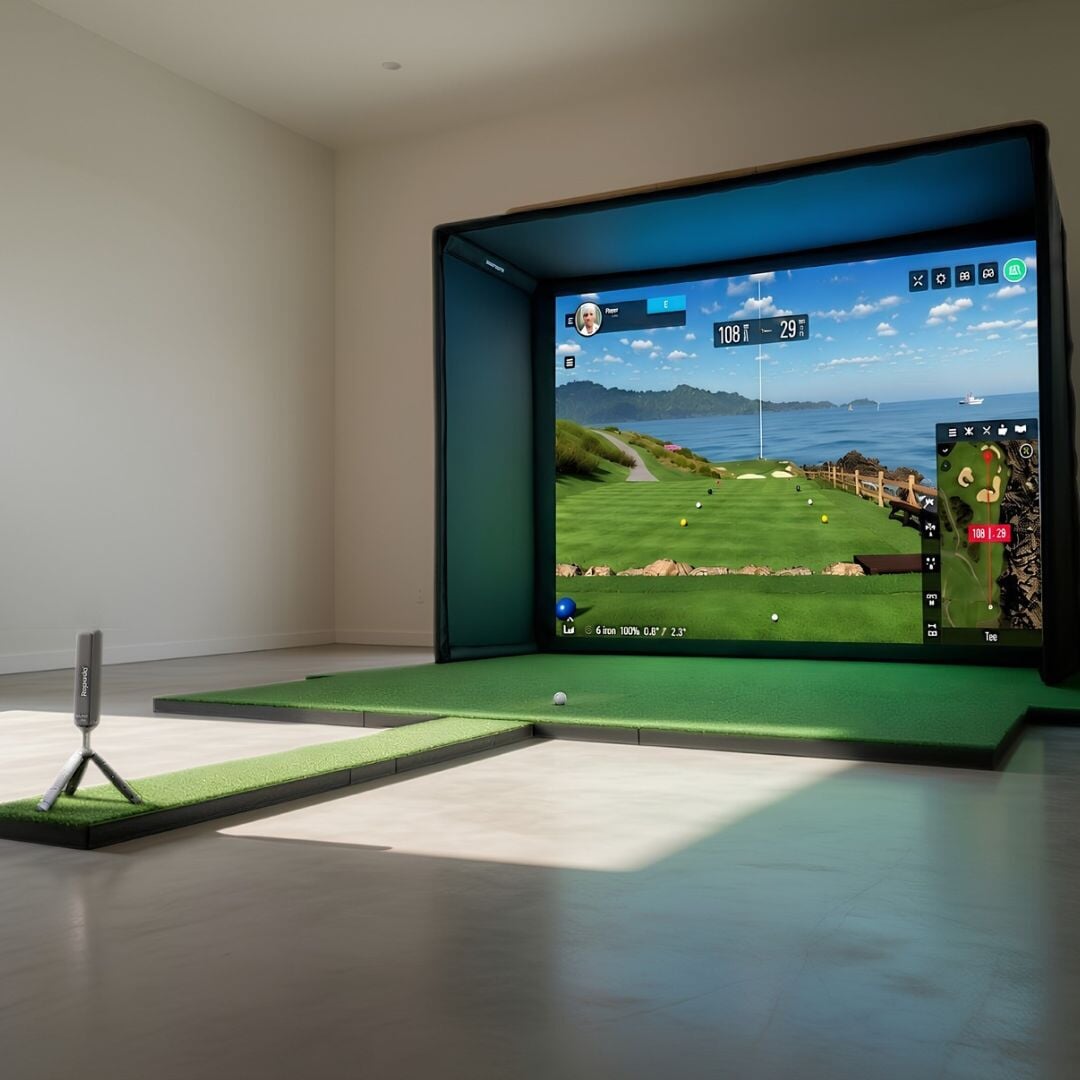
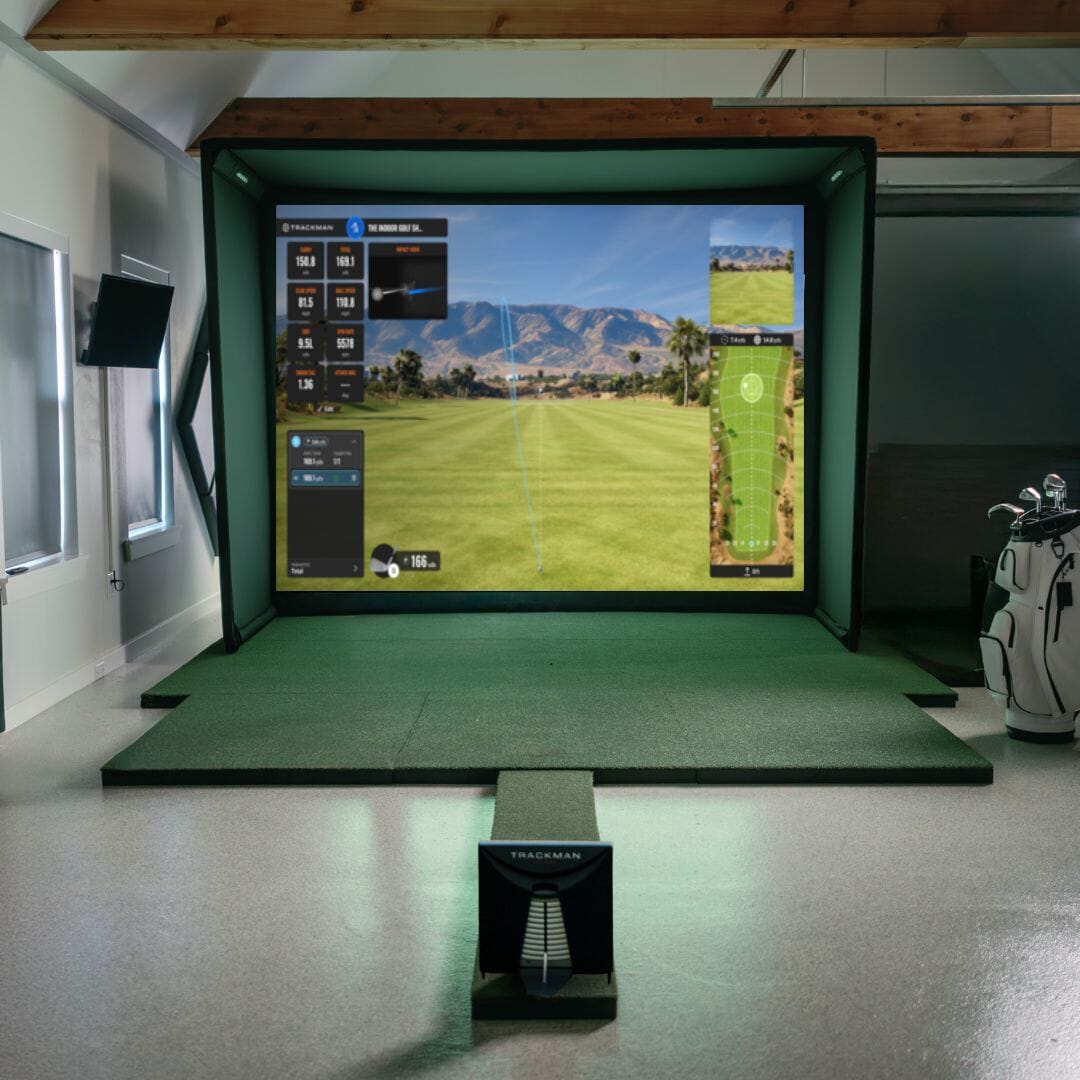
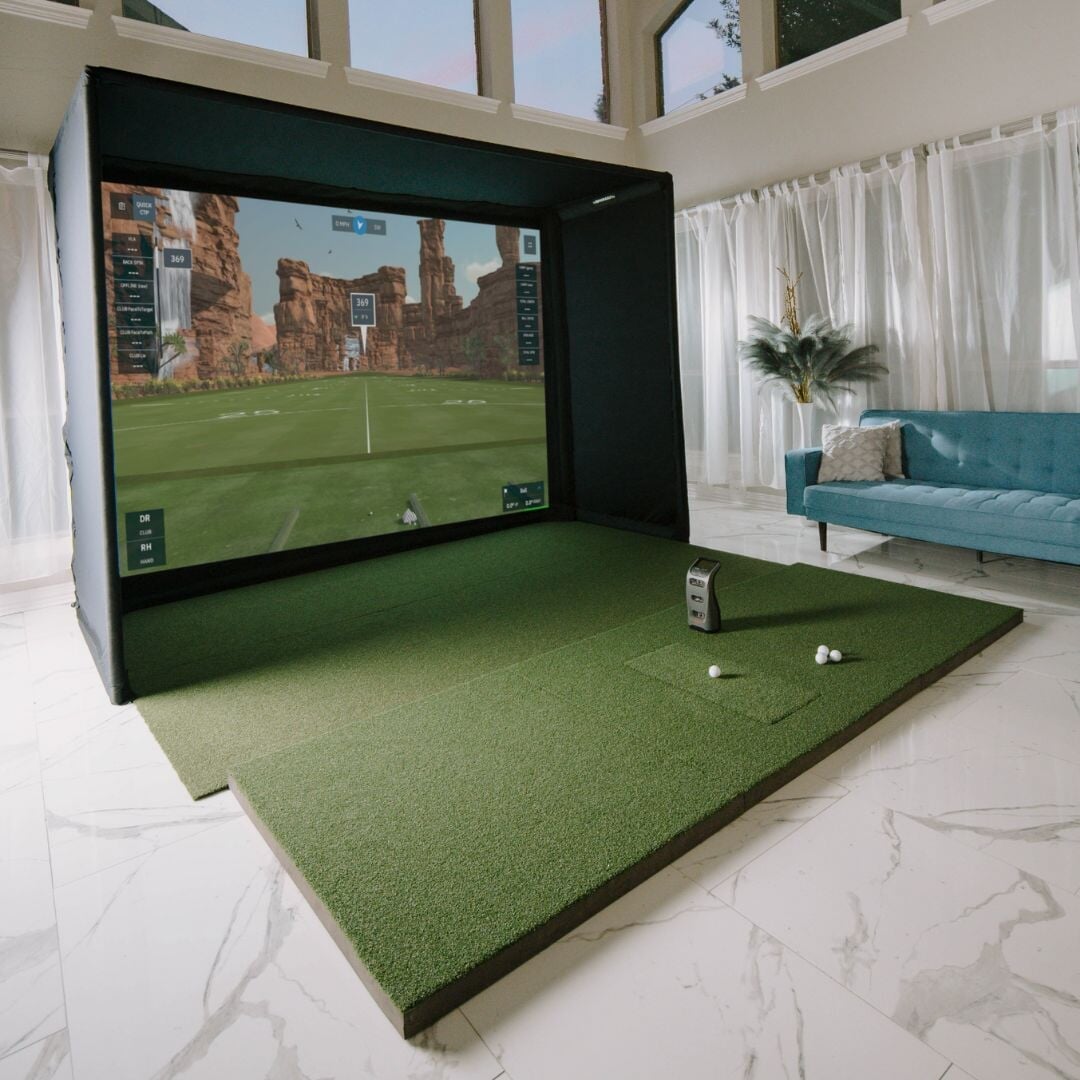
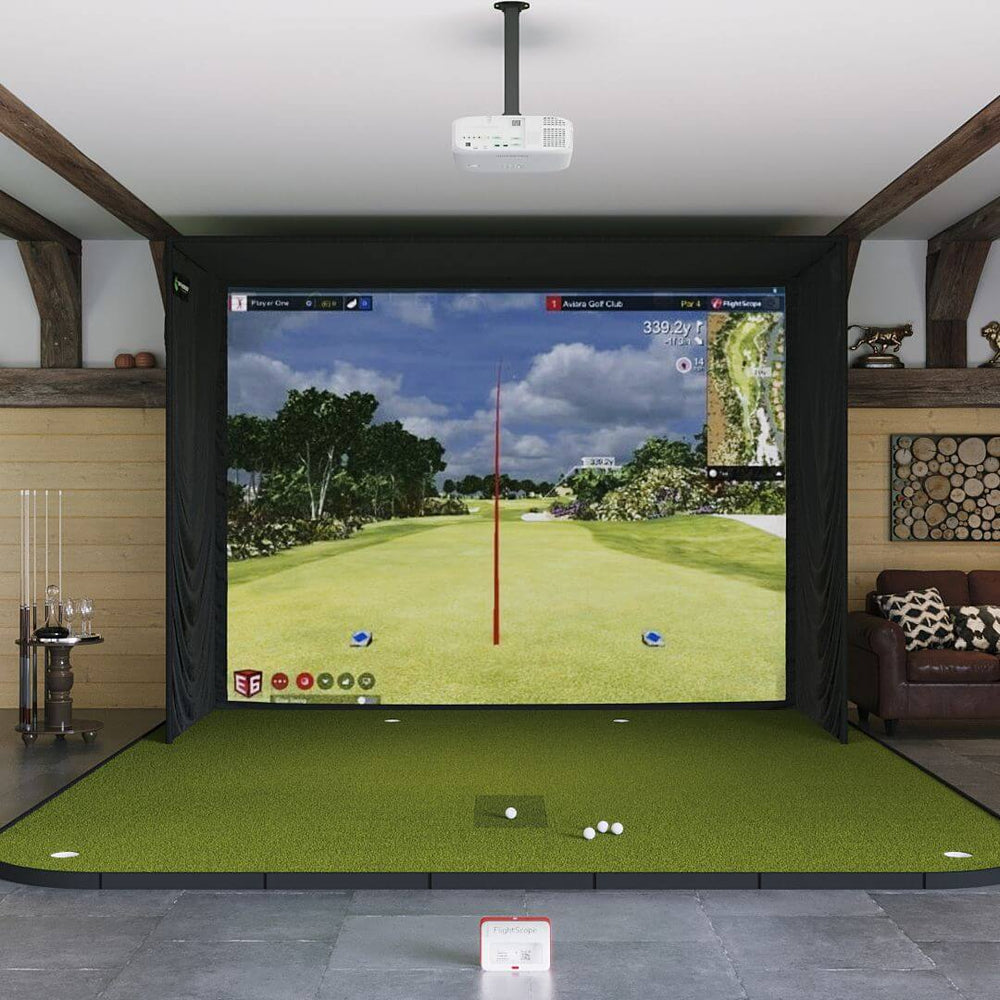
The SIG enclosure is our own design, built in SIG8, SIG10 or SIG12 sizes from a push-pin pole frame with connectors, protective foam padding, premium surround material and 6-inch ball bungees. It comes with a SIGPRO Premium impact screen sized to the enclosure: a triple-layer screen independently tested to withstand over 400,000 shots, with double-stitched edges and up to 4K image quality, and the Premier 4K Gray screen is available as an upgrade. A landing pad sized to the enclosure fills the floor between the screen and the hitting mat, and the Fairway Series 5' x 5' mat with tee line turf for real tees is included, with SIGPRO Softy mats and flooring available as upgrades. A projector and a gaming PC are optional and not included in the package price.

Choosing SIG8, SIG10 or SIG12

Every size shares the same 5-foot enclosure depth; what changes is the width, height and screen. Minimum room sizes come from our enclosure guides:

  • SIG8: room at least 10' wide × 16' deep × 9' ceiling; enclosure footprint 8'4" W × 5' D × 8'4" H; screen 7'7" × 7'7"
  • SIG10: room at least 12' wide × 18' deep × 9' ceiling; enclosure footprint 10'10" W × 5' D × 8'4" H; screen 10'1" × 7'7"
  • SIG12: room at least 14' wide × 20' deep × 10' ceiling; enclosure footprint 12'2" W × 5' D × 9'4" H; screen 11'5" × 8'7"

Because the Mevo+ sits about 8 feet behind the ball, depth matters most: FlightScope recommends a space about 108 inches high, 156 inches wide and 228 inches deep, so the SIG10 or SIG12 is usually the better fit. Not sure? Use our screen size calculator.

Who this package suits

It suits golfers who want trustworthy ball flight data and video recording without an annual fee, families who will use it both indoors and on the range, and players moving up from an entry-level radar.

See the parts: FlightScope Mevo+ · SIG8 enclosure · SIG10 enclosure · SIG12 enclosure · SIGPRO Premium screen · Fairway Series mat.

FlightScope Mevo+ SIG12 Golf Simulator Package Golf Simulator Flightscope SIG12 Golf Simulator Flooring None

Learn More About The FlightScope Mevo+ SIG Golf Simulator Package

FlightScope Mevo+ SIG12 Golf Simulator Package Golf Simulator Flightscope

Radar behind you, camera on the ball

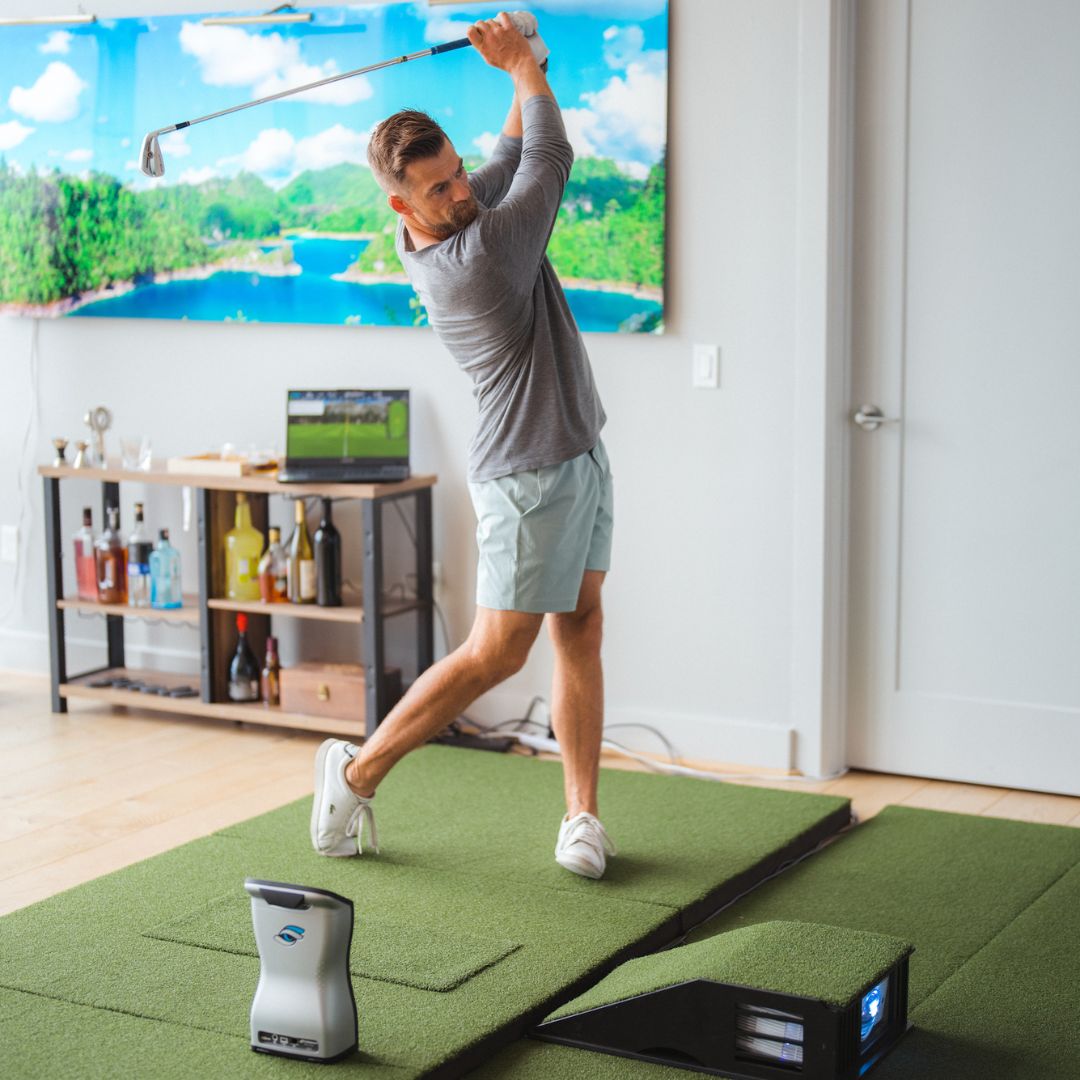
The Mevo+ tracks from behind the golfer, which keeps the hitting area clear on both sides. Its Doppler radar follows the ball off the face, and FlightScope's Fusion Tracking pairs that radar with synchronized images from a built-in 5MP camera to refine launch and spin. That is why indoor setups use the small metallic stickers on the ball: they give the radar a clear spin signal over a short flight into the screen, and 100 come in the box. The unit is compact, carries in its own case, runs about three hours on battery, and records automatic swing video alongside every shot. The same unit and software work on the range, so practice numbers at home and outdoors come from one device. Plan the floor about 8 feet behind the ball for the Mevo+ itself, plus the distance from the ball to the screen.

FlightScope Mevo+ SIG12 Golf Simulator Package Golf Simulator Flightscope

Room planning, size by size

All 3 SIG sizes in this package share a 5-foot enclosure depth, so the choice comes down to the width of your room, its ceiling and how big you want the picture. The minimum room sizes from our enclosure guides are SIG8: 10' wide × 16' deep × 9' ceiling; SIG10: 12' wide × 18' deep × 9' ceiling; SIG12: 14' wide × 20' deep × 10' ceiling. The enclosure footprints are SIG8 8'4" W × 5' D × 8'4" H; SIG10 10'10" W × 5' D × 8'4" H; SIG12 12'2" W × 5' D × 9'4" H, and the screens measure SIG8 7'7" × 7'7"; SIG10 10'1" × 7'7"; SIG12 11'5" × 8'7". Measure the narrowest point of the room and the lowest point of the ceiling, such as a beam or light. Because the Mevo+ sits about 8 feet behind the ball, depth matters most: FlightScope recommends a space about 108 inches high, 156 inches wide and 228 inches deep, so the SIG10 or SIG12 is usually the better fit. Each size has its own step-by-step assembly guide on our support site.

FlightScope MEVO+ SIG10 Golf Simulator Package

Screen, turf and upgrades

The SIGPRO Premium impact screen is a triple-layer screen independently tested to withstand over 400,000 shots, with double-stitched black vinyl edges, grommets and hook-and-loop fastening sewn into the perimeter. It gives up to 4K image quality with low bounce-back and noise, and if you want sharper color and contrast, the Premier 4K Gray screen is available as an upgrade. The landing pad turf fills the floor between the screen and the hitting mat, protecting the floor and finishing the look of the bay. The included Fairway Series mat is 5' x 5' and 1.25 inches thick with tee line turf that takes real tees. Popular upgrades are SIGPRO Softy hitting mats in 4' x 7' and 4' x 10', golf simulator flooring, side barrier netting, a blackout screen, a subfloor leveling kit and mat extensions. A projector is optional and sized to your enclosure.

What's included

Everything that comes in this package. Tap a photo to see more.

FlightScope MEVO Plus
IncludedFlightScope MEVO Plus

The FlightScope Mevo+ is a radar-based launch monitor that sits on the floor about 8 feet behind the ball. Software included: FS Golf App, FS MultiCam App, FS Skills App, FlightScope Tracer, FS PC Software, 12 course pack on E6 Connect.

How much space do you need?

10 ftMinimum ceiling height
14 ftMinimum room width
20 ftMinimum room depth (incl. swing)
12'2" × 5' × 9'4"Assembled footprint (W × D × H)

FlightScope Mevo+ SIG Golf Simulator Package specs

Specifications

Room & fit

Minimum room width14' 0"
Minimum room depth20' 0"
Minimum ceiling height10' 0"
Enclosure footprint12'2" × 5' × 9'4"

What's in the package

Launch monitorFlightScope MEVO Plus
EnclosureSIG12 Golf Simulator Enclosure
Impact screenGolf Simulator Impact Screen - SIGPRO™ Premium
Hitting mat optionsFairway Series Golf Mat
Landing padLanding Pad Mat for SIG12 Golf Simulator Enclosure
Upgrade optionsPremier 4K Gray Screen, Golf mat upgrades, Side barrier netting, Blackout screen, Subfloor leveling kit, Projector accessory bundle, Mat extensions, and more
Left/right-handed supportBoth. The SIG enclosure is center-hitting. FlightScope MEVO Plus: Yes automatic

The launch monitor

TechnologyHybrid - Combine Both Doppler & Photometric
Data points measured20
Ball dataBall Speed, Launch Angle, Carry Distance, Total Distance, Spin Rate, Spin Axis, Height (apex), Curve, Flight Time, Roll Distance, Lateral Landing
Club dataClub Speed, Smash Factor, Angle of Attack, Face to Path, Spin Loft
Hitting zone3 ft radius
Where it sitsBehind Golfer — 8 feet behind the golf ball
Connects byWifi
Battery life3 hours
UseIndoors & Outdoors
Marked balls neededYes
Club stickers neededNo

Software & subscription

Launch monitor softwareFS Golf App, FS MultiCam App, FS Skills App, FlightScope Tracer, FS PC Software, 12 course pack on E6 Connect
Subscription requiredNo
Subscription costNo subscription fee for core data and software; Pro Package is a one-time purchase
Works withGSPRO, E6 Connect, TGC 2019, Awesome Golf, Creative Golf 3D
Runs oniOS, Mac, Android, Windows

Identifiers

BrandFlightscope
Usage environmentIndoors

Compare Golf Simulator Packages

This SIG package pairs the FlightScope Mevo+ with a full SIG enclosure in SIG8, SIG10 and SIG12 (frame, SIGPRO screen and side netting), from $3,635.19, for a room from 10' x 16' x 9' (SIG8) to 14' x 20' x 10' (SIG12), width x depth x height. The SIG DIY package uses the same launch monitor with the SIG DIY enclosure kit (screen and netting; you buy the 1-inch EMT conduit frame locally), from $2,014.15, for a room from 10' x 16' x 9' (width x depth x height). The Garage package uses the same launch monitor with a G-TRAK retractable garage screen, from $3,244.99, for a room at least 8' wide and 8' high (smallest option). The Golf Net bundle uses the same launch monitor with a 10' x 10' x 10' square golf net, from $1,734.99, for a space from 10' x 10' x 10' (width x depth x height).

From $3,635.19
Flightscope
—
—
—
—
—
—
—
—
Ships in 7 to 10 Business Days!
From $2,014.15
Flightscope
—
—
—
—
—
—
—
—
Ships in 7 - 10 Business Days!
From $2,415.99
Flightscope
—
—
—
—
—
—
—
—
Ships in 7 to 10 Business Days!
From $1,178.99
Flightscope
—
—
—
—
—
—
—
—
Ships in 5 to 7 Business Days!

See all projectors

Frequently asked questions

Which SIG size should I choose for the FlightScope Mevo+?

Pick the largest size your room allows. Minimum room sizes: SIG8: 10' wide × 16' deep × 9' ceiling; SIG10: 12' wide × 18' deep × 9' ceiling; SIG12: 14' wide × 20' deep × 10' ceiling. The SIG8 suits smaller rooms; larger sizes give a wider screen and more space to swing.

How much room do I need?

The FlightScope Mevo+ sits on the floor about 8 feet behind the ball. Because the Mevo+ sits about 8 feet behind the ball, depth matters most: FlightScope recommends a space about 108 inches high, 156 inches wide and 228 inches deep, so the SIG10 or SIG12 is usually the better fit. The SIG minimum room sizes are SIG8: 10' wide × 16' deep × 9' ceiling; SIG10: 12' wide × 18' deep × 9' ceiling; SIG12: 14' wide × 20' deep × 10' ceiling.

Is a PC or simulator software included?

Software included: FS Golf App, FS MultiCam App, FS Skills App, FlightScope Tracer, FS PC Software, 12 course pack on E6 Connect. A gaming PC and a projector are optional and not included in the package price; the FlightScope Mevo+ works with iOS, Mac, Android, Windows.

Do I need marked balls with the Mevo+?

Indoors, FlightScope recommends its small metallic stickers on the ball so the radar can read spin over the short flight to the screen. The Mevo+ includes 100 stickers. Outdoors, standard balls work.

Does the Mevo+ need a subscription?

No. There is no subscription fee for the core data and FlightScope software, and an E6 Connect bundle with 12 courses is included. FlightScope's Pro Package is an optional one-time purchase.

Does it work for left-handed golfers?

Yes. The SIG enclosure is center-hitting, so it suits either hand. It reads left- and right-handed golfers automatically from its position behind the ball.

What warranty and return policy apply?

The SIG enclosure, screen and mat carry a 1-year limited warranty from The Indoor Golf Shop against manufacturing defects in materials and workmanship, with an optional extension of up to 5 years through Mulberry. FlightScope covers the FlightScope Mevo+ for 12 months, with an optional SHIELD extension. Returns are accepted for 30 days from purchase. Return shipping is paid by the customer, shipping fees are not refunded, and opened or used new products carry a 15% restocking fee. Start a return at returns.shopindoorgolf.com.

How does the package ship?

Each product page shows its current lead time. Parcel shipments generally arrive 3 to 5 days after they leave our warehouse; larger items ship by LTL freight, and the carrier calls to book a delivery appointment. Shipping cost, if any, shows in the cart.

Reviews

Loading reviews…

FlightScope Mevo+ SIG Golf Simulator Package Reviews

Customer Reviews
5.0 Based on 1 Reviews
5 ★
100% 
1
4 ★
0% 
0
3 ★
0% 
0
2 ★
0% 
0
1 ★
0% 
0
Write a Review Ask a Question

Thank you for submitting a review!

Your input is very much appreciated. Share it with your friends so they can enjoy it too!

Filter Reviews:
KP
09/07/2023
Kevin P.
United States United States

Outstanding service and product

I wasn’t sure which simulator setup would best fit but after speaking to several companies, Indoor golf’s FF Mevo 12 was my choice and could not be happier. Set up and it’s been great

09/11/2023

The Indoor Golf Shop

Mr. Page, Thank you so much for taking the time to leave such a wonderful and positive review! We truly appreciate your kind words and your support. We are thrilled to hear that you had a great experience with our Golf Simulator. Our team works hard to ensure that our customers receive the best possible products and service, and it's incredibly rewarding to know that our efforts have made a positive impact on your experience. If you ever have any more feedback or suggestions, please don't hesitate to reach out. We're here to listen and make sure your next experience with us is just as fantastic as this one. Once again, thank you for choosing us, and we look forward to serving you again in the future. Your satisfaction is our top priority, and we're grateful to have you as a valued customer. Warm regards, The Indoor Golf Shop Team

FlightScope Mevo+ SIG Golf Simulator Package Delivery & support

What happens after you order: putting it together, the paperwork, and how to reach us.

Assembly & setup

Left and right handed
Both. The SIG enclosure is center-hitting. FlightScope MEVO Plus: Yes automatic

Indoor Golf Shop Support Links

Vendor Support

Phone 972-848-7491 · [email protected] · 8am–6pm CT Mon–Fri · support.shopindoorgolf.com
Flightscope support: 407-412-9400 · [email protected] · https://flightscope.com/pages/contact

Warranty

SIG enclosure, screen and mat: 1-year limited warranty from The Indoor Golf Shop against manufacturing defects in materials and workmanship; optional extension up to 5 years through Mulberry.

FlightScope MEVO Plus: FlightScope covers its products for 12 months against defects in workmanship and materials, and guarantees repairs for 3 months. An optional SHIELD plan extends coverage. Read FlightScope's warranty terms

Warranty by part

A package is made of parts from different makers, and each carries its own warranty.

Launch monitor Flightscope Flightscope warranty ↗
Enclosure Shop Indoor Golf Shop Indoor Golf warranty ↗
Impact screen Shop Indoor Golf Shop Indoor Golf warranty ↗
Hitting mat Shop Indoor Golf Shop Indoor Golf warranty ↗
Landing pad Shop Indoor Golf Shop Indoor Golf warranty ↗

Protection plans

1-Year Protection PlanPopular

Covers manufacturer defects and accidental damage for 1 year

3-Year Protection PlanBest Value

Full coverage for 3 years including parts and labor

Additional Protection Offered by The Indoor Golf Shop

Get peace of mind with additional coverage options from The Indoor Golf Shop, these solutions can be added to your product at the time of purchase for the best possible protection against damage or loss.

The links below are to file a claim or manage an existing plan.

Route - Shipment Protection

Protects your order against loss, theft, or damage in transit. Add it at checkout; if a package is lost, stolen, or arrives damaged, file a claim with Route for a refund or replacement (generally within 30 days).

Mulberry - Extended Warranty

Extends coverage beyond the manufacturer's warranty and adds accidental-damage protection. Add a plan at checkout; manage your plan or file a claim anytime through your Mulberry account.

Indoor golf solutions for every golfer

Whatever your space and budget, The Indoor Golf Shop has a simulator you can take home: complete SIG studios in three room sizes, DIY packages you assemble yourself, garage setups that fold away, heavy-duty commercial bays, simple practice nets, or a custom design we build and install for you. Not sure which fits? Talk to one of our simulator specialists today.

Talk to a simulator specialist
Golf Simulator Room Builder
Design your own Free tool

Lay your room out in the Golf Simulator Room Builder and see exactly what fits before you buy.

Open the Room Builder